Buyer Pain Points: LED Screen Quality Confusion
Procurement professionals face specific challenges when evaluating LED screen quality:
Why do similar spec sheets have such different prices? Component quality, manufacturing precision, and quality control vary significantly between suppliers. A lower price usually means lower-grade LED beads, cheaper driver ICs, or less rigorous testing.
What specs actually matter for my application? Pixel pitch, brightness, refresh rate, and color accuracy are the most critical. Other specs like contrast ratio and viewing angle are important but secondary.
How can I verify quality before purchasing? Request L70/L80 lifespan data, batch-matching certificates, and a side-by-side demo with your actual content at the intended viewing distance.
What causes quality to degrade over time? Heat, UV exposure, moisture, and dust all accelerate light attenuation. Quality displays have better thermal management and environmental protection.
How do I compare suppliers fairly? Create a standardized evaluation checklist covering pixel pitch, brightness, refresh rate, color accuracy, warranty, and lifespan data.
What Is LED Screen Quality?
LED screen quality refers to the display’s ability to deliver accurate colors, sharp images, consistent brightness, and reliable performance over its intended lifespan. It is determined by component quality, manufacturing precision, and environmental resilience.
Quality is measured through:
- Visual performance: Resolution, brightness, contrast, color accuracy, viewing angles
- Motion performance: Refresh rate, response time
- Long-term reliability: L70/L80 lifespan ratings, thermal management, IP rating
- Consistency: Batch-matching, uniformity, color calibration
For more on display specifications, see our LED display functions guide.
Resolution and Pixel Pitch
Resolution determines image detail; pixel pitch determines resolution. Smaller pixel pitch = higher resolution = sharper images at close viewing distances.
Key considerations:
- Pixel pitch selection: Match pitch to viewing distance. For 2-3 meters, P2.5–P3.9 is ideal. For 5+ meters, P4–P6 is sufficient.
- Cost trade-off: Smaller pixel pitch costs significantly more. Do not over-specify.
- Controller compatibility: Ensure your controller supports the total resolution.
- Content matching: Design content at the display’s native resolution to avoid scaling artifacts.
For more on pixel pitch selection, see our pixel pitch selection guide.
Brightness and Contrast Ratio
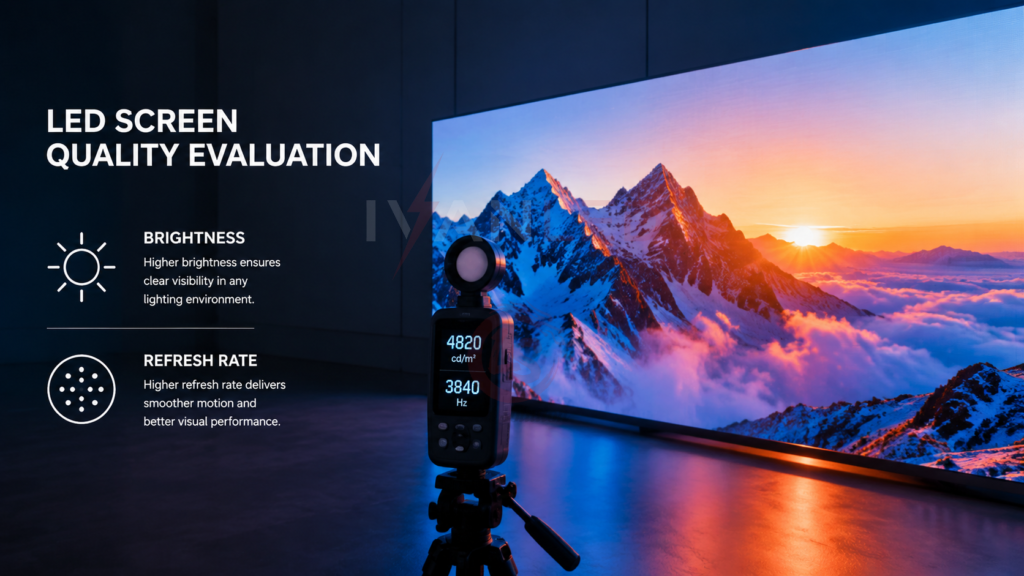
Brightness is measured in nits. Indoor displays need 600–1,000 nits; outdoor displays need 4,000–7,000 nits for sunlight visibility. Contrast ratio should be at least 4,000:1 for good readability.
Key considerations:
- Indoor brightness: 800–1,500 nits is sufficient for most applications. Above 1,500 nits may cause eye strain in low-light environments.
- Outdoor brightness: 4,500+ nits minimum for direct sunlight. 5,500+ nits for full sun exposure.
- Auto-brightness: Use ambient light sensors to automatically adjust brightness, saving energy and extending lifespan.
- Contrast ratio: Higher contrast improves readability, especially in bright environments. Aim for 4,000:1 or higher.
For more on brightness, see our candela vs lumens vs lux guide.
Color Accuracy and Gamut
Color accuracy ensures true-to-source colors. Color gamut defines the range of colors the screen can display. Regular calibration maintains consistency over time.
Key considerations:
- Color accuracy: Balanced red, green, and blue channels across all panels.
- Color gamut: Extended gamut (DCI-P3 or Rec.2020) enhances gradients and image depth.
- Calibration: Factory calibration sets baseline; field calibration maintains consistency over time.
- Batch matching: Ensure all modules come from the same production batch for consistent color.
For more on LED bead quality, see our LED lamp bead selection guide.
Viewing Angles
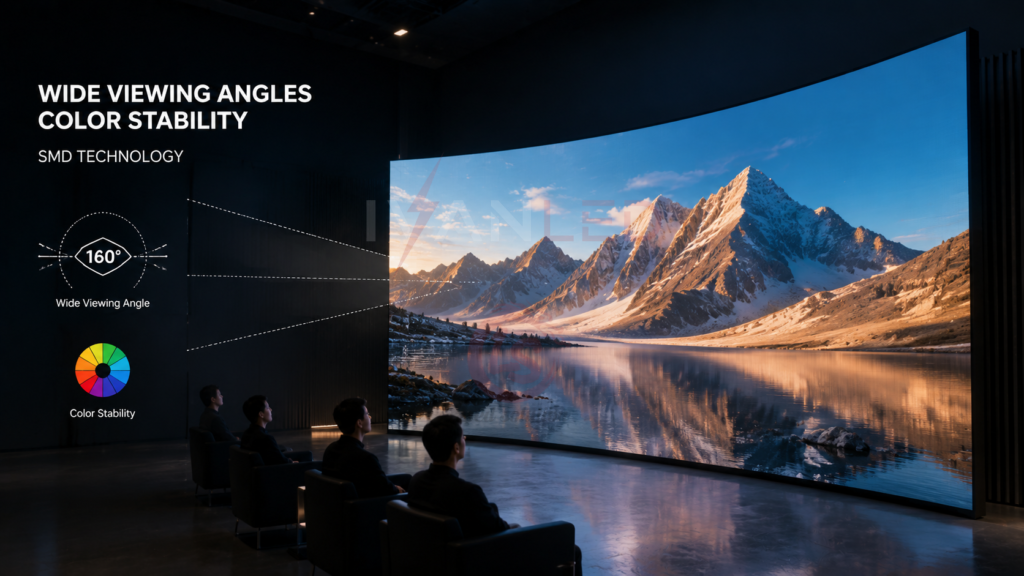
Viewing angle determines how well the screen maintains brightness and color when viewed from the side. SMD and black LED technology provide wider, more stable viewing angles.
Key considerations:
- SMD technology: Offers wider viewing angles (140–160°) and better color stability.
- Black LED: Reduces reflection and improves contrast at off-angles.
- Test before buying: View the display from extreme angles with your actual content.
- Venue layout: For wide seating configurations, prioritize wide viewing angles.
Refresh Rate and Response Time
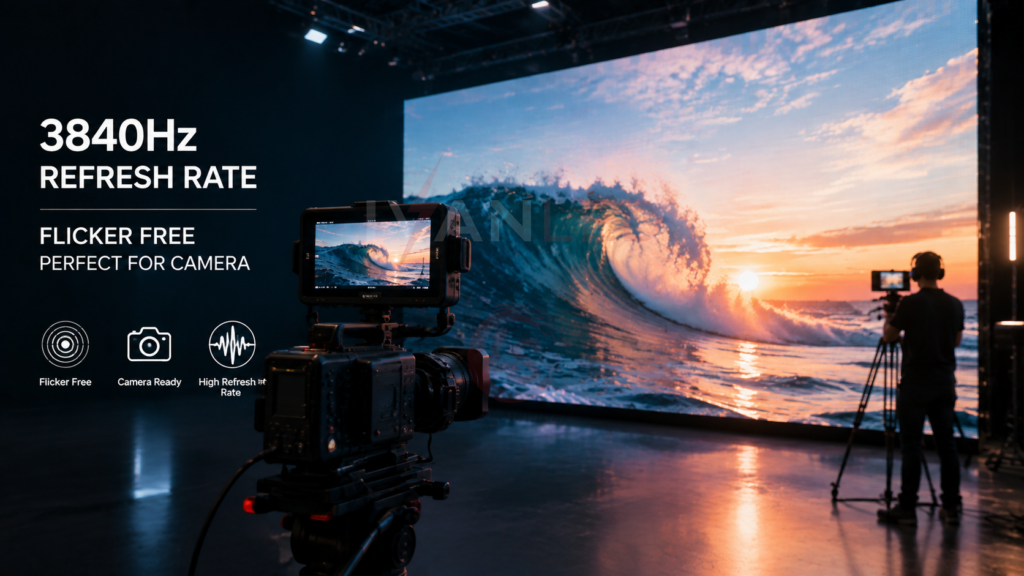
Refresh rate (3840Hz recommended) eliminates flicker for camera recording. Response time (under 3ms) prevents motion blur in fast-moving content.
Key considerations:
- Refresh rate: 1,920Hz minimum for general use; 3,840Hz for broadcast and camera recording.
- Response time: Under 3ms for sharp image transitions. Over 5ms causes visible ghosting.
- Testing: Verify refresh rate through technical datasheets and field testing.
- Controller compatibility: Ensure the controller supports the target refresh rate.
For more on refresh rates, see our 60Hz vs 120Hz guide.
Panel Types and Backlight Technology
SMD panels offer good color uniformity and wide viewing angles. COB panels are more durable and suitable for fine-pitch displays. Direct-lit backlights provide more even brightness than edge-lit.
Key considerations:
- SMD (Surface Mount Device): Standard choice for most commercial displays. Good color uniformity, wide viewing angles.
- COB (Chip on Board): Premium choice for fine-pitch and high-durability applications. Sealed surface for better protection.
- Direct-lit backlight: Provides even brightness across the screen.
- IP rating: Outdoor panels require IP65+ protection against moisture, dust, and UV.
For more on packaging technologies, see our COB vs CSP comparison guide.
HDR Support
HDR (High Dynamic Range) enhances contrast and color depth, delivering more vivid whites and deeper blacks. It is essential for high-resolution content and premium applications.
Key considerations:
- HDR formats: HDR10 (static metadata), HDR10+ (dynamic metadata), Dolby Vision (frame-by-frame).
- Benefits: Enhanced visual realism, better detail in highlights and shadows.
- Applications: Events, high-end corporate displays, broadcast studios.
- Hardware requirement: HDR requires high brightness (1,000+ nits) and high contrast ratio.
Environmental Factors
Ambient light, screen coatings, and installation position all affect perceived LED screen quality. Anti-glare coatings and proper placement reduce reflections and improve visibility.
Key considerations:
- Ambient light: Outdoor screens need higher brightness. Indoor screens benefit from glare control.
- Screen coatings: Anti-glare and matte finishes reduce reflections.
- Installation position: Avoid direct light sources behind or in front of the screen.
- Ventilation: Ensure proper airflow for thermal management.
For more on environmental factors, see our indoor vs outdoor LED display guide.
Practical Tips for Maintaining Quality
Regular calibration, scheduled maintenance, and timely upgrades preserve LED screen quality over its lifespan.
Maintenance checklist:
- Calibration: Perform regular color, brightness, and white balance calibration.
- Cleaning: Use non-abrasive tools and appropriate cleaning solutions.
- Inspection: Check pixel modules, power supplies, and cables periodically.
- Firmware updates: Keep controller firmware current for new formats and features.
- Spare parts: Keep spare modules and power supplies on hand for quick replacement.
For more on maintenance, see our guide to slowing light attenuation.
Expert Tips for Buyers
Tip 1: Create a standardized evaluation checklist.
Include pixel pitch, brightness, refresh rate, color accuracy, warranty, and L70/L80 lifespan data. Use it to compare suppliers objectively.
Tip 2: Request a side-by-side demo.
View both displays with your actual content at the intended viewing distance. The difference in image quality is often visible in real-world testing.
Tip 3: Ask for batch-matching certificates.
Ensure all modules come from the same production batch for consistent color and brightness.
Tip 4: Verify L70/L80 data in writing.
Reputable suppliers provide lifespan data. If they cannot, assume the lifespan is significantly lower than claimed.
Tip 5: Check thermal management.
Ask about cooling design, aluminum cabinets, and thermal testing. Heat is the #1 cause of premature failure.
Frequently Asked Questions (FAQ)
What is the most important specification for LED screen quality?
Pixel pitch (resolution) and refresh rate are the two most important specs. Pixel pitch determines sharpness at your viewing distance. Refresh rate determines flicker-free playback, especially for camera recording.
How do I compare LED screen quality between suppliers?
Create a standardized checklist: pixel pitch, brightness (nits), refresh rate (Hz), color accuracy (ΔE), contrast ratio, IP rating, L70/L80 lifespan data, warranty, and batch-matching certification. Request a side-by-side demo with your content.
What brightness do I need for indoor vs outdoor?
Indoor displays need 800–1,500 nits. Outdoor displays need 4,500–7,000 nits for sunlight visibility. For shaded outdoor areas, 2,500–4,000 nits may be sufficient.
How long should a quality LED display last?
A quality LED display with proper thermal management and 70–80% operating current should maintain acceptable brightness for 50,000–100,000 hours — 5-10 years of normal commercial use.
Does IvanLED provide displays with verified L70/L80 data?
Yes. IvanLED provides clear L70/L80 ratings and lifespan data for all displays. We use high-quality LED beads and design for optimal heat dissipation.
Conclusion: Choosing Quality LED Screens
LED screen quality is determined by a combination of technical specifications, component quality, and manufacturing precision. The most important factors are pixel pitch (matching viewing distance), brightness (matching environment), refresh rate (for flicker-free playback), and thermal management (for lifespan).
Our straightforward advice:
– Match pixel pitch to viewing distance — do not over-specify.
– Choose brightness for your environment — indoor: 800–1,500 nits; outdoor: 4,500+ nits.
– Prioritize refresh rate (3,840Hz) for broadcast and camera applications.
– Always request L70/L80 data and batch-matching certificates.
– Test with your actual content at the intended viewing distance.
At IvanLED, we manufacture high-quality LED displays with verified L70/L80 data, batch-matched modules, and rigorous quality control. Browse our commercial LED display solutions or contact us to discuss your project requirements.
Ready to specify quality LED displays for your project?
👉 Contact IvanLED for a free consultation and customized quote.