Buyer Pain Points: Light Attenuation Concerns
B2B buyers face specific concerns about light attenuation:
How long will the display actually last? Suppliers often quote 50,000-100,000 hours L70 ratings, but actual lifespan depends on operating conditions — particularly current and temperature.
Why do some areas dim faster than others? Uneven heat distribution, inconsistent LED batches, or poor thermal management can cause localized dimming, creating visible patches.
What is the real cost of dimming? Replacing an entire LED wall due to attenuation is expensive and disruptive. Preventing premature dimming is far more cost-effective.
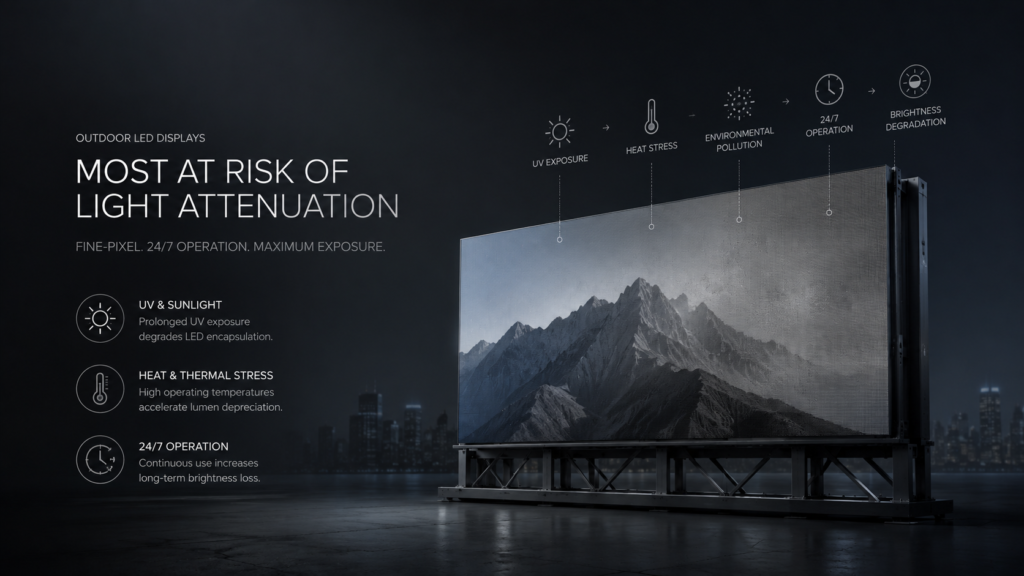
Do outdoor screens degrade faster? Yes. UV exposure, moisture, and temperature extremes accelerate attenuation. Outdoor displays require higher protection ratings and better cooling.
What actually works to slow attenuation? Many suppliers make claims. The proven methods are: quality LED beads, proper cooling, reduced operating current, automatic brightness control, regular maintenance, and environmental protection.
What Is Light Attenuation in LED Displays?
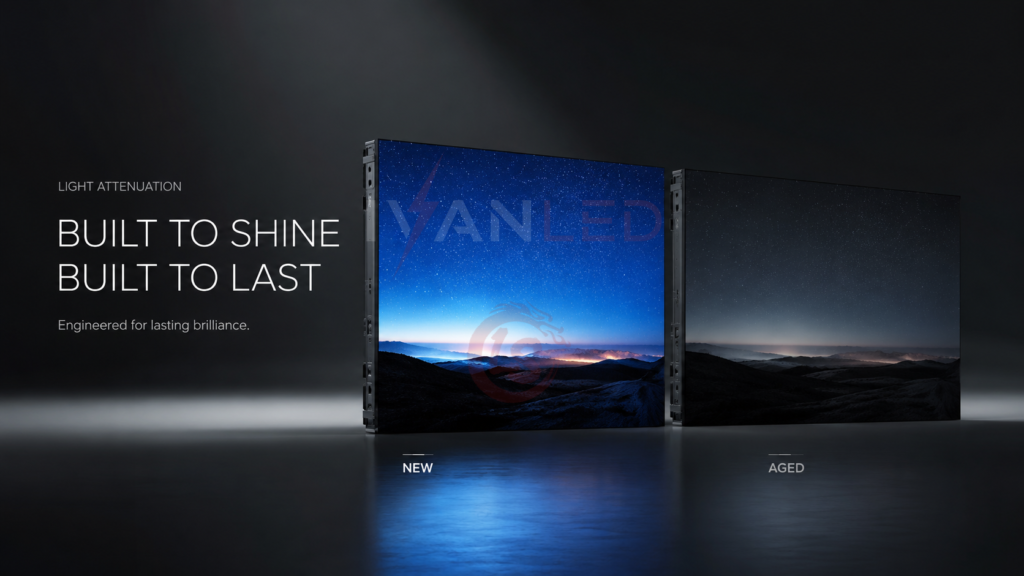
Light attenuation (lumen depreciation) is the gradual reduction in brightness that occurs naturally as LED chips age. It is irreversible but can be slowed through proper specification and operation.
Why it happens:
- Lattice defects: Accumulate in the LED chip’s PN junction, reducing luminous efficiency
- Encapsulation aging: Silicone or epoxy yellows, cracks, or ages under heat and light
- Phosphor degradation: Phosphors undergo photobleaching or thermal aging
- Environmental factors: UV exposure, moisture, and dust accelerate degradation
Measurement standard: LED lifespan is rated as L70, L80, or L90 — the hours until brightness drops to 70%, 80%, or 90% of original output. L70 50,000 hours means the display dims to 70% brightness after 50,000 hours.
For more on LED lifespan data, see our LED lamp bead selection guide.
Which Displays Are Most at Risk?
The displays most at risk of rapid light attenuation are high-brightness outdoor screens, 24/7 commercial displays, and fine-pitch screens with high pixel density.
| Display Type | Why Attenuation Is Faster | Risk Level |
| High-brightness outdoor displays | High driving current = higher chip temperature. UV, rain, and dust accelerate degradation. | High |
| 24/7 commercial displays | Continuous operation = no cooling downtime. Lattice defects accumulate constantly. | High |
| Small-pitch / fine-pitch (P1.5 or smaller) | High pixel density = high power density = heat accumulation | Medium-High |
| Curved or irregular displays | Complex arrangement can create hot spots where heat dissipates poorly | Medium |
| Budget displays with low-quality LED beads | Poor encapsulation, inconsistent chips, no L70/L80 rating | Very High |
6 Proven Methods to Slow Light Attenuation
Six proven methods can slow light attenuation: selecting quality LEDs, providing proper cooling, reducing operating current, installing automatic brightness control, performing regular maintenance, and managing environmental factors.
1. Choose High-Quality LED Beads
Quality cannot be added later. Select displays with verified L70/L80 data, batch-matched LEDs, and premium encapsulation materials.
2. Provide Proper Heat Dissipation
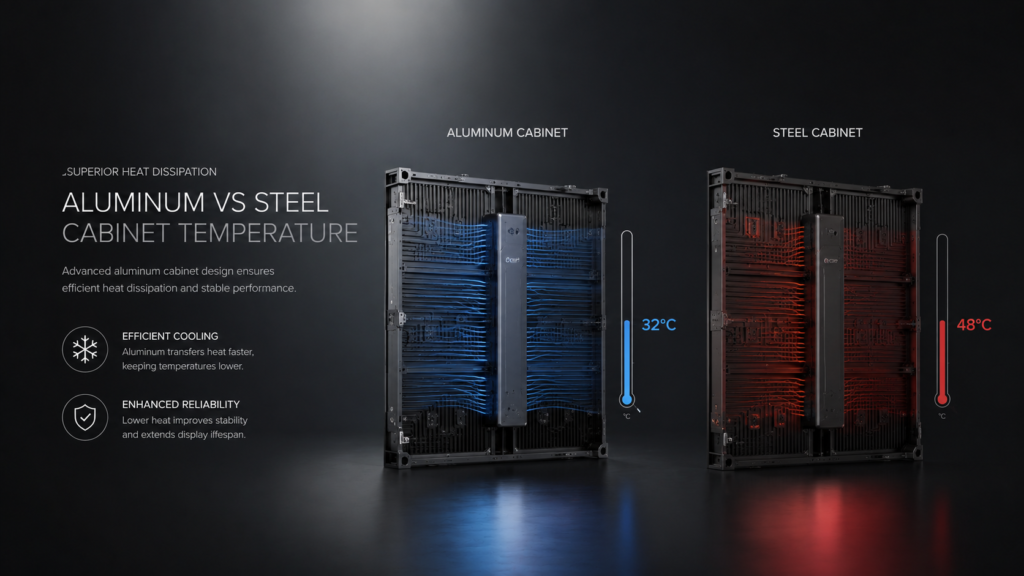
Heat is the #1 accelerator of attenuation. Every 10°C increase in junction temperature roughly doubles the rate of LED degradation. Choose aluminum cabinets, metal-core PCBs, and active cooling for outdoor applications.
3. Avoid Operating at Maximum Current
Running LEDs at 100% current generates maximum heat and accelerates lattice defects. Operating at 70-80% of rated current can extend lifespan by 2-3x with minimal visible brightness loss. Set maximum brightness in your controller to 80% instead of 100%.
4. Install Automatic Brightness Management System (ABMS)
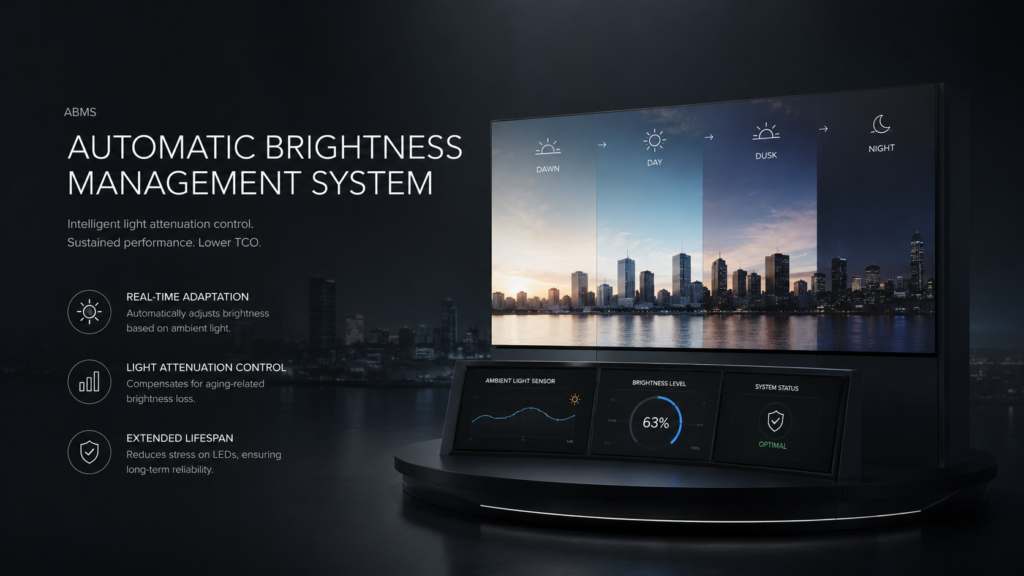
ABMS adjusts screen brightness based on ambient light — bright during the day, dim at night. This reduces average operating current and heat generation. For outdoor or 24/7 applications, ABMS typically pays for itself in energy savings within 1-3 years.
5. Perform Regular Maintenance
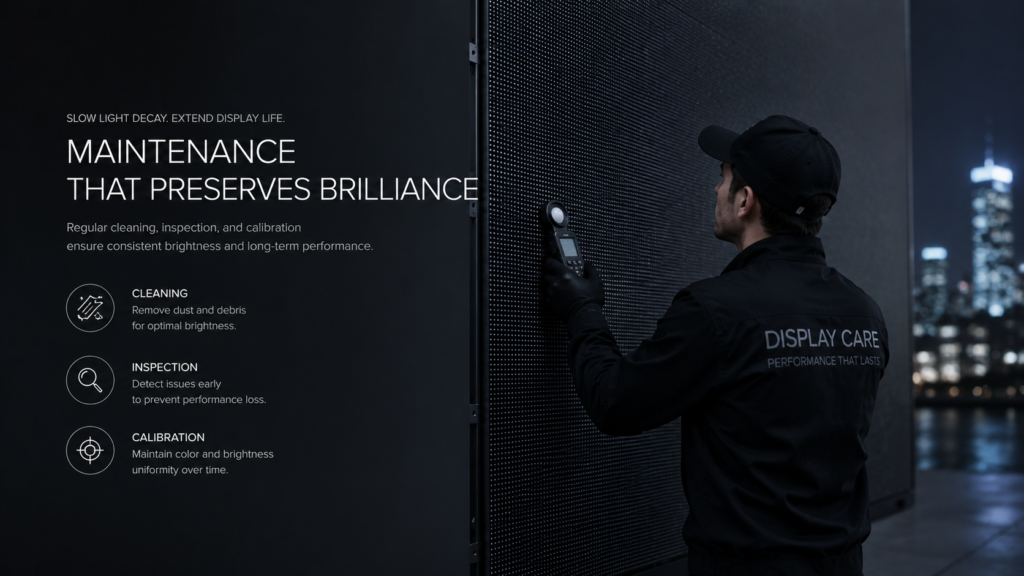
Regular cleaning, inspection, and recalibration extend lifespan. Clean indoor screens every 3-6 months, outdoor screens every 1-3 months. Promptly replace defective modules.
6. Reduce Environmental Stress
UV exposure, moisture, dust, and high ambient temperature all accelerate attenuation. Use IP65+ weatherproofing for outdoor screens, UV-resistant encapsulation, and ensure adequate ventilation.
Light Attenuation Metrics: What to Ask Suppliers
When purchasing an LED display, request L70/L80 ratings, color shift data (ΔE), uniformity specifications, and testing standards. Reputable suppliers provide this data in writing.
| Metric | What It Tells You | What to Look For |
| L70 / L80 / L90 rating | Hours until brightness drops to 70/80/90% of original | 50,000+ hours for L70. Higher is better. |
| Color shift (ΔE) | How much colors change over time | ΔE ≤ 3 is good (visually imperceptible) |
| Uniformity specification | Brightness consistency across the screen | ≤10% variation is standard; ≤5% is premium |
| Testing standard | How the supplier measures lifespan | Look for IESNA LM-80, TM-21 references |
For a complete LED display price guide 2026, see our detailed breakdown.
Common Mistakes That Accelerate Attenuation
The most common mistake is running displays at 100% brightness 24/7. This dramatically shortens lifespan with minimal visual benefit. Reducing to 70-80% doubles effective lifespan.
Other frequent errors:
- Ignoring heat management: Blocked vents, poor airflow, or insufficient cooling for outdoor screens
- Buying based only on initial brightness: Cheaper displays often use overdriven LEDs that dim rapidly
- Skipping L70/L80 data verification: Some suppliers provide estimates, not test data
- No spare modules: Without spares purchased with the initial order, future repairs will have color mismatch
- Delaying maintenance: Dust buildup and minor issues compound over time
Expert Tips for Buyers
Tip 1: Always request L70/L80 test data in writing.
Reputable suppliers have this data. If a supplier cannot provide it, assume the lifespan is significantly lower than claimed.
Tip 2: Derate your brightness by 20-30% from day one.
Most viewers will not notice the difference, but your LEDs will last 2-3x longer. Use automatic brightness control to manage this automatically.
Tip 3: Order spare modules with your initial purchase — at least 10%.
LED batches change every 1-2 years. Spare modules purchased later will have color and brightness mismatch. This 10% add-on is the best insurance you can buy.
Tip 4: For outdoor screens, demand IP65 and UV-resistant encapsulation.
Moisture and UV are two of the fastest killers of outdoor LED displays. IP65 is non-negotiable.
Tip 5: Monitor heat, not just hours.
Two displays with the same operating hours can have very different attenuation rates if one runs hotter. Install temperature sensors if your budget allows.
Frequently Asked Questions (FAQ)
Is light attenuation reversible?
No. Light attenuation is irreversible. The physical changes to LED chips, phosphors, and encapsulation materials cannot be undone. However, you can slow the rate of attenuation significantly through proper operation, cooling, and maintenance.
How long should an LED display last before noticeable dimming?
A high-quality LED display operating at 70-80% brightness with proper cooling should maintain acceptable brightness for 50,000-100,000 hours — 5-10 years of normal commercial use (10-16 hours/day). After that, you may notice gradual dimming, but the display remains usable for several more years.
Do different colors attenuate at different rates?
Yes. Blue LEDs typically attenuate faster than red and green due to differences in semiconductor materials. This is why color calibration is important over time — otherwise, your white balance may shift toward red/yellow as blue dims faster.
Is air cooling or liquid cooling better for slowing light attenuation?
For most applications, air cooling (fans, heat sinks) is sufficient and cost-effective. Liquid cooling is more efficient but significantly more expensive. It is typically only justified for very large outdoor screens (>100m²) or extreme high-brightness applications.
Does IvanLED provide L70/L80 data for its displays?
Yes. IvanLED provides clear L70/L80 ratings and lifespan data for all displays. We design for optimal heat dissipation and use high-quality LED beads from established brands.
Conclusion: Maximize Your LED Display Lifespan
Light attenuation is inevitable, but the rate is within your control. The most effective strategies happen in two phases: at procurement (choose displays with verified L70/L80 ratings, proper heat dissipation, and order spare modules) and during operation (reduce operating current, install ABMS, and maintain regular cleaning and inspection).
Our straightforward advice:
– The single biggest factor under your control is operating current. Turn down brightness by 20% and double your effective lifespan.
– For outdoor or 24/7 applications, invest in active cooling and ABMS — they pay for themselves in extended lifespan and energy savings.
– Always order spare modules with your initial purchase (at least 10%) to ensure color match for future repairs.
– Request L70/L80 data in writing from your supplier — if they cannot provide it, assume the lifespan is lower than claimed.
At IvanLED, we manufacture displays with high-quality LED beads, provide clear L70/L80 data, and design for optimal heat dissipation. Browse our commercial LED display solutions or contact us to discuss your project requirements.
Ready to source a display that stays bright for years to come?
👉 Contact IvanLED for a free consultation and customized quote with L70/L80 data.