Part 1: Why LED Display Temperature Matters
Heat is the #1 enemy of LED displays. Every component generates heat – LED chips, power supplies, driver ICs. If that heat is not removed, it causes:
| Problem | What happens | When you notice |
| Brightness loss | LEDs produce less light per watt | After 1-2 years of 24/7 use |
| Color shift | White balance drifts, colors look wrong | Gradual, over time |
| Dead pixels | Individual LEDs fail | Random, increasing with age |
| Component failure | Power supplies, capacitors fail | Sudden screen shutdown |
| Reduced lifespan | 100,000 hours → 50,000 hours | Within 3-5 years |
A well-cooled LED display lasts 100,000+ hours (11+ years of 24/7 use). A poorly cooled one may fail in 3-5 years.
Part 2: Sources of Heat in LED Displays
1. LED Chips
LEDs convert electricity into light – and heat. Only 20-40% of the energy becomes light. The rest becomes heat.
| Factor | Impact on heat |
| Higher driving current | More heat |
| Longer operation | Heat accumulates |
| Smaller pixel pitch | More LEDs per area = more heat |
2. Power Supplies
Power supplies convert AC to DC. This conversion is not 100% efficient – wasted energy becomes heat.
Typical efficiency:
Budget power supply: 80-85% efficient (15-20% becomes heat)
Premium power supply (Meanwell): 90-93% efficient (7-10% becomes heat)
3. Driver ICs
Driver ICs control individual LEDs. They generate heat during operation. High-quality ICs run cooler than budget ones.
4. Environmental Heat
| Environment | Heat challenge |
| Outdoor (sunny) | Sun adds significant heat (up to 50°C surface temperature) |
| Outdoor (enclosed) | No airflow, heat builds up |
| Indoor (poor ventilation) | Trapped heat accumulates |
| High altitude | Less natural cooling (thinner air) |
Part 3: Optimal Temperature Ranges
Operating Temperature
| Condition | Temperature range | What happens outside range |
| Ideal | 0°C to 40°C | Optimal performance |
| Acceptable | -10°C to 50°C | Reduced lifespan |
| Dangerous | Below -20°C or above 60°C | Damage or failure |
Storage Temperature
| Condition | Temperature range | Why it matters |
| Ideal storage | -20°C to 60°C | Component integrity |
| Extreme cold | Below -30°C | Solder joints may crack |
| Extreme heat | Above 70°C | Encapsulation materials degrade |
Part 4: Indoor vs. Outdoor Temperature Requirements
| Factor | Indoor LED Display | Outdoor LED Display |
| Ambient temperature | Controlled (18-25°C typical) | Variable (-10°C to 50°C) |
| Sun exposure | None | Direct sunlight adds heat |
| Cooling method | Passive (heatsinks, airflow) | Active (fans, AC) |
| IP rating | IP20-IP40 (airflow OK) | IP65 (sealed – harder to cool) |
| Thermal challenge | Poor ventilation | Sealed enclosures + sun |
Key insight: Outdoor screens are harder to cool because they are sealed for waterproofing. IP65 rating means no air exchange – heat stays inside.
Part 5: How High Temperature Damages LED Displays
Brightness Degradation
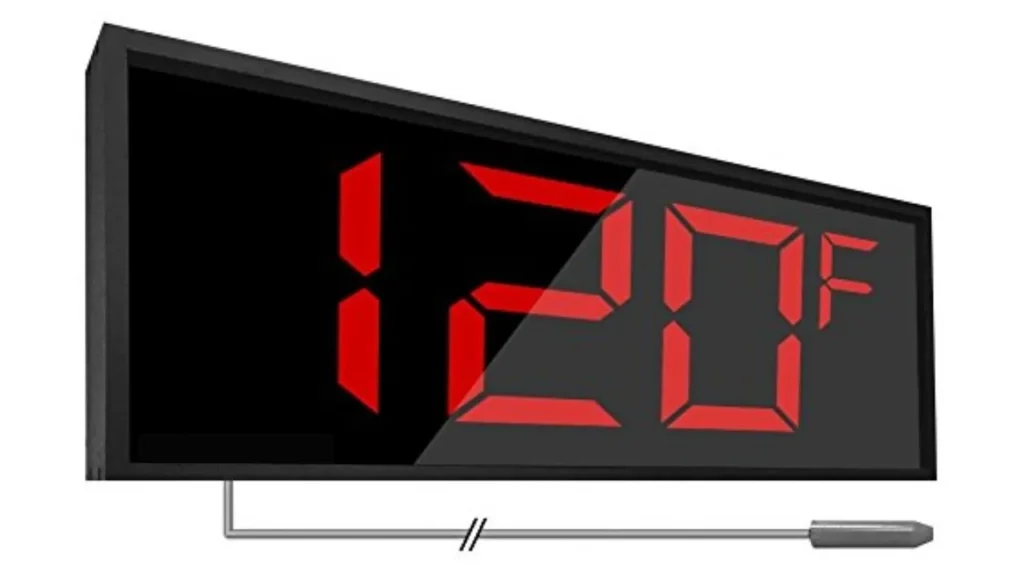
LED brightness decreases as temperature increases.
| Junction temperature | Relative brightness | Impact |
| 25°C (ideal) | 100% | Baseline |
| 60°C | 85-90% | Noticeable dimming |
| 85°C | 70-80% | Significant loss |
| 100°C+ | <60% | Severe degradation |
Color Shift
Phosphor coatings (which create white light) degrade with heat.
| Symptom | Cause | Result |
| Whites become yellow | Phosphor degradation | Colors look wrong |
| Inconsistent colors | Uneven heating across modules | Patchy appearance |
| Color drift over time | Gradual degradation | Need frequent recalibration |
Reduced Lifespan
| Temperature | Expected LED lifespan | Compared to ideal |
| 25°C | 100,000 hours | Baseline |
| 50°C | 70,000-80,000 hours | 20-30% shorter |
| 75°C | 40,000-50,000 hours | 50% shorter |
| 85°C+ | <25,000 hours | 75% shorter |
Every 10°C above ideal reduces LED lifespan by approximately 20-30%.
Component Failure
| Component | Heat effect |
| Capacitors | Electrolyte dries out → failure |
| Power supplies | Efficiency drops → more heat → failure |
| Solder joints | Thermal cycling → cracks |
| Connectors | Oxidation, loosening |
Part 6: How Low Temperature Affects LED Displays
| Issue | What happens | Impact |
| Slow startup | Components respond slowly when cold | Delayed image, flickering |
| Material contraction | Different materials shrink at different rates | Loose connectors, cracked solder |
| Cable stiffness | Cables become less flexible | Signal issues |
| Power supply instability | Voltage may fluctuate | System resets |
Prevention: For outdoor screens in cold climates, look for displays with built-in preheating or extended temperature range (-20°C to 50°C).
Part 7: Thermal Management Technologies
Passive Cooling (No moving parts)
| Method | How it works | Best for |
| Heat sinks | Aluminum fins dissipate heat | Most indoor displays |
| Thermal pads | Transfer heat from components to chassis | Fine-pitch displays |
| Ventilation openings | Natural airflow | Indoor, low-power |
| Aluminum cabinets | Cabinet acts as heat sink | Standard indoor |
Pros: Silent, low maintenance, no power consumption.
Cons: Limited cooling capacity.
Active Cooling (With moving parts)
| Method | How it works | Best for |
| Cooling fans | Forced air circulation | Most outdoor, large indoor |
| Air conditioning | Compressor-based cooling | Extreme outdoor (desert, tropical) |
| Liquid cooling | Coolant circulates | High-end, very high brightness |
Pros: Powerful cooling, works in high temperatures.
Cons: Consumes power, needs maintenance, fans can fail.
Smart Monitoring
| Feature | How it works | Benefit |
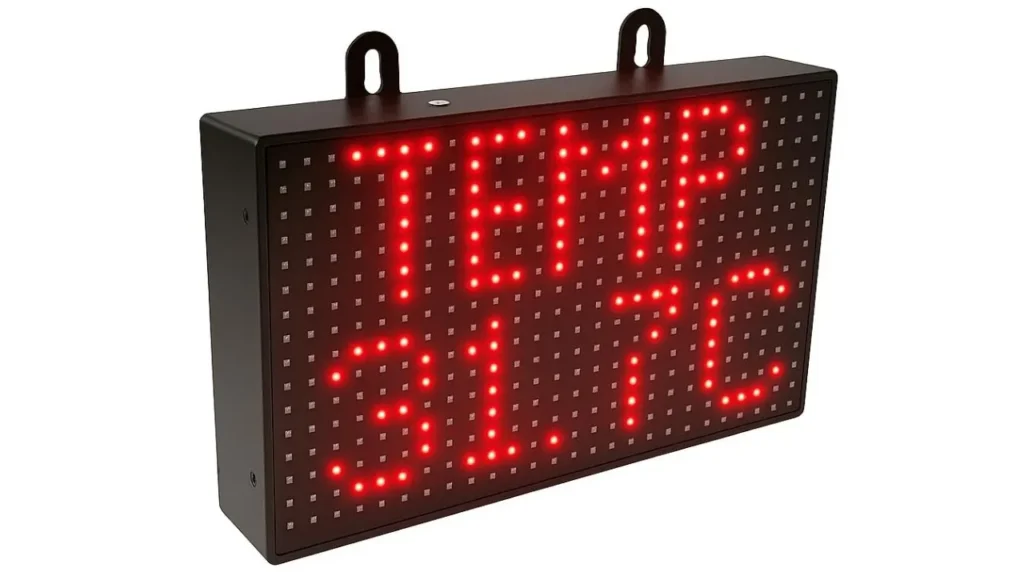
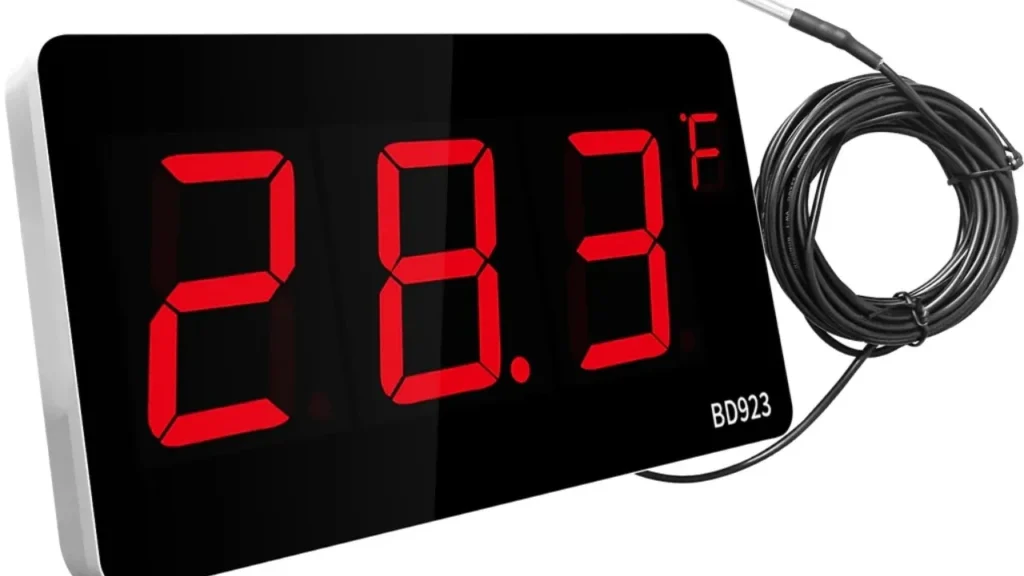
| Temperature sensors | Monitor internal and ambient temps | Early warning of overheating |
| Auto-brightness adjustment | Dims screen when too hot | Protects components |
| Fan speed control | Adjusts fan speed based on temp | Saves power, reduces noise |
| Remote monitoring | View temperatures remotely | Predictive maintenance |
Part 8: How to Choose an LED Display with Good Thermal Management
Checklist for Buyers
| Step | What to look for | Red flags |
| 1 | Aluminum cabinet (not plastic or thin steel) | Plastic or thin metal |
| 2 | Visible heatsinks or fans (for outdoor) | No visible cooling |
| 3 | Specified operating temperature range (-20°C to 50°C) | Narrow range (0°C to 40°C) |
| 4 | Temperature sensor included | “Not needed” |
| 5 | Fan(s) for outdoor IP65 screens | No fans on outdoor screen |
| 6 | Meanwell or quality power supply | Generic power supply |
Questions to Ask Your Supplier
| Question | Why it matters |
| “What is the maximum operating temperature?” | Determines suitability for your climate |
| “Does the screen have temperature sensors?” | Enables smart thermal management |
| “What cooling method does it use?” | Passive vs active – impacts reliability |
| “What brand of power supply?” | Meanwell is premium; generic fails sooner |
| “Do you have thermal test data?” | Verifies claims |
| “What is the warranty on cooling components?” | Fans fail – know coverage |
Part 9: Recommended Specifications by Application
| Application | Recommended cooling | Operating temp range | Notes |
| Indoor (standard) | Passive (heatsinks) | 0°C to 40°C | Adequate for most |
| Indoor (fine pitch) | Passive + fans | 0°C to 40°C | Fine pitch runs hotter |
| Outdoor (standard) | Active (fans) | -10°C to 50°C | Minimum for outdoor |
| Outdoor (hot climate) | Active + AC | -10°C to 50°C+ | Desert, tropical |
| Outdoor (cold climate) | Active with preheat | -20°C to 50°C | For freezing regions |
Part 10: Maintenance for Temperature Control
| Task | Frequency | Why |
| Clean air vents | Monthly | Dust blocks airflow |
| Check fan operation | Monthly | Failed fan = overheating |
| Inspect cable connections | Quarterly | Heat loosens connections |
| Monitor temperature data | Ongoing | Early warning of issues |
| Professional cleaning | Annually | Deep clean internal components |
Signs of Temperature Problems
| Sign | What it means | Action |
| Fans running at maximum always | System is too hot | Check airflow, clean vents |
| Brightness fluctuating | Thermal protection active | Reduce brightness, improve cooling |
| Colors shifting during operation | LEDs overheating | Check cooling system |
| Random shutdowns | Overheating protection triggered | Immediate cooling check |
| Unusual fan noise | Fan failing | Replace fan |
Ivan’s LED Displays
At IvanLED, we prioritize thermal management in all our displays:
Aluminum cabinets – Natural heat dissipation
Temperature sensors – Real-time monitoring
Active cooling (fans) – On outdoor models
Meanwell power supplies – High efficiency, less heat
Quality LED chips – Nationstar, Kinglight (better thermal performance)
1-year warranty – Peace of mind
Tell us your climate, application, and operating hours. We will recommend the right cooling solution and provide a free quote.
Frequently Asked Questions
Q: How does temperature affect LED display lifespan?
Every 10°C above ideal reduces lifespan by 20-30%. A screen running at 75°C instead of 35°C may last 40,000-50,000 hours instead of 100,000+.
Q: Do outdoor LED displays need air conditioning?
In most climates, fans are sufficient. In extreme heat (desert, tropical, direct sun all day), AC may be required. Ask your supplier for climate-specific recommendations.
Q: Why do fine-pitch displays run hotter?
Fine-pitch displays have more LEDs per square meter. More LEDs = more heat. P1.5 displays may need 2-3x more cooling than P4 displays of the same size.
Q: Can I use an indoor display outdoors if I add cooling?
No. Indoor displays lack weatherproofing (IP rating) and have insufficient brightness. Adding cooling does not solve those problems. Buy an outdoor-rated display.
Q: How do I know if my display is overheating?
Signs include: fans running at maximum constantly, brightness fluctuating, color shifts, random shutdowns, or error messages from the control software. Monitor temperature data if available.
Q: Does IvanLED provide temperature monitoring?
Yes. Our outdoor displays include temperature sensors with remote monitoring capabilities. Contact us for details.