










LED screen for Education
LED displays can enhance learning and the school environment. They can attract top students and teachers. They also spread information quickly. For major events on campus, we want to improve the viewer's experience. We also want to encourage students to participate. This will enhance the school's impact
Schools and universities are increasingly replacing projectors and whiteboards with LED screens. Why? Because LED displays offer better visibility, longer life, and more flexibility for modern classrooms.
Why Schools Are Switching to LED Screens
| Feature | LED Screen | Projector | Smart Board / LCD |
| Brightness | 1,000-2,500 nits | 2,000-5,000 lumens | 300-700 nits |
| Ambient light | Works fine | Washes out | Poor |
| Lifespan | 100,000+ hours | 5,000-10,000 hours | 50,000 hours |
| Maintenance | Low | Bulb replacement | Moderate |
| Touch capability | Optional | No | Yes (some models) |
| Best for | Large spaces, bright rooms | Dark rooms | Small classrooms |
The bottom line: For any educational space with ambient light or large audiences, LED screens outperform projectors and standard LCDs.
5 Reasons Schools Are Switching to LED Screens
1. Visible Even With Lights On
Projectors lose visibility when classroom lights are on. LED screens maintain crisp, clear images even in bright rooms. Students can read text and see images without squinting or closing blinds.
Best for: Classrooms, lecture halls, training rooms.
2. Long Lifespan – Lower Total Cost
A quality LED screen lasts 100,000+ hours – that is over 20 years of daily school use (5 hours per day, 200 days per year). Projectors need bulb replacements every 1-2 years. LCD smart boards last half as long.
Best for: Schools on a tight budget, long-term investments.
3. Dynamic Content – Anything, Anywhere
Display lesson plans, videos, announcements, student work, and live feeds – all from one screen. Change content instantly. Run multiple displays across campus from a central control.
Best for: Digital signage in hallways, cafeteria menus, gym scoreboards, auditorium presentations.
4. No Bulb Replacement – Lower Maintenance
Projector bulbs dim over time and need replacement every 1,000-3,000 hours. LED screens have no bulbs to replace. No more calling IT to change a projector bulb in the middle of a lesson.
Best for: Schools with limited IT staff.
5. Seamless splicing – Any Size You Need
LED screens are modular. Connect multiple panels to create any size – from a small 2m x 1.5m classroom display to a massive 10m x 5m auditorium wall. No visible gaps or bezels.
Best for: Auditoriums, gymnasiums, cafeterias, outdoor signage.
Where Does The LED Screen Used For Education
Find the right place in your school to install the LED screen
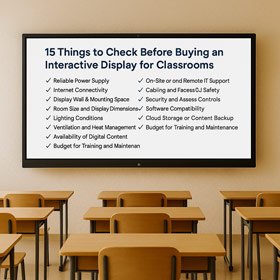
Classroom Instruction
IvanLED education LED displays project teaching materials like PowerPoint presentations and videos, enabling students to grasp content more quickly and intuitively.
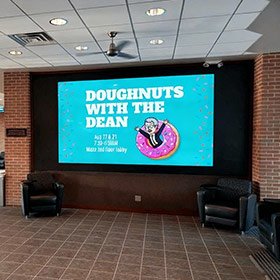
Lobbies
Education LED displays in school lobbies can show class schedules and room numbers. This helps students find the right lecture halls. They
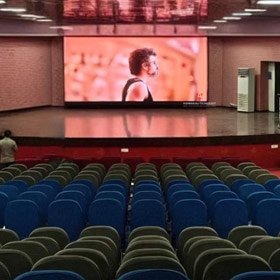
Auditoriums
Education LED displays in auditoriums transform lecture content into visualizations through images or videos. This visual reinforcement enhances credibility and persuasiveness, making presentations more compelling and convincing.
How to Choose the Right LED Screen for Education
Step 1: Where Will You Use It?
| Location | Recommended Brightness | Pixel Pitch | Use Case |
| Classroom | 1,000-1,500 nits | P2.5 – P3 | Daily lessons, close viewing |
| Auditorium | 1,500-2,500 nits | P3.9 – P4.8 | Presentations, events, far seating |
| Gymnasium | 2,500-4,000 nits | P4 – P6 | Scoreboards, pep rallies, sports |
| Outdoor signage | 4,000-6,000+ nits | P6 – P10 | Marquee, announcements |
| Hallway / Cafeteria | 1,000-1,500 nits | P2.5 – P4 | Digital signage, menus, announcements |
Step 2: What Pixel Pitch?
Pixel pitch = distance between LEDs (in millimeters). Smaller pitch = higher resolution = closer viewing.
| Pixel Pitch | Best Viewing Distance | Best for |
| P2.5 | 2.5 – 5 meters | Small classrooms, close seating |
| P3.9 | 4 – 10 meters | Standard classrooms, meeting rooms |
| P4.8 | 5 – 15 meters | Auditoriums, gymnasiums |
| P6 – P10 | 6 – 30 meters | Outdoor signage, sports fields |
For most classrooms, P2.5 or P3.9 offers the best balance of cost and quality.
Step 3: Interactive or Non-Interactive?
| Non-Interactive LED | Interactive LED / Smart Board | |
| Touch capability | No | Yes |
| Best for | Displaying content, video, announcements | Student participation, writing on screen |
| Price | Lower | Higher |
| Size limit | Any size | Typically limited to 86″ |
Many schools choose a combination: large LED screen for display + small interactive board for participation.
How LED Displays Are Used In The Classroom
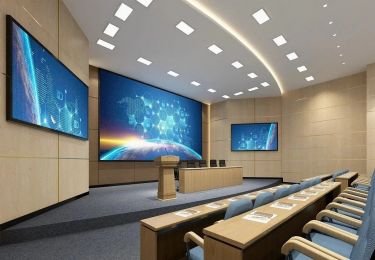
Interactive teaching
Teachers can use LED displays to interact with students in real time through gesture recognition, voice recognition, and other technologies. This teaching method can boost students’ participation and interest in learning. It also helps develop their independent learning skills and creative thinking.
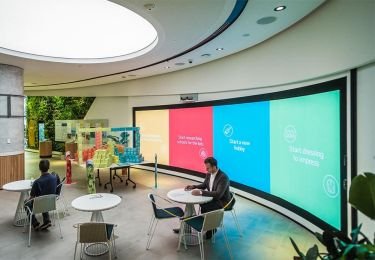
Virtual experiments and simulations
LED display screens can simulate various experimental scenarios, allowing students to conduct experimental operations in a virtual environment. By simulating chemical experiments, physics experiments, etc., students can observe experimental results in a safe environment and cultivate experimental operations and scientific thinking abilities.
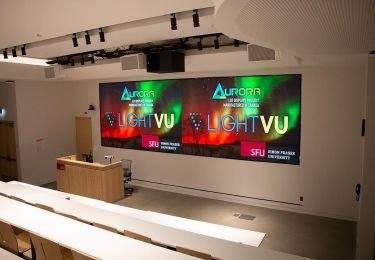
Remote teaching and online classroom
LED display screens can connect remotely. This lets teachers and students interact and communicate in real time, even from different places. This distance education model breaks geographical restrictions and allows educational resources to be disseminated and shared more widely.
Personalized learning and customized courses
LED display screens can be customized according to students’ different needs to achieve personalized learning. Teachers can change the content and teaching speed on the LED display based on each student’s learning needs. This way, every student can learn at a pace that works for them.
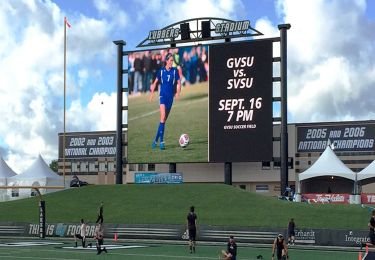
Multimedia teaching resource display
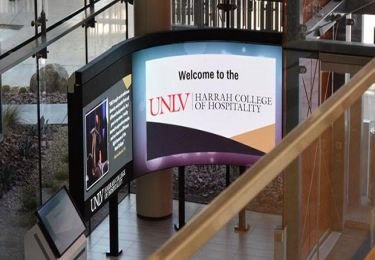
Emergency information release and safety management
When emergencies happen, like earthquake drills or fire alarms, the LED display can share important information. It helps remind teachers and students to focus on safety. It can also be used to share safety education and disaster prevention tips. This helps improve students’ safety awareness and self-rescue skills.
LED Screen vs. Projector: Which is Better for Schools?
| Factor | LED Screen | Projector |
| Brightness in lit room | Excellent | Poor |
| Image clarity | Sharp, vivid | Can be blurry |
| Lifespan | 100,000+ hours | 5,000-10,000 hours (bulb) |
| Maintenance | None | Bulb replacement every 1-2 years |
| Initial cost | Higher | Lower |
| Long-term value | Better | Worse |
| Setup | Mount and plug in | Mount, align, focus |
Verdict: If your budget allows, LED is the superior choice for any school that values image quality and low maintenance.
How Much Does an LED Screen for Education Cost?
Prices for 2026 (estimate per square meter):
| Type | Price per sqm (USD) | Typical School Size | Total Cost |
| Indoor P2.5 | $800 – $1,200 | 2m x 1.5m (3 sqm) | $2,400 – $3,600 |
| Indoor P3.9 | $600 – $900 | 3m x 2m (6 sqm) | $3,600 – $5,400 |
| Indoor P4.8 | $500 – $800 | 4m x 3m (12 sqm) | $6,000 – $9,600 |
| Outdoor P6 | $500 – $800 | 3m x 2m (6 sqm) | $3,000 – $4,800 |
Note: These are estimates. Final price includes controller, cables, structure, and shipping to your location.
LED Screens For Education FAQ
If you still have questions about the LED display, it’s okay! We’ll help you answer it now! If you want to know more details about educational LED displays, please contact us.
1. How long does an LED school screen last?
100,000+ hours – over 20 years of daily school use (5 hours per day, 200 days per year).
2.Can I use an LED screen outdoors for school signage?
es. Choose an outdoor-rated screen with IP65 weatherproofing and 4,000-6,000+ nits brightness.
3. How do I calculate the right size for my classroom?
A general rule: the screen should be large enough that the back row can read text at 1 inch per 10 feet of distance. Contact us for a free size recommendation.
4. Can students interact with an LED screen?
Standard LED screens are not touch-enabled. For interactive needs, consider a smart board for small groups or add a touch overlay to an LED screen (custom solution).
5.What is the warranty?
1-year warranty against manufacturing defects.
Still have some questions?
For Schools: LED That Engages
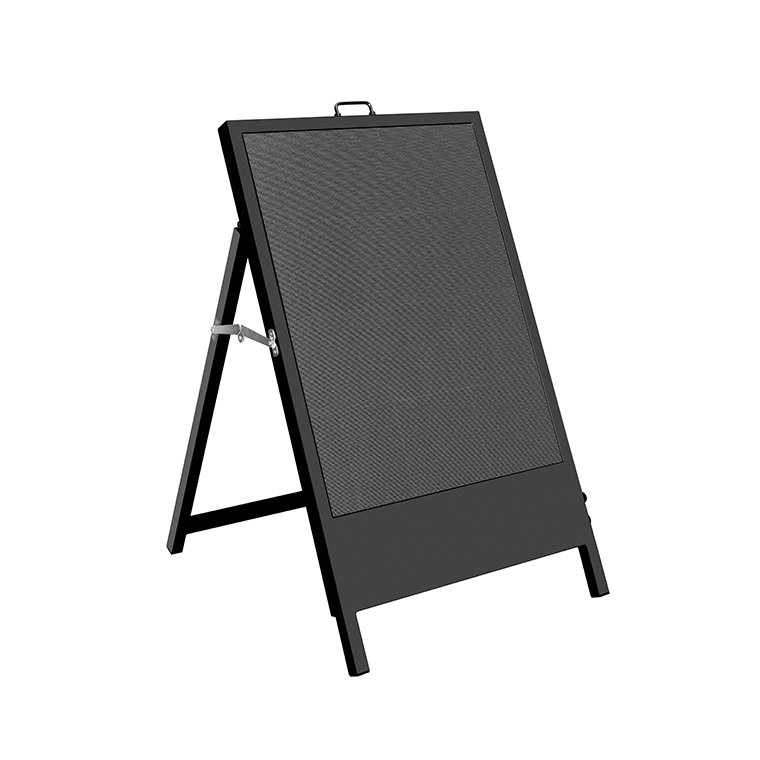
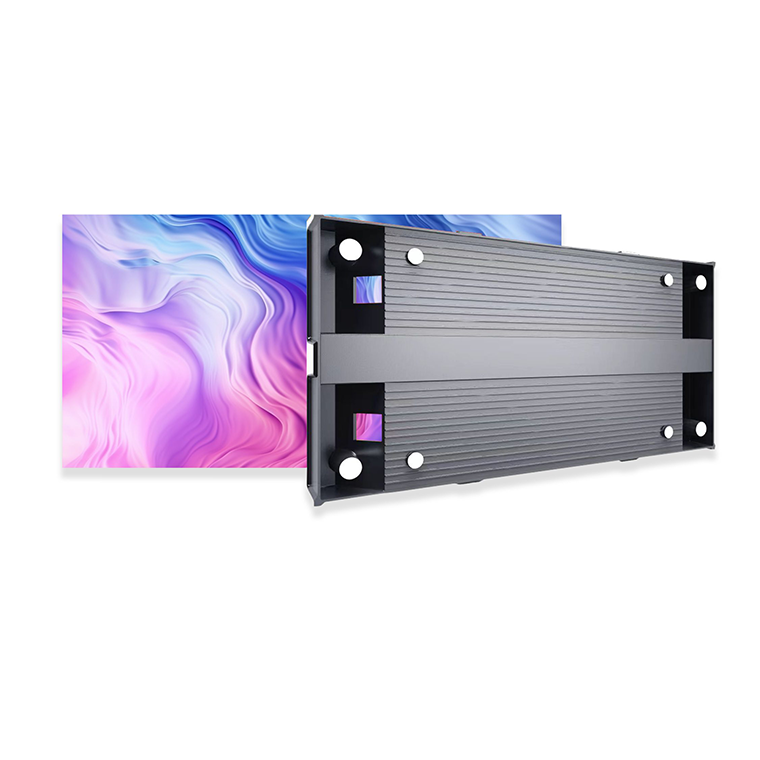
Front Maintenance
P1.56/P1.95/P2.6/P2.9/P3.9
Die Casting Aluminum
Indoor
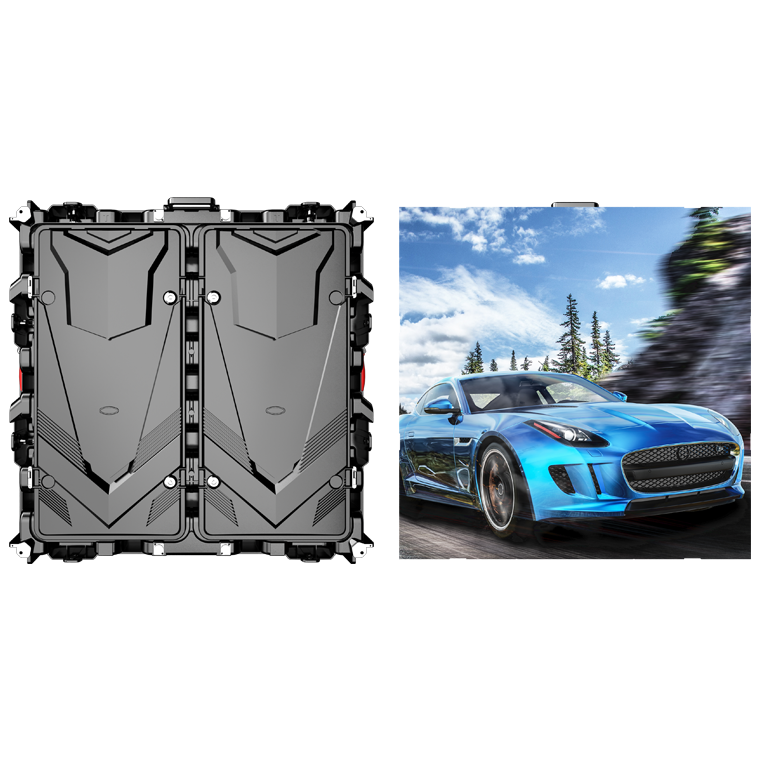


Front Maintenance
P4/P3.076/P2.5/P2/P1.86/P1.53/P1.25
Die-cast aluminum
Indoor
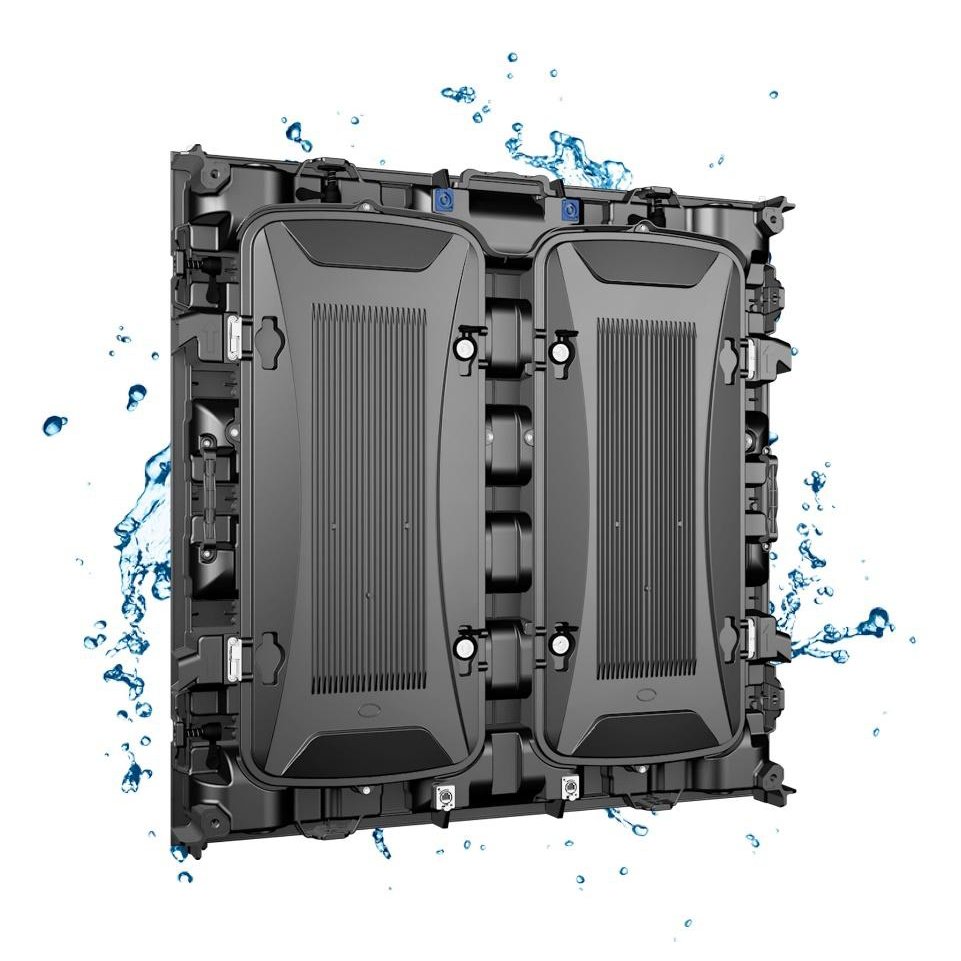
Rear Maintenance
P10/P8/P6.67/P5/P4/3.076/P2.5/P2
Die-cast aluminum
Indoor/Outdoor

Front Maintenance
P0.625/P0.78/P0.93/P1.25/P1.56/1.87
Die-casting aluminum
Indoor

Rear Maintenance
P3.91/P4.81/P6.25/P7.81/P10.42
Hoisting and fixed installation
Outdoor
Conclusion
Investing in an LED screen for education transforms how your school communicates and teaches. Unlike projectors that wash out in ambient light or LCDs with visible bezels, LED screens deliver:
- ✅ Crisp, bright images – readable even with lights on
- ✅ Long lifespan – 100,000+ hours, no bulb replacements
- ✅ Any size – from classroom to auditorium to outdoor signage
- ✅ Low maintenance – set it and forget it
While the upfront cost is higher than a projector, the long-term value is significantly better. You get better image quality, less maintenance, and a screen that will serve your school for over 20 years.
If you want to improve student engagement and reduce tech headaches, an LED screen is the right choice for your school.
Get a Quote for Your School LED Screen
Ready to upgrade your school with LED screens?
At IvanLED, we provide high-quality LED displays for educational institutions of all sizes.
What we offer:
Tell us your school size, application, and budget. We will reply within 24 hours with a free quote.