Regular Cleaning and Maintenance
Cleaning Frequency and Scheduling
How often should you clean your LED screen? It really depends on where it is situated. Since it is mostly displayed in high-traffic or outdoor areas, the cleaning should be frequent. That will be ideal every two to four weeks. Otherwise, for inside environments, once a month will mostly do. The important thing is to keep in a routine so that dust and dirt do not increase over time.
Cleaning Techniques
Ensure you always use a soft microfiber cloth on the screen to avoid scratching it. In case the stain proves stubborn, a damp cloth with water or even a cleaner specifically made for cleaning LED screens can be used. Do not use very harsh chemicals because they may damage the display. Clean very lightly without pressing hard on the screen.
Preventing Moisture and Dust Infiltration
The most notorious enemies of an LED screen would be moisture and dust. To best protect the display, it is important to put it in a location free from dust and humidity. Use a dust cover or protective screen when the display is not in operation, to reduce the amount of dust settling on it. An air purifier should be placed in rooms with heavy dust to reduce dust in the room and hence on an LED screen.
Manufacturer Recommendations
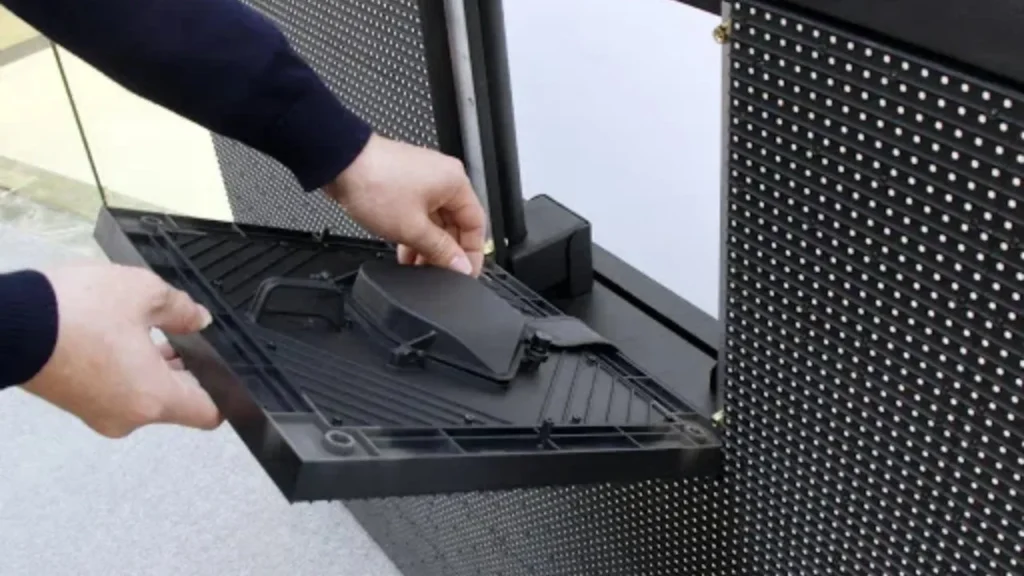
Every LED screen will require certain unique care for installing, as recommended by the manufacturer. It is very crucial to adhere to those instructions while cleaning or maintaining the screen so that no warranty is violated, or damage is caused. Please go through the manual of your screen for specific recommendations.
Monitoring and Diagnostics
Regular System Checks
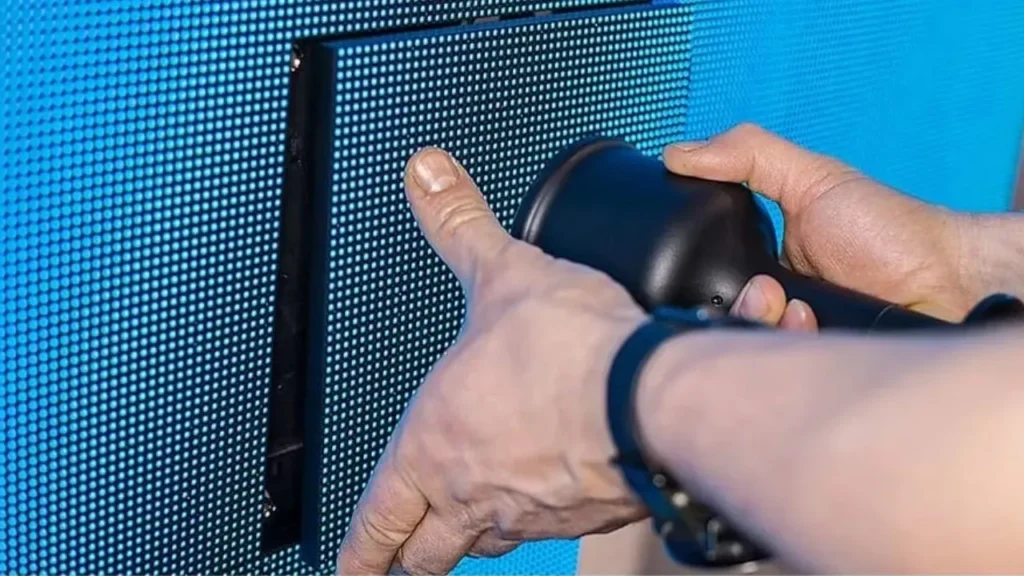
It is important to conduct routine checks of your LED screen for potential issues. Inspect your LED screen for signs of flickering or dimming as well as any color inconsistencies. Although these signs might look minor they should be treated as early warnings of bigger issues.
Utilizing Diagnostic Tools
One of the best features of the diagnostic tools is their ability to monitor the screen’s health. Basically, what these tools do is scanning the pixel matrix in the display in order to find which of the pixels are dead. In addition, these tools provide data on real time performance. This way, early alerts on issues are raised to prevent growing bigger.
Logging and Analyzing Performance Data
Record and survey the performance data of the screen over time to identify patterns of consistent issues; this will alert you to problems like overheating and the presence of pixel inconsistencies in time. The analysis will give you foresight into the right kind of maintenance steps to take.
Software and Firmware Maintenance
Keeping Software Updated
Firmware updates are critical for the optimum performance of the LED screen. In most cases, bug fixes and performance improvements or new features are added to these updates. Be sure to keep up with it; the list in the firmware update could really help enhance the efficiency of your screen, save energy, and offer some saintly smooth running.
Calibrating Color and Brightness
For a bright and colorful screen viewing experience, it is very important to calibrate the brightness and color of the screen at regular intervals. Even a minor environmental change might result in the drift of the settings. Therefore, re-calibrate every couple of months for correct coloration and constancy of brightness.
Backup and Recovery Planning
One of the most critical things in case something goes wrong is that you have some backup and recovery planning. Back up your screen settings or configuration onto an external drive or a cloud, so that if something were to happen to your screen software, you could restore it back quickly to where it was before and avoid some downtime.
Conclusion
Take care of your LED screen to ensure that it runs smoothly for an extended period and provides top-notch performance into the future. The basic practices include regular cleaning, software updating, and monitoring to keep the display in good condition. More detailed guidance on maintaining an LED screen is available in the ‘maintenance’ page on IvanLED.
FAQ’s
How often should I clean my LED screen for optimal performance?
It is highly advised that an LED screen is cleaned every 2-4 weeks if placed in high human traffic or outdoors. For an indoor screen that doesn’t receive much dust, cleaning should take place about once a month. Always verify that there is no buildup which would require cleaning.
What are the common causes of LED screen failure and how can they be prevented?
Surge protectors help prevent these issues. Other tips include cooling, avoiding extreme temperatures, and proper ventilation for the screen. Regular checks on its performance may help detect issues well in advance.
How do temperature and humidity affect the lifespan of an LED screen?
High temperatures and humidity drastically reduce the life span of an LED screen. Reason being, they damage internal components. Hence, guard your screen in an environment where there will not be the presence of any moisture/heat issues.
How can I avoid pixel burn-in on my LED display?
To prevent pixel burn-in, it is advisable to change the content that you display on your screen often, especially that which remains static for long hours. You can set up a screen saver or set the screen to turn off automatically from being in use, allowing your screen’s pixels to rest.
What are the best practices for storing an LED screen when not in use?
It should be stored in a cool, dry place away from direct sunlight. If possible, pack it with the original packing or in a protective case so that there is no chance of physical damage when not in use.