Buyer Pain Points: Too Many Functions, Too Little Clarity
When B2B buyers research LED display functions, they typically face:
Function overload – Suppliers list 50+ features. Which 5 actually impact daily use?
Hidden trade-offs – Adding smart functions often reduces reliability or increases cost significantly.
Compatibility nightmares – Your existing control system or media player may not work with certain display functions.
No real-world prioritization – Most articles list functions equally. They don’t tell you what matters for your application.
Post-installation regrets – Buyers realize too late they paid for functions they never use, or skipped essential ones.
At IvanLED, we help B2B buyers match LED display functions to their actual operational needs — not marketing checklists.
What Are LED Display Functions?
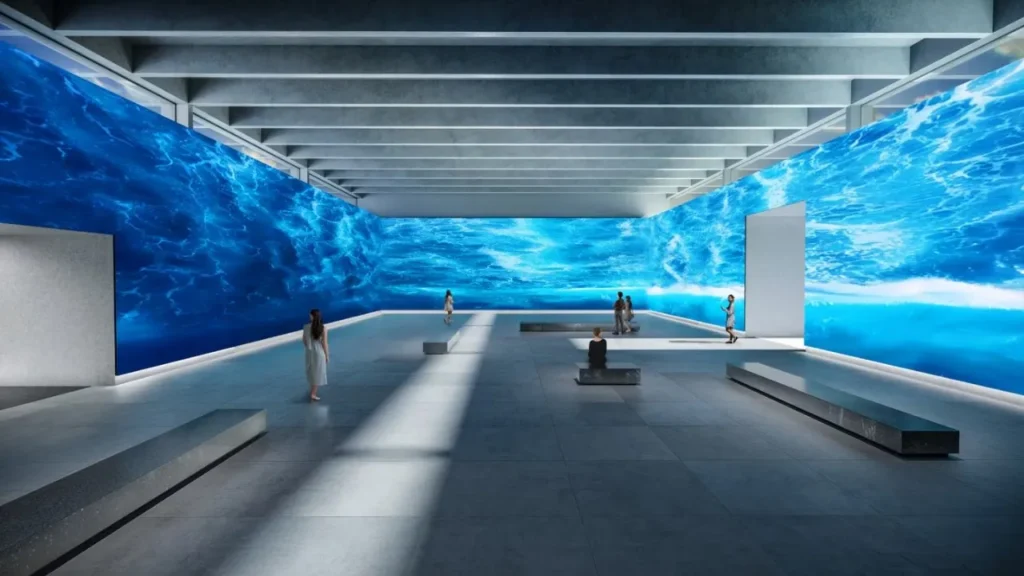
LED display functions are the capabilities built into the display hardware and software that determine:
How the screen shows content (visual functions)
How you control and update it (control functions)
How it connects to other devices (connectivity functions)
How it protects itself and adapts to environment (protective functions)
How it interacts with users or data (smart functions)
Think of functions as the “feature set” of your LED display. Some are essential. Some are nice-to-have. Some are only for specific industries.
Visual Functions: What Your Audience Actually Sees
These are the most visible functions — literally. They determine image quality and content playback.
| Function | What It Does | Essential For | Optional For |
| High-resolution image display | Shows sharp images and video | All applications | — |
| Real-time content playback | Live video feeds without delay | Broadcast, events, control rooms | Retail signage |
| Text & data presentation | Displays dashboards, KPIs, schedules | Control rooms, transportation | Advertising |
| Color & brightness uniformity | Consistent appearance across all panels | All professional applications | Budget-only projects |
Buying tip for 2026:
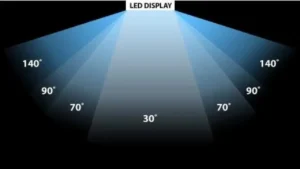
For close viewing (under 3 meters), demand high uniformity (≥98%) and fine pixel pitch (P1.2–P2.5).
For long-distance viewing (over 8 meters), uniform brightness matters more than pixel pitch.
Control & Management Functions: What You Need to Operate
These functions affect how easily — and expensively — you manage the display day to day.
| Function | What It Does | Who Needs It |
| Content scheduling | Pre-set content by time/date/location | Digital signage, retail, transportation |
| Remote management | Control multiple screens from one dashboard | Enterprise, multi-location retail, rental |
| Auto brightness adjustment | Screen dims/brightens based on ambient light | Outdoor, semi-outdoor, 24/7 operation |
| Power management | Schedules on/off, reduces energy use | All applications (saves money) |
IvanELED recommendation:
Essential for everyone: Power management + auto brightness (save energy and extend life).
Essential for multi-location: Remote management.
Optional for single-screen users: Content scheduling (basic schedulers are fine).
Connectivity Functions: Making It Work With Your Existing Systems
A common hidden cost: buying a display that does not work with your current media players, cameras, or control systems.
| Function | What It Does | Why It Matters |
| Multiple signal inputs (HDMI, SDI, DP, VGA) | Connects to different source devices | Avoids buying extra converters |
| Network connectivity (LAN, Wi-Fi, 4G/5G) | Remote updates, cloud control | Required for remote management |
| External device integration | Works with sensors, security systems, video processors | Needed for smart buildings, command centers |
Critical question to ask suppliers:
“Will this display work with my existing [media server / control system / video processor] without additional hardware?”
Adaptive & Protective Functions: Keeping the Screen Alive
These functions determine lifespan and reliability — especially important for outdoor or 24/7 operation.
| Function | What It Does | Mandatory For |
| Temperature monitoring & protection | Prevents overheating damage | Outdoor, 24/7, control rooms |
| Voltage/power surge protection | Prevents electrical damage | All installations (especially unstable grids) |
| Weatherproofing (IP65) | Protects against rain, dust, humidity | Outdoor only |
| Fault detection & alerts | Identifies module/power/signal failures | Rental, 24/7, critical infrastructure |
| Redundant power/signal | Backup systems keep screen running if one fails | Broadcast, live events, control rooms |
Expert note:
For outdoor permanent installations: Weatherproofing + temperature protection + surge protection are non-negotiable.
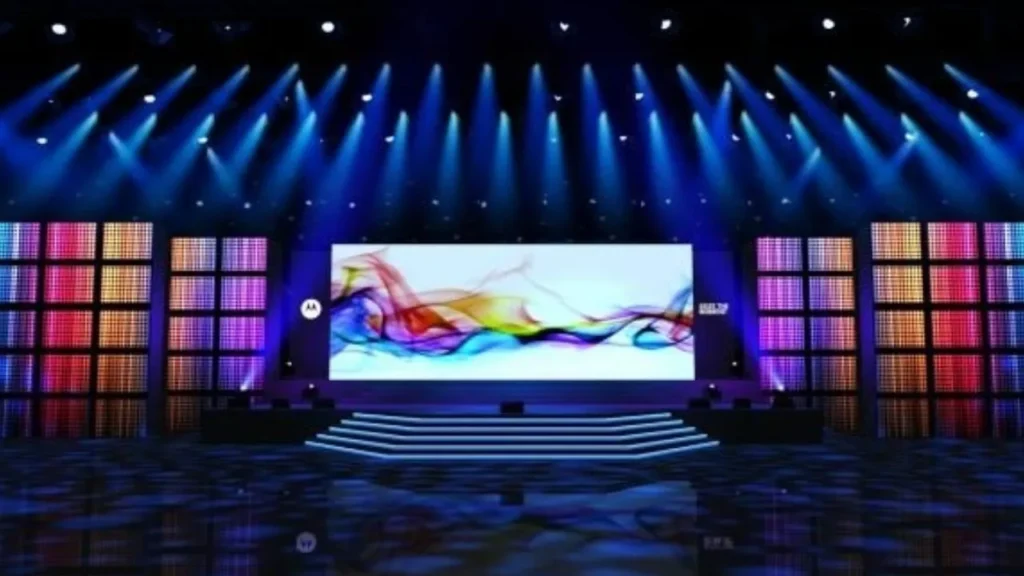
For indoor rental: Fault detection and redundant systems save shows.
For retail signage: Basic protection is usually fine.
Smart & Interactive Functions: When You Need More Than a Screen
These functions add cost and complexity. Only invest if your application genuinely needs them.
| Function | What It Does | Best For |
| Touch integration | Direct user interaction | Retail, exhibitions, wayfinding |
| Sensor integration | Proximity, gesture, or environmental triggers | Smart signage, interactive art |
| Data-driven content | Content changes based on time, weather, audience | Dynamic advertising, smart cities |
| CMS/ERP/IoT integration | Connects to business software | Enterprise, logistics, smart buildings |
IvanLED caution:
Smart functions can double the total cost and introduce software reliability issues. Start with essential visual and control functions. Add smart features only if you have a clear ROI case.
Application-Based Functions: Matching Functions to Use Cases
Here is how functions stack up by common B2B application:
| Application | Must-Have Functions | Nice-to-Have | Skip |
| Advertising / retail signage | Auto brightness, remote management, scheduling | Data-driven content | Touch, redundant power |
| Event rental | Fault detection, lightweight, quick setup, redundant signal | Remote management | Weatherproofing (indoor only) |
| Control room | 24/7 reliability, text/data display, temperature protection, redundant systems | Network connectivity | Touch, weatherproofing |
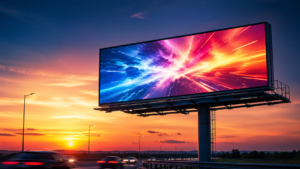
| Outdoor billboard | Weatherproofing (IP65), high brightness (5000+ nits), auto brightness, surge protection | Remote management, fault detection | Touch, smart integration |
| Church / worship | High uniformity, fine pixel pitch (P2.5–P3.9), easy control | Remote management | Weatherproofing, redundant power |
| Transportation (airport/train) | 24/7 reliability, text clarity, scheduling, remote management | Fault detection | Touch, smart features |
Which Functions Matter Most?
Use this checklist when evaluating LED display suppliers:
| Function Category | Must-Ask Question | Red Flag |
| Visual | “What is the color uniformity spec?” | Supplier cannot provide a number |
| Control | “Can I schedule content without extra software fees?” | Proprietary software with annual fees |
| Connectivity | “Does this work with standard HDMI/SDI sources?” | Only works with proprietary media players |
| Protective | “What happens if a power supply fails during operation?” | No redundancy option for critical use |
| Smart | “Can smart features be disabled if not needed?” | Smart functions are mandatory (adds cost) |
Common Mistakes When Selecting LED Display Functions
Buying every function – You pay for features you will never use. Prioritize.
Ignoring protective functions – No temperature protection + outdoor = dead screen in one summer.
Assuming all “remote management” is equal – Some require monthly fees. Ask.
Forgetting about your existing ecosystem – A display that does not work with your current control system becomes a paperweight.
Over-investing in smart functions – Data-driven content sounds cool, but most B2B buyers never implement it.
Expert Tips from 10+ Years in LED Industry
Tip 1: Always ask for a “function prioritization sheet” – Good suppliers (like IvanLED) will help you rank must-have vs. nice-to-have functions before quoting.
Tip 2: Test remote management before buying – Get a demo login. If it is slow, buggy, or requires constant updates, reject.
Tip 3: For outdoor, double-check auto brightness range – Some “auto brightness” only adjusts 30–50%. True outdoor needs 0–100% range.
Tip 4: Do not pay for redundant systems unless you have 24/7 operations – For retail signage that runs 12 hours/day, standard single-path is fine.
Tip 5: Buy spare modules even if you do not buy redundant systems – Spare modules (5–10%) are the most cost-effective “function” you can add.