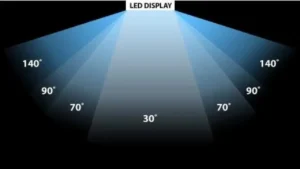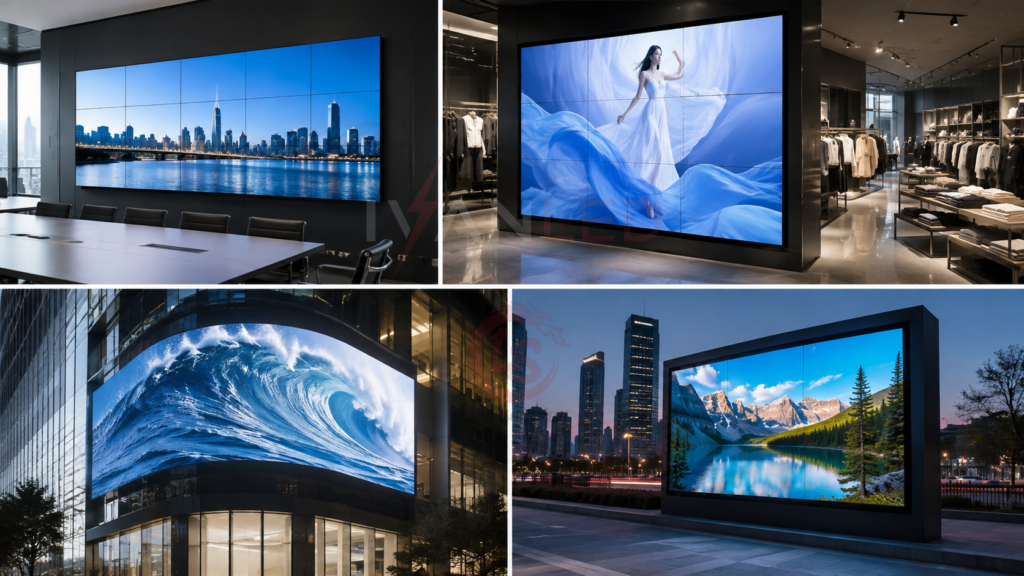
Quick Overview: 7 Ways to Use Video Walls
Video walls serve seven key industries: retail (drive sales), corporate (improve communication), events (create experiences), outdoor advertising (maximize visibility), control rooms (enable decisions), hospitality (enhance guest experience), and education (engage students).
| Industry | Primary Use | ROI Driver |
| Retail | Digital signage, promotions | Increased sales |
| Corporate | Meetings, data visualization | Better collaboration |
| Events | Live feeds, stage backdrops | Audience engagement |
| Outdoor advertising | Billboards, public info | Brand visibility |
| Control rooms | Monitoring, security | Operational efficiency |
| Hospitality | Guest information, branding | Customer experience |
| Education | Lecture halls, announcements | Student engagement |
For more on display applications, see our LED display solutions.
Part 1: Retail – Drive Sales and Foot Traffic
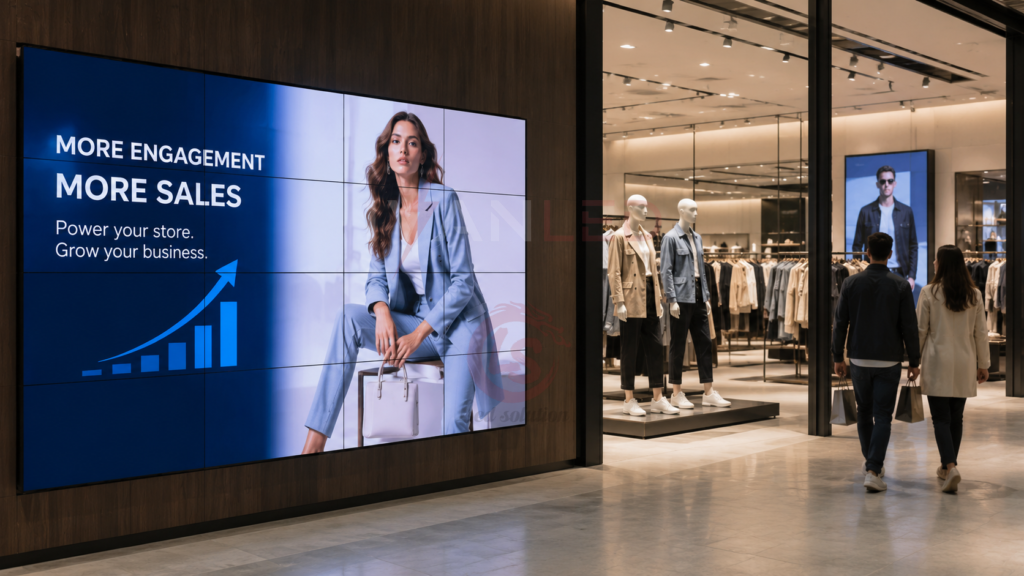
Retailers use video walls for product launches, promotional displays, brand storytelling, and wayfinding. Video walls deliver 15-30% sales increases for promoted items and 20-40% longer customer dwell time.
Applications:
- Product launches: Create excitement with high-impact visuals
- Promotional displays: Rotating ads drive immediate sales
- Brand storytelling: Behind-the-scenes content builds connection
- Wayfinding: Store directories improve customer experience
Content tips for retail:
- Keep messages short (3-5 seconds per message)
- Use high-quality product images and videos
- Change content weekly to keep regular customers interested
- Include calls-to-action (“Visit aisle 3 for this deal”)
Placement tips:
- Entrance areas: Welcome messages, current promotions
- High-traffic aisles: Impulse purchase triggers
- Checkout lines: Upsell and cross-sell items
- Window displays: Attract foot traffic from outside
For more on retail displays, see our LED advertising screens guide.
Part 2: Corporate – Improve Communication and Collaboration
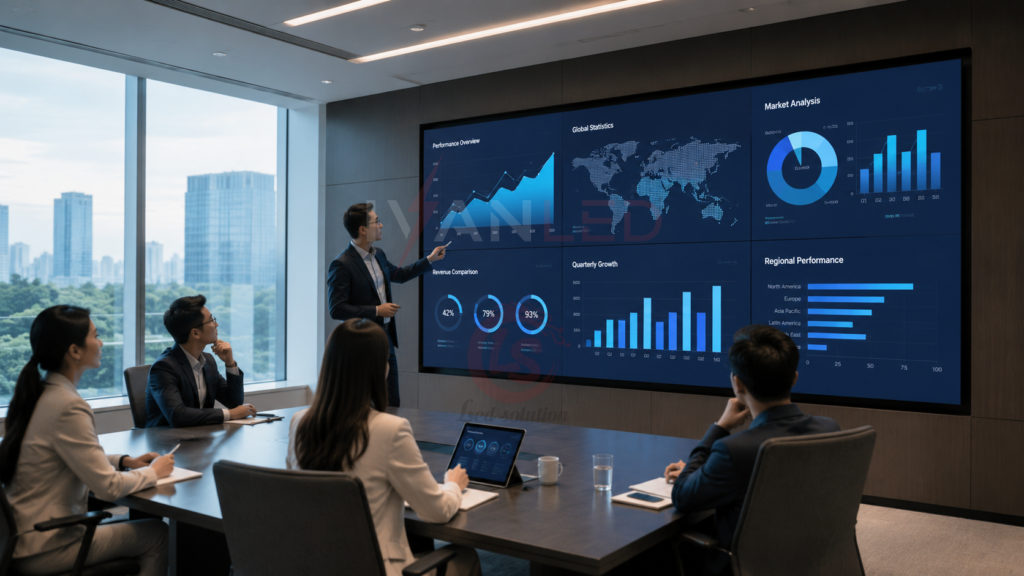
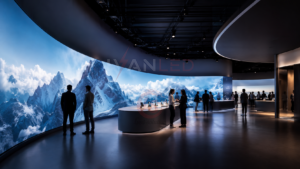
Companies use video walls for conference rooms, data visualization, visitor lobbies, and internal communications. Video walls solve common problems: tiny projector screens, poor visibility for remote participants, and hard-to-read data-heavy presentations.
Applications:
- Conference rooms: Large displays for presentations and video calls
- Data visualization: Real-time dashboards showing KPIs
- Visitor lobbies: Welcome screens with company branding
- Internal comms: Employee announcements and achievements
For conference rooms:
- Choose 4K resolution for clear text and data
- Position at the front of the room, at eye level for seated viewers
- Connect to wireless sharing systems (AirPlay, Miracast, Google Cast)
For lobbies:
- Rotate between company overview, recent wins, and visitor welcome
- Include real-time data (stock price, social media feed) if relevant
- Keep content professional — no flashy animations
For more on corporate displays, see our conference LED display guide.
Part 3: Events and Entertainment – Create Unforgettable Experiences
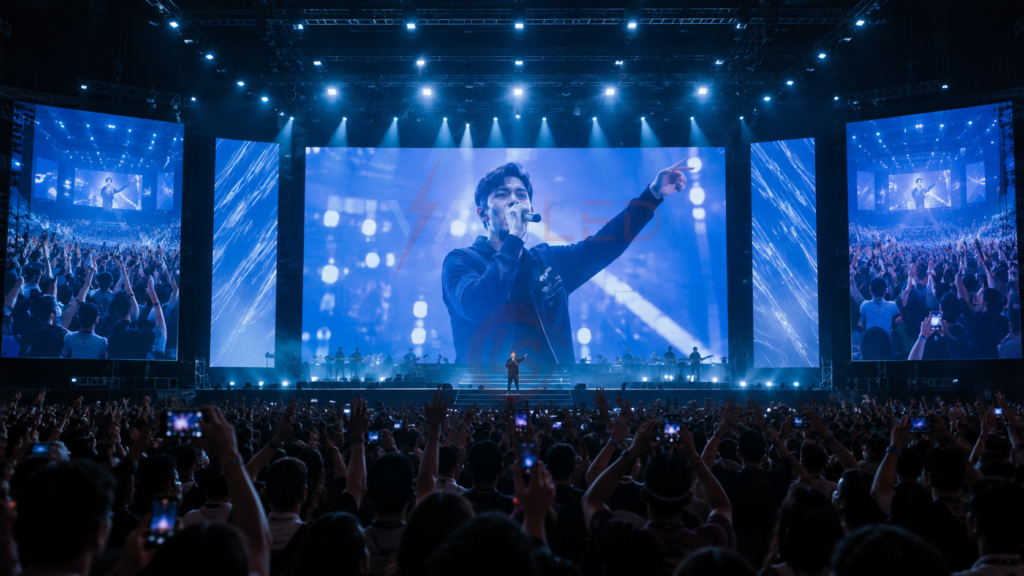
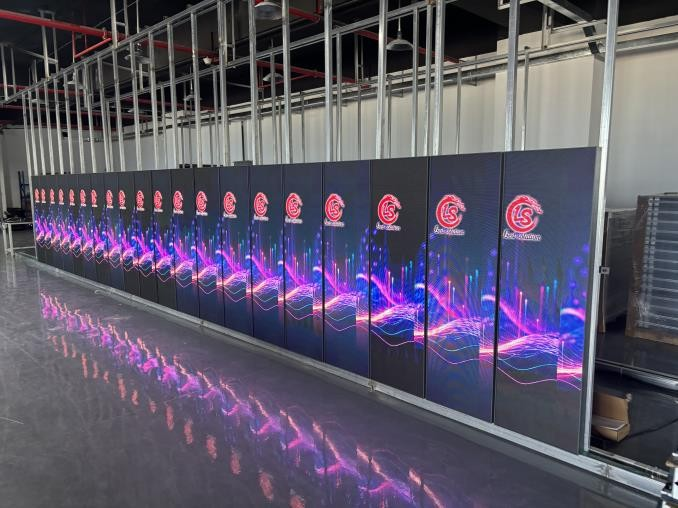
Event organizers use video walls for stage backdrops, live feeds, sponsorship displays, and wayfinding. For concerts, creative audio-reactive visuals enhance immersion. For corporate events, live social media feeds increase audience engagement.
Applications:
- Stage backdrops: Concert visuals that change with the music
- Live feeds: Close-ups of speakers on large screens
- Sponsorship displays: Rotating sponsor logos between sessions
- Wayfinding: Event maps and session locations
For concerts and festivals:
- Use creative content that matches the music (audio-reactive visuals)
- Consider curved or angled walls for unique stage designs
- Ensure brightness is adequate for outdoor daytime events (4,000+ nits)
For corporate events and conferences:
- Show live social media feeds from attendees
- Display session schedules and room changes
- Use split-screen to show speaker + slides simultaneously
Rental considerations:
- Setup time: Allow 4-8 hours for large walls
- Power requirements: Confirm venue has adequate circuits
- Rigging: Hire certified riggers for safety
- Redundancy: Bring spare modules and cables
For more on event displays, see our stage rental LED screen guide.
Part 4: Outdoor Advertising – Maximize Visibility and Revenue

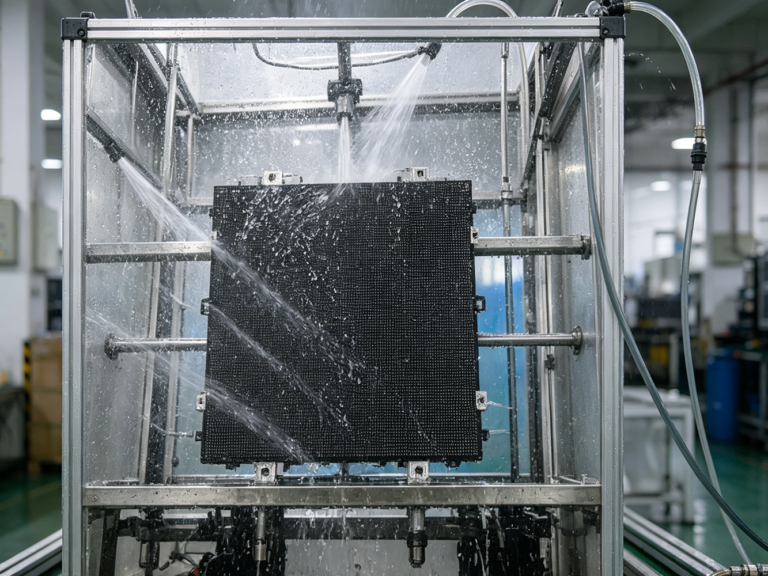
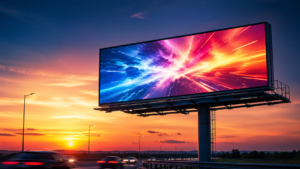
Outdoor video walls are used for digital billboards, building wraps, public information, and event promotion. Technical requirements include 4,000-6,000+ nits brightness, IP65 weatherproofing, and remote content management.
Applications:
- Digital billboards: Highway billboards showing rotating ads
- Building wraps: Entire building facade as a screen
- Public information: Weather, news, emergency alerts
- Event promotion: Concert and festival announcements
Technical requirements for outdoor:
- Brightness: 4,000-6,000+ nits (visible in direct sun)
- Weatherproofing: IP65 minimum
- Cooling: Active cooling (fans or AC)
- Remote management: Wi-Fi, 4G, or Ethernet for content updates
Content tips for outdoor:
- Text must be large (1 inch of text height for every 10 feet of viewing distance)
- Keep loops short (15-30 seconds) for drive-by traffic
- Use high-contrast colors — avoid light text on light backgrounds
Revenue opportunities:
- Sell ad time: Local businesses pay for time slots — $500-$5,000/month per screen
- Sponsorships: One sponsor covers the screen — $2,000-$20,000/month
- Self-promotion: Promote your own business — increased sales
For more on outdoor displays, see our outdoor LED signs guide.
Part 5: Control Rooms and Command Centers – Enable Real-Time Decisions
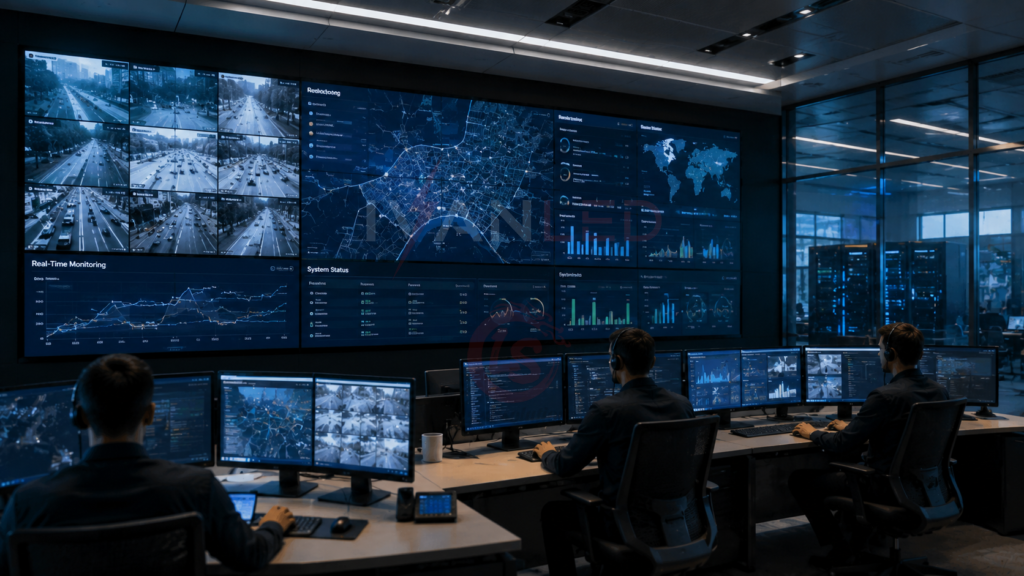
Control rooms use video walls for security monitoring, utility management, traffic management, and emergency response. Key requirements include 24/7 reliability, fine pitch (P1.2-P1.9), low heat, low noise, and redundant power and signal paths.
Applications:
- Security monitoring: CCTV feeds on one large screen
- Utility management: Power grid, water systems monitoring
- Traffic management: Real-time traffic cameras and sensors
- Emergency response: Disaster coordination center
Technical requirements for control rooms:
- 24/7 reliability: Downtime is not acceptable
- Fine pitch (P1.2-P1.9): Operators sit close — pixel visibility is a problem
- Low heat: Comfort for 8-12 hour shifts
- Low noise: Quiet operation for concentration
- Redundant power and signal: Single failure should not take down the wall
How to do it effectively:
- Use video processors that can show multiple sources simultaneously
- Create preset layouts (full-screen, 2×2 grid, picture-in-picture)
- Integrate with existing monitoring software via API
- Include status indicators for system health
Part 6: Hospitality – Enhance Guest Experience
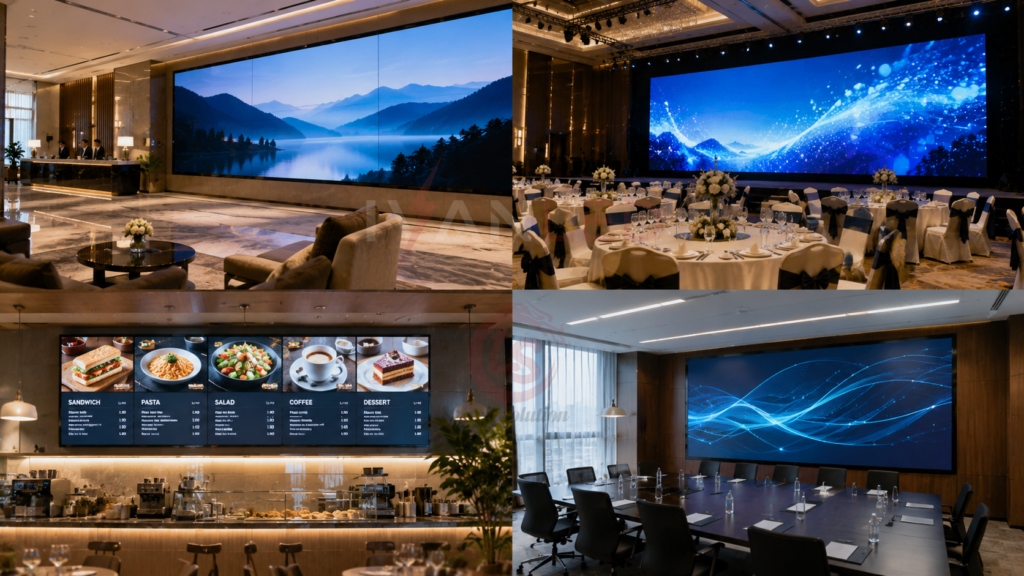
Hotels and restaurants use video walls for lobby displays, banquet halls, restaurant menus, and conference rooms. Video walls increase food and beverage sales by 15-25%, improve event bookings, and enhance guest satisfaction.
Applications:
- Lobby displays: Welcome messages, hotel amenities
- Banquet halls: Wedding slideshows, event branding
- Restaurant menus: Rotating daily specials, drink menus
- Conference rooms: Meeting room information, event schedules
For hotel lobbies:
- Display weather, local attractions, and hotel events
- Include a welcome message with guest names (integrate with PMS)
- Rotate between branding, promotions, and information
For restaurants:
- Use high-quality food photography and video
- Change content by time of day (breakfast, lunch, dinner menus)
- Highlight high-margin items (specials, chef recommendations)
ROI drivers:
- Increased food and beverage sales: 15-25% higher check averages
- Higher event bookings: Groups pay more for AV-inclusive spaces
- Improved guest satisfaction: Better information access
Part 7: Education – Engage Students and Improve Communication
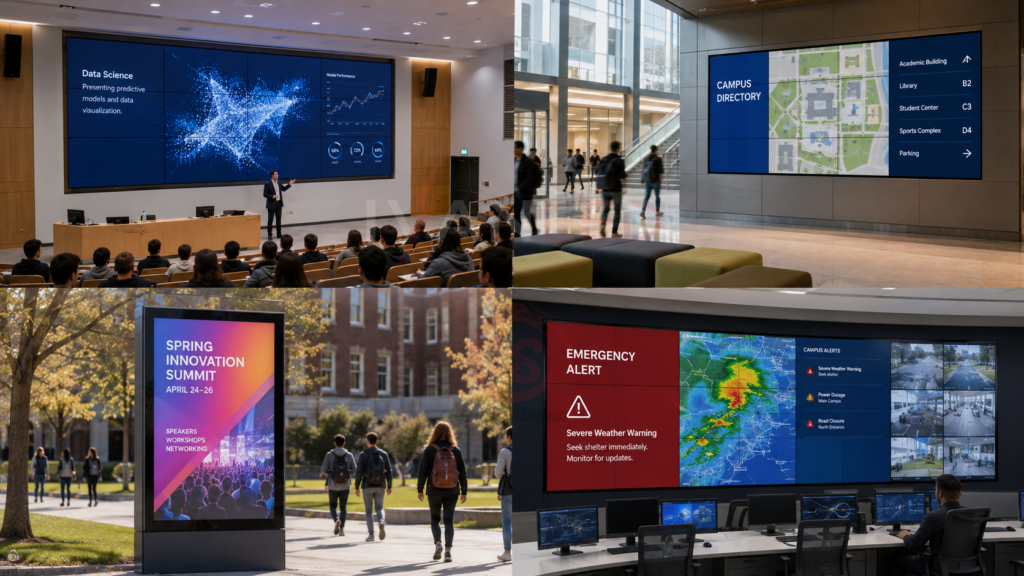
Schools and universities use video walls for lecture halls, campus directories, event promotion, and emergency alerts. Fine pitch (P2.5-P3.9) ensures text clarity for large classes and common areas.
Applications:
- Lecture halls: Large displays for presentations
- Campus directories: Interactive building maps
- Event promotion: Sports games, concerts, guest lectures
- Emergency alerts: Weather closures, safety notifications
For lecture halls:
- Position screens high enough for back-row visibility
- Use fine pitch (P2.5-P3.9) for text clarity
- Connect to lecture capture systems for recording
For common areas:
- Rotate between event announcements, club information, and campus news
- Display real-time data (meal hall wait times, shuttle schedules)
- Include QR codes for students to register for events
Summary: Choosing the Right Video Wall for Your Application
Selecting the right video wall depends on application, viewing distance, and environment. Match pixel pitch to viewing distance and choose appropriate brightness for ambient light conditions.
| Application | Recommended Pixel Pitch | Brightness | Key Features |
| Retail (indoor) | P2.5-P3.9 | 1,000-1,500 nits | Vibrant colors, slim profile |
| Corporate | P1.5-P2.5 | 800-1,200 nits | Fine pitch for text, low noise |
| Events (indoor) | P3.9-P4.8 | 1,500-2,500 nits | Quick setup, rental-grade |
| Outdoor advertising | P6-P10 | 4,000-6,000+ nits | IP65, high brightness |
| Control room | P1.2-P1.9 | 800-1,200 nits | 24/7 reliability, anti-glare |
| Hospitality | P2.5-P3.9 | 1,000-1,500 nits | Slim design, easy operation |
| Education | P2.5-P3.9 | 1,000-1,500 nits | Text clarity, long life |
For more on pixel pitch, see our pixel pitch guide.
Why IvanLED Video Walls Stand Out
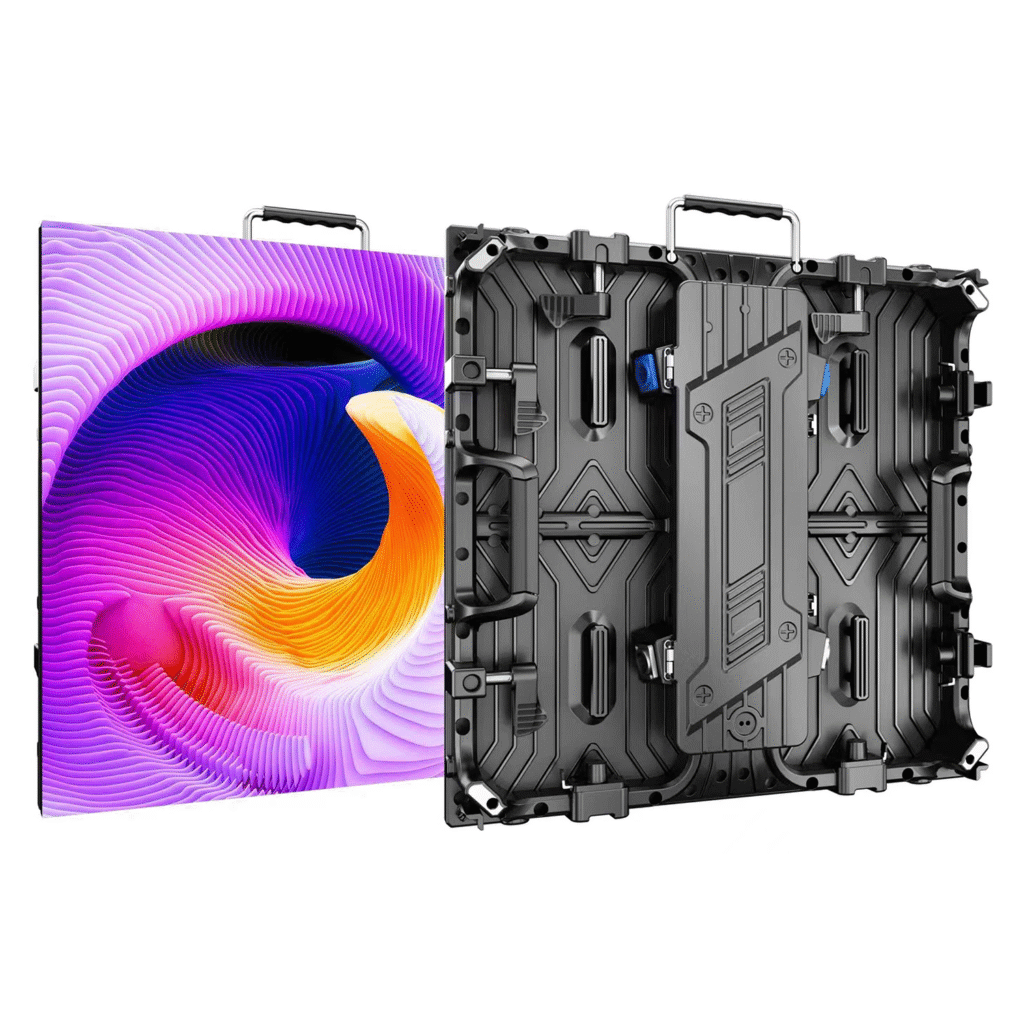
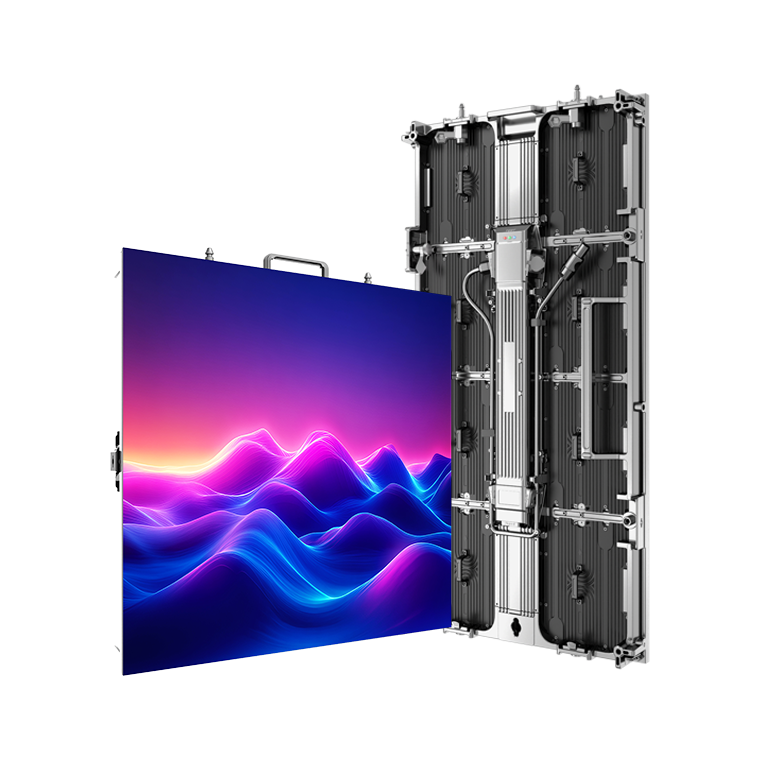
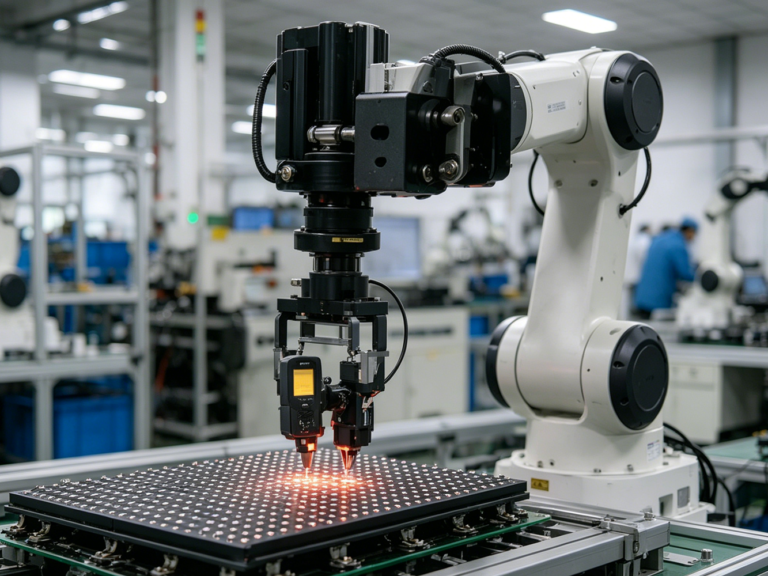
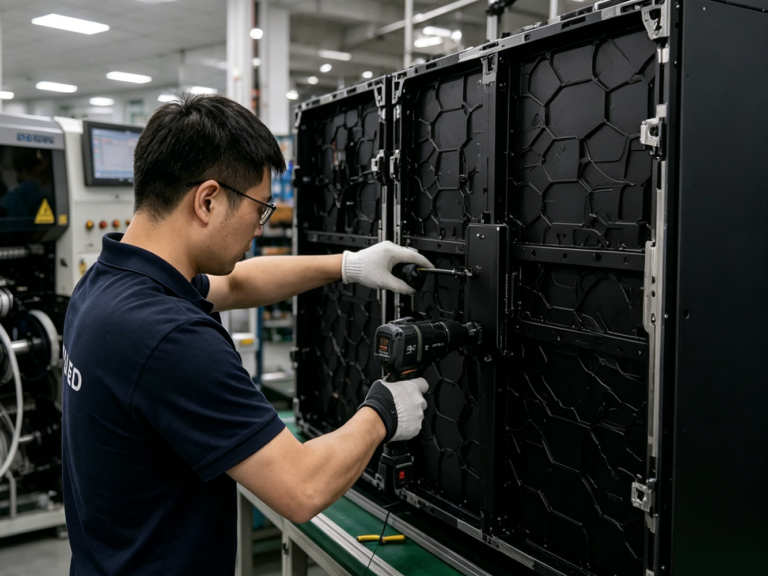
With over a decade of experience in LED display manufacturing, IvanLED has developed video wall solutions that meet the demanding requirements of rental, event, and permanent installations. Our video walls are engineered with several key features that deliver consistent performance across diverse applications.
High refresh rate (7,680Hz+) for broadcast and camera-friendly operation: For events, broadcast studios, and applications where cameras are present, our video walls support refresh rates up to 7,680Hz and beyond. This ensures flicker-free recording and smooth motion rendering — critical for high-speed sports replays and virtual production environments where camera flicker is unacceptable.