What is LED Screen Quality?
The quality of LED screens determines the transparency and precision of visualized images. It relies on pixel pitch, pixel brightness, contrast, and color accuracy. Performance is also determined by refresh rate, grayscale, and viewing angle. One of the factors is controller processing and calibration. You determine the quality of LED screens by aligning them to the environment you are in.
Key Factors Influencing LED Screen Quality
1. Resolution and Pixel Density
- Explanation:
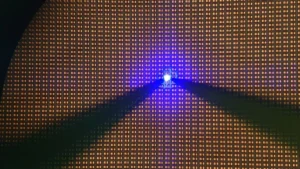
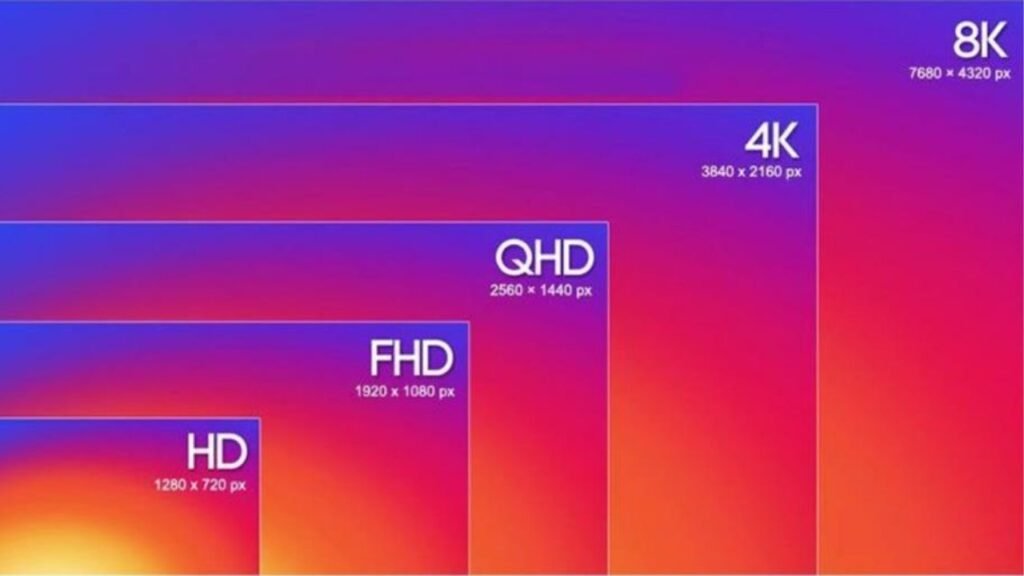
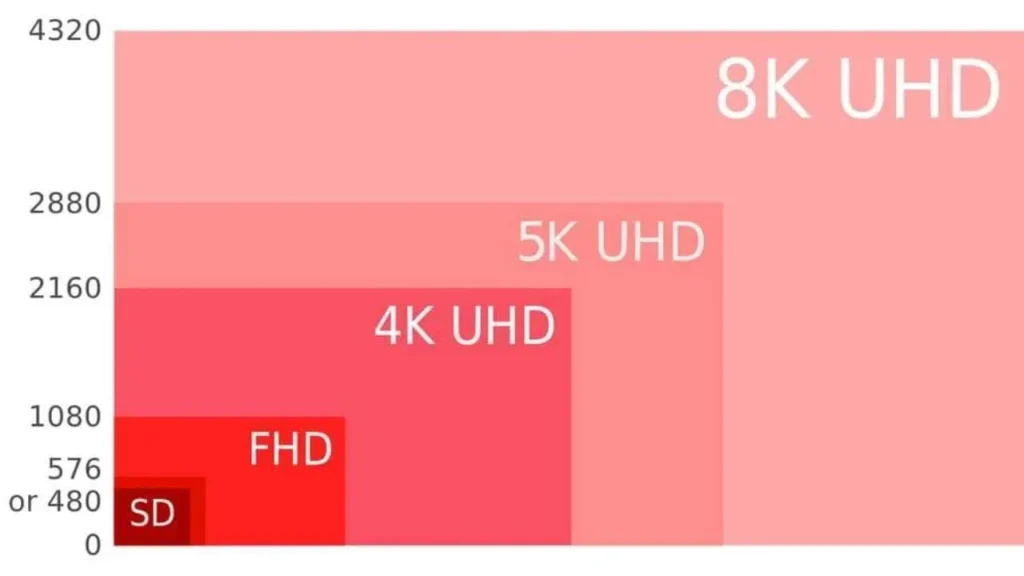
Resolution is the number of pixels per width and height on the assembled LED wall to have content detail. Pixel pitch is used to specify center-to-center distances between adjacent pixels in specifications by manufacturers in millimeters.
- Impact:
Higher resolution does not lose edges or text at greater distances, and it does allow more detailed graphics that you can show onsite. The higher the pixel density, the lower the pixel structure, and the better the LED Screen Quality in brand color gradients.
- Considerations:
Equilibrium LED screen quality with cost, since a tight pixel pitch makes substantial contributions to the cost of hardware and integration. Ensure that your controller is compatible with the total resolution and refresh capabilities of the proposed wall design constraints. Select and set the match content resolution and aspect ratio to the original canvas to avoid scaling artifacts and softness.
2. Brightness and Contrast Ratio
- Brightness:
Brightness is used to determine the amount of light that your LED screen can emit in nits. The brightness of outdoor screens will require more brightness than indoor screens. The indoor LED screens work well on 600 to 1000 nits. In large models, outdoor models usually need 4000 to 7000 units to be visible. Adjust brightness by use of sensors or software, depending on the light.
- Contrast Ratio:
The brightest white and darkest black are compared in contrast ratio. The increased contrast helps to increase readability in ambient light. Aim for at least 4000:1. High contrast is more meaningful to details, depth, and color sharpness in every setting.
- Optimal Levels:
You are supposed to make the brightness adequate to see without straining your eyes in the dark. The maximum amount of brightness indoors should not be more than 1000 nits except where lighting is intense. The outdoor displays must be 4000 to 7000 nits, depending on the sunshine.
3. Color Accuracy and Gamut
- Color Accuracy:
Color accuracy guarantees that there is a display of true-to-source colors on the screen. You should have an equal red, green, and blue balance of panels.
- Color Gamut:
Color gamut is the definition of the colors that the screen is able to display. An extended gamut enhances the gradients and depth of the image.
- Calibration:
Color drift is corrected by performing regular calibration. Calibration tools in factories and the field are used to ensure that the quality of LED screens remains the same over time.
4. Viewing Angles
- Definition:
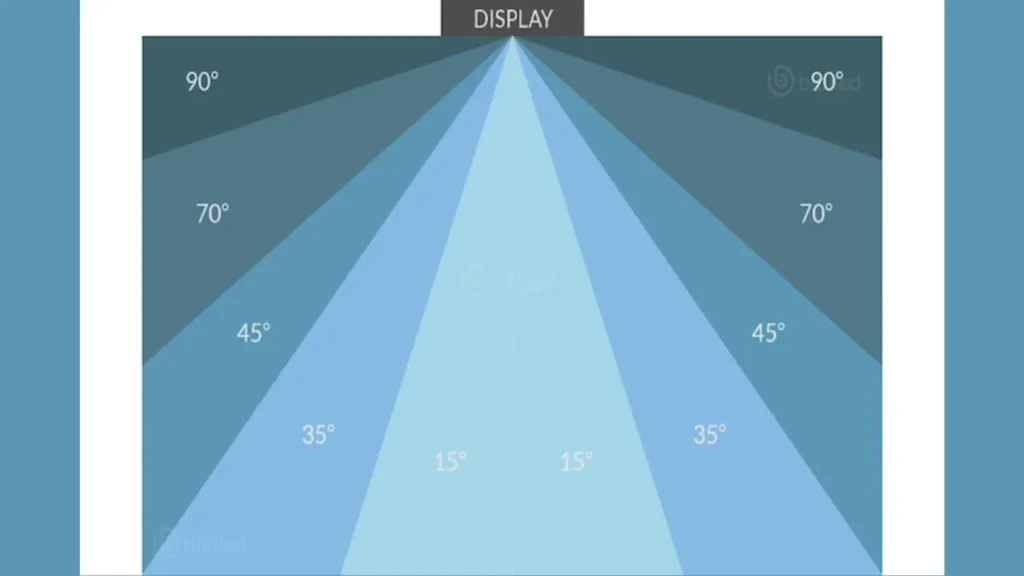
Viewing angle refers to the ability to view the screen sideways without losing the brightness or the color accuracy. A broad field of view guarantees a uniform image to a wide or dispersed audience.
- Technology Impact:
Surface Mount Device (SMD) and black LED technology enhance the stability of color and brightness of color angles. The technologies lower the reflection and distortion, which makes the quality of the LED screen high at any position of the audience.
- Considerations:
You should ensure that they try the display at extreme angles before buying. Poor quality panels tend to lose brightness or change colors fast, which makes them less readable, and the general performance of the LED screen is poor in wide seating configurations
5. Refresh Rate and Response Time
- Refresh Rate:
The refresh rate is determined by the number of times the screen is changed within a second. Use 3840Hz and above to remove flicker and have smooth images in camera recording and live broadcast conditions.
- Response Time:
Response time demonstrates the speed of transformation of pixels. Poor response time eliminates motion blur and ghosting. It requires less than 3ms to retain sharp image transitions as you switch between fast video or animated graphics.
- Ideal Specifications:
The quality of LED screens is enhanced with large refresh and low response time. Select 3840Hz refresh rate and 1 to 3ms response. It is imperative to always test these values through technical datasheets and in the field through demo tests.
6. Screen Size and Viewing Distance
- Size Selection:
Select the size of the screen according to the size of the audience and the layout of the venue. Greater venues require greater screens to see.
- Distance Guidelines:
Optimize pixels with viewing distance. Take visuals with a 1mm pitch per 2 to 3 meters of visual distance.
- Ergonomics:
Place screens at the proper height and angle. Do not look at sharp angles and bend the content. Keep eye contact and look at each other where feasible.
7. Panel Types and Backlight Technology
- Panel Types:
LED screen panels are of DIP, SMD, and COB. SMD panels are more color uniform and have wide viewing angles. COB panels are small in dimension and robust, and can be used on fine-pitch displays.
- Backlight Technologies:
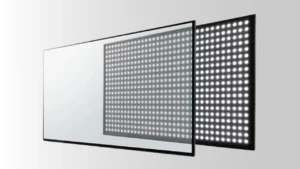
The LED backlights used are mainly direct-lit and edge-lit. Equal brightness is provided by direct-lit. Edge-lit suits installations thin out, but can be unevenly lit. You should have even lighting on the back of the LED screens in order to have professional quality.
- Durability:
Select outdoor panels that are of a high IP rating. Make sure that the protective coating is resistant to moisture, dust, and UV. COB and SMD panels are more resistant to impact and have a higher lifetime in harsh environments.
8. HDR (High Dynamic Range) Support
- HDR Basics:
HDR enhances the contrast and color values of a video element. It allows more vivid whites and more vivid blacks on LED screens. HDR is required to enhance high-resolution and realistic images in up-to-date applications.
- HDR Formats:
The HDR common formats are HDR10, HDR10+, and Dolby Vision. HDR10 is well supported and has static metadata. HDR10 + and Dolby Vision have dynamic metadata to make individual adjustments to the frames.
- Benefits:
HDR enhances visual realism. It enhances the level of detail in highlights and shadows. You have more depth, a truer color, and greater display impact–particularly when you are doing events and high-end corporate displays.
9. Environmental Factors
- Ambient Lighting:
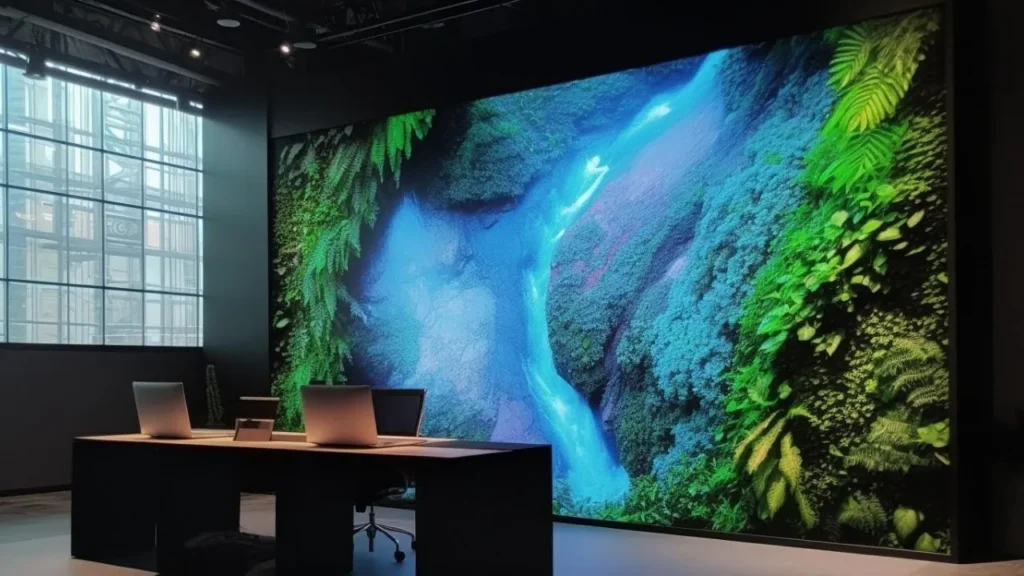
The quality of your LED screen is influenced by ambient light. The outdoor screens require greater brightness to overcome the direct sunlight. There should be glare control in indoor setups. Always adjust screen brightness to real-life.
- Screen Coatings:
Anti-glare and matte finish lowers the reflections and enhances contrast. Apply painted walls in well-lit places. These finishes make the LED screens maintain quality in case there is strong ambient lighting that is inevitable or unpredictable.
- Installation Tips:
Hang screens so that they are not facing the direct sources of light. Indoors, no windows at the back of screens. Make sure that there is sufficient mounting, ventilation, and a proper angle to ensure proper visibility and long stable operation.
10. Practical Tips for Optimal Viewing
- Calibration:
Pre-calibration of color, brightness, and white balance. Consistency of the image is maintained by regularly calibrating. Be it through built-in tools or third-party programs, get the right results on all panels.
- Maintenance:
Wipe screens with non-abrasive instruments. Periodically check pixel modules, power supply, and cables. Preventive maintenance should be scheduled to prevent unexpected failures in the course of live operation or the occurrence of events.
- Upgrades:
Bring the update controller firmware abreast with new formats and features. Replace the old modules or power units. Panel upgrades increase the lifespan of the panels and enhance the quality of the LED screens without necessarily changing the entire system.
Conclusion
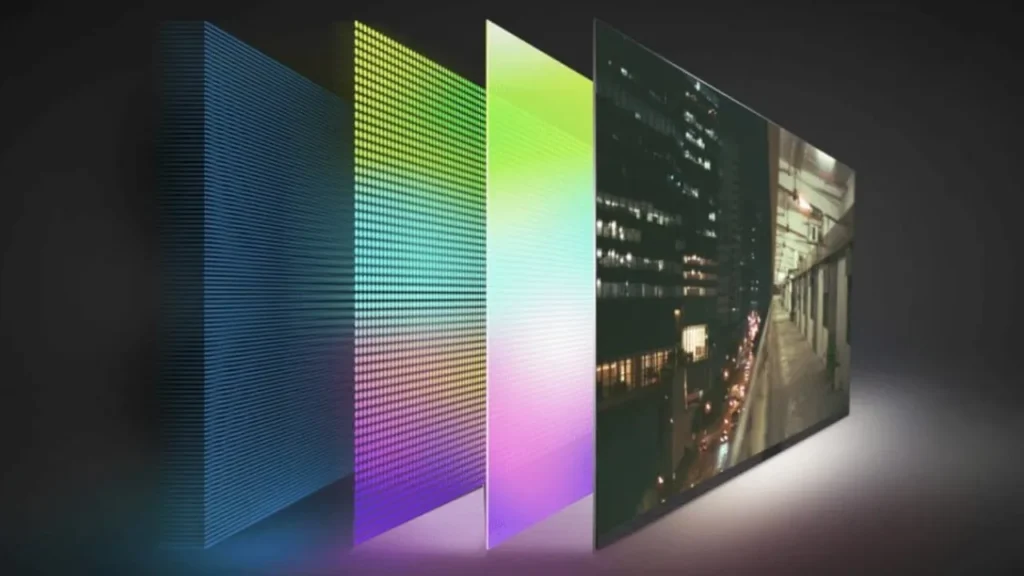
The quality of the LED screen is an issue that should be consulted with special attention paid to the resolution, brightness, contrast, color performance, and environmental conditions. Both factors have a direct impact on visual clarity, reliability, and user experience in professional applications.
IvanLED has provided highly advanced solutions in LED displays, which are used in rentals, events, and corporate setups. Our products are of high standards of performance and durability. Contact us now when you are ready to consult with professionals and find individual solutions.