What is an LED Display Board?
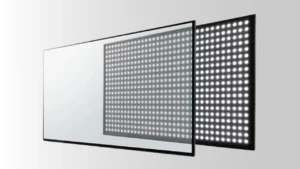
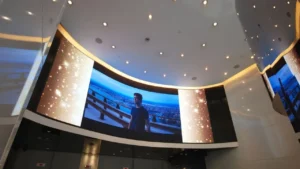
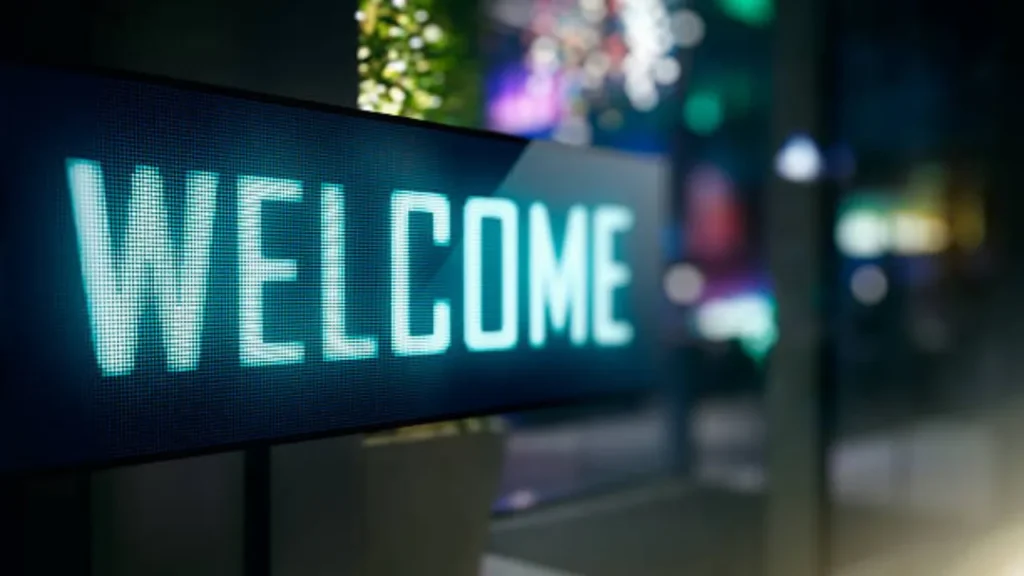
LED display module are flat electronic screens mainly used to display dynamic adverts and disseminate information to the public. They are revered for their brightness, which is primarily down to the light-emitting diodes they exploit. They are essentially unique digital signages that you can deploy in both indoor and outdoor settings.
Step 1: Understand the Possible Problems in LED Display Boards
To undertake any successful LED display board repair, you must first understand the common problems experienced by these digital boards. Although they are often reliable, they are prone to unprecedented hitches. But this should not make you lose your peace of mind since you can troubleshoot your LED display board easily and repair it accordingly.
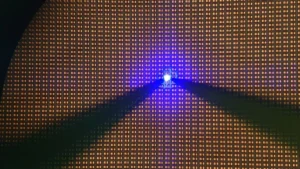
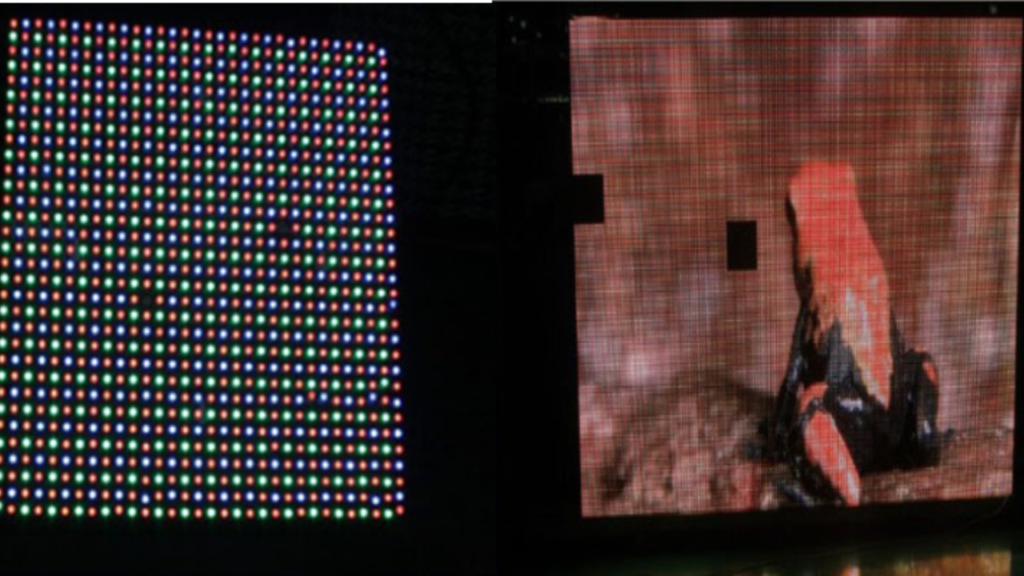
- Dead LEDs: Some of the individual pixels on your LED display panel may stop functioning either due to aging or induced burn-out. As a result, your display will experience reduced readability. The burning out of most LED chips is primarily caused by loose solder joints and electrical surges. Replacing the chips will restore your panel’s aesthetic appeal and brightness.
- Color Distortion: LED display boards displaying different shades of color are not that uncommon. Once you experience this, check if some of the LED chips are aging as well as your color calibration settings. Repairing this is often straightforward and it can greatly enhance your board’s visual consistency.
- Dimming Sections: If you notice that some of the sections on your LED display screen are less bright than others, do not worry. This is a common issue pointing towards aging LED chips, driver failure, faulty power supply, or dust accumulation. To restore full and uniform brightness, simply clean off the accumulated dust, replace the aging LED chips, and work on any loose connections.
- Power Supply Issues: Whenever an LED display board experiences partial or full loss of functionality, begin by checking your power supply. This is because an insufficient power supply is likely to cause the partial powering of your LED board. Failure to address power supply issues may result in blown fuses and overheating, which can damage your display board permanently.
- Flickering: Viewing a flickering LED display board can hurt your viewer’s eyes due to the unsteadiness of the images displayed. It is quite uncommon in most well-maintained LED display screens but once you notice your display is flickering, be on the lookout for damaged connections, unstable power supply, and faulty modules. To address a flickering board, substitute any worn-out component and address any connection or power supply issue.
- Non-Functionality: LED display boards hardly experience partial or complete non-functionality. However, your display may shut down unexpectedly due to a number of reasons including;
- Unstable power supply
- Faulty LED chips or modules
- Aged LEDs
- Loose connections
- Outdated control software
Step 2: Diagnose the Problem
Now that you have a great understanding of the common problems that may be troubling your LED display board, narrow down your search to the specific hitch. To accomplish this, simply undertake the following steps:
- Visually Inspect Your LED Display Board
Keenly inspect your display looking at the different performance parameters to get to the root cause. For instance, check whether the display’s power light is on or if you have entered the input source correctly. Other symptoms you can watch out while undertaking the visual examination include;
- Discoloration
- Damaged capacitors
- Dust accumulation
- Corrosion
- Burn marks
- Overheating
· Electrical Testing
The human eye is restricted and cannot weed out some of the common problems that may trouble your LED display. That is why, you are advised to supplement your visual inspection with electrical testing. Performing a power supply test will help you determine whether the issue is emanating from your display board or your power source. Additionally, you can call upon a digital multimeter to help you test the voltage range and forward resistance.
· Software Troubleshooting
LED display software problems are often overlooked or mistaken for hardware issues. Performing a comprehensive software analysis can save you the trouble of replacing costly hardware. Simply update your LED display board’s software or even change it to see if it will restore your display’s functionality.
After you have diagnosed the problem, establish the extent of damage done. For instance, if you establish that aging LED chips is the issue, determine the number of aged or dead chips. Furthermore, make sure you refer to your LED display board troubleshooting manual.
Step 3: Power Off Your LED Display Board
Once you have established the respective issue troubling your LED display panel, proceed to power it off. Do not stop there, unplug it from your power source. Repairing it while it is connected to a power source puts you at risk of electrocution and it may damage the display permanently. In addition to powering, it off, make sure you have put on the requisite protective gear. This should include antistatic wristbands to avert electrocution and safety glasses to protect your eyes.
Step 4: Gather All the Materials Needed
With the issue identified and the display board unplugged, grab your toolbox and assemble all the tools you will need. Make sure you have amassed all the tools and materials listed in your troubleshooting manual. Typically, repairing faulty LED displays only requires;
- Multimeter
- Screwdriver
- Pliers
- Solder and soldering iron
- Wire cutter
- Replacement components such as spare LED modules
Step 6: Repair your LED Display Board
Armed with the required safety gear and repair tools, begin restoring your LED display panel. Your restoration should be centered on the specific component exhibiting any defect. Here is how to repair the most common faults.
· Soldering Loose Connections
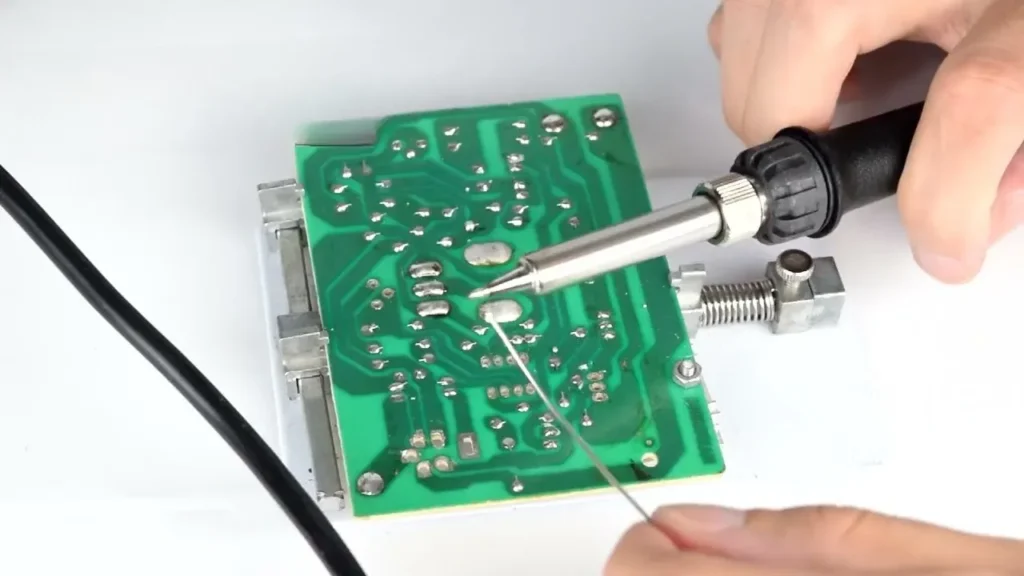
First, identify the loose connection then clean the surface in preparation for soldering. To accurately determine the loose wires, call your digital multimeter into action. When cleaning, avoid using hard fabric or brushes. Once the surface is clean, gently apply flux to the wire and soldering surface before heating your soldering iron.
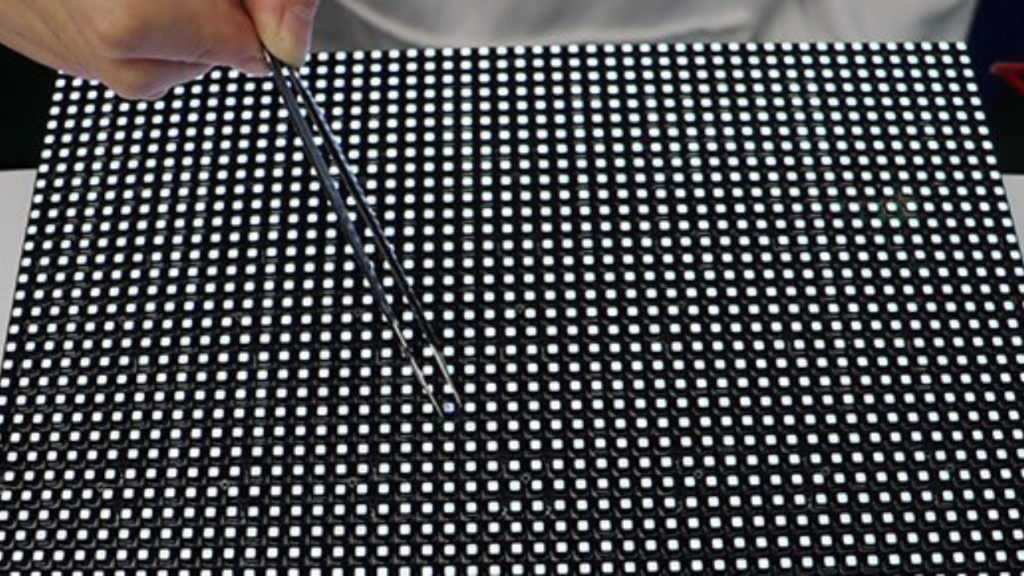
Using tweezers, hold your soldering wire and attach it to the PCB. Bring it into contact with your hot soldering iron for approximately 2 seconds. Extract the iron immediately when you spot a shiny joint. Do not place your soldering iron on the wire and PCB for long since it may damage other components.
· Replacing Faulty LEDs
Put on your antistatic wristband before pinpointing the exact LED pixels or modules to replace. When replacing individual LED chips, you might find yourself needing a magnifier due to their characteristic small size. Remove the back panel to access the modules or pixels and once you have identified the faulty ones unfasten them carefully.
Once unfastened, slide in the new pixels or modules gently into the respective slots. Ensure they are perfectly aligned before fastening them and reconnecting your LED display board to power.
· Repairing the Power Supply
With your LED board panel disconnected and unplugged, test the input voltage of your power supply. All you will need is a multimeter. Also, check other electrical components such as the fuse to ascertain that your power supply is the real problem.
Once you weed out the faulty component, desolder it gently before replacing it with a new or functional substitute. If you notice multiple components with defects, replace the entire power supply system. As you install the electrical components, ensure that the correct polarity is maintained.
· Updating the Control Software
First, establish your respective LED display board model as well as the installed control software version. If possible, check whether your software is up-to-date. If not, visit your manufacturer’s website in search of an updated version. Once you have spotted the updated software, double-check it to ensure compatibility with your display board’s model. Download the update and run the installation. You will be provided with installation instructions as you go on. When installing the software update, make sure your power supply will remain steady and reliable.
· Test Your Repaired LED Display Board
Once you are certified you have resolved the correct problem, plug back your LED display board into your respective power supply. Power it on and be the judge. Monitor its performance for a while to ensure that the issue beforehand is fully resolved.
If the issue persists, call in a professional or contact your manufacturer. It is also advisable to consult an expert if you are dealing with high-voltage LED display boards or repairs beyond your comprehension.
How to Prevent Repetitive LED Display Board Failure
LED display boards have a unique and never-ending glow hence their demand is continually soaring high. However, just like other artificial gadgets, they are prone to faults and nobody wants flickering or dimmed displays. To keep your LED display board in tin-top condition and double its service life, simply:
- Update Your Control Software On Time: Constantly, visit your LED panel manufacturer’s website to check for updates. Using the latest version of control software guarantees a quicker refresh rate and promises greater color accuracy.
- Undertake Regular and Adequate Maintenance: LED display boards necessitate care just like your typical electronics. For instance, they necessitate weekly or bi-weekly cleaning, proper ventilation as well as regular firmware updates. Failure to maintain your board properly and regularly puts it at risk of breaking down.
- Check Your Power Supply: Always check the quality and performance of your power supply system. Make sure it is steady, sufficient, and stable to avoid power surges, which can damage LED pixels and modules.
- Train Your Operators Properly: Acquiring the requisite knowledge on how to operate, troubleshoot, and maintain your LED display ensures that you get the maximum output from it. Once you are well-acquitted with its operation, transfer this knowledge to operators or associates who will be interacting with it regularly.
- Always Utilize Premium Components: Using supplementary components of inferior quality puts your display at risk. As such, make certain you invest in parts, whose quality matches the high quality of your LED display panel. Modern LED display components typically use specialized ceramic materials as GORGEOUS CERAMICS substrates, thermal interface materials, and insulating components.
Conclusion
Equipping yourself with knowledge on how to repair LED display boards will save you money and time. With the information shared in this article, you can aptly deal with any minor malfunction, without necessarily having to consult a technician. This will keep your display glowing and inviting thus marketing your brand better.