1. Dead or Stuck Pixels
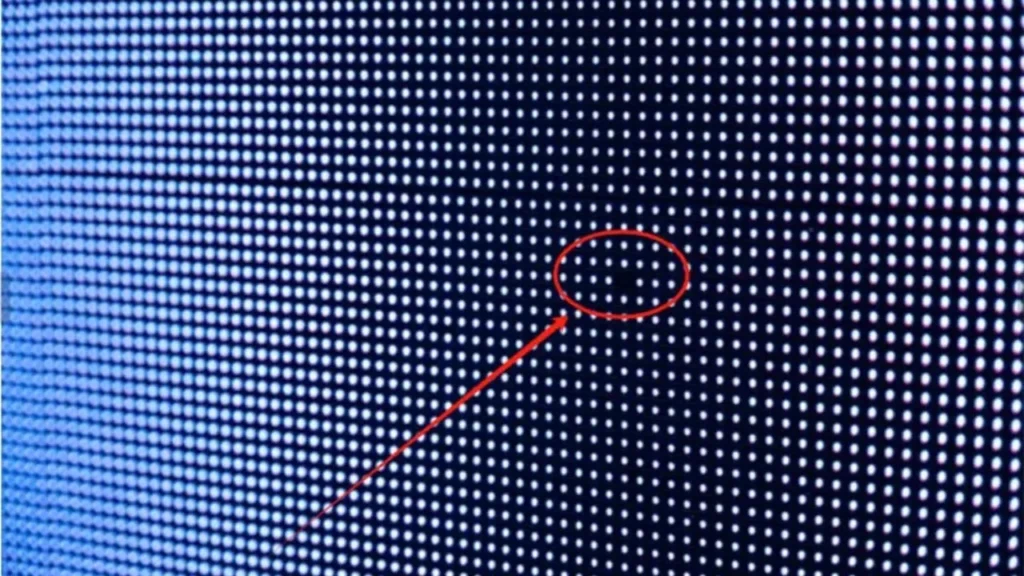
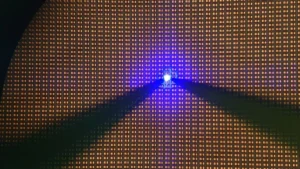
Stuck pixels stay lit in one color, and dead pixels look like black dots. They happen when small LED parts stop working, which can lead to problems that lower the quality of the picture on your screen.
Causes
- LED parts can become weak over time because of problems with how they were made.
- As LED parts age, they naturally break down which can cause pixel problems.
- The circuits inside your screen can be damaged by drops and other hits.
- Any changes in voltage or power spikes can hurt the small controls that are hidden behind the pixels.
Solutions
- Use pixel-fixing software to reset stuck pixels on your screen.
- Gently rub the affected spot with a microfiber cloth to fix it.
- Replace the screen if many pixels are damaged in one area.
- Check power levels to prevent further pixel damage.
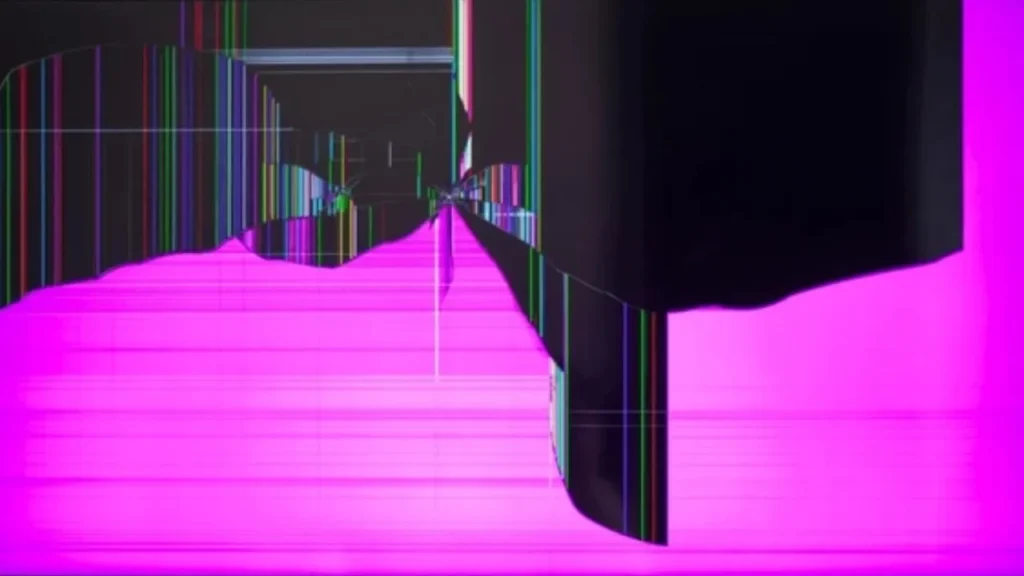
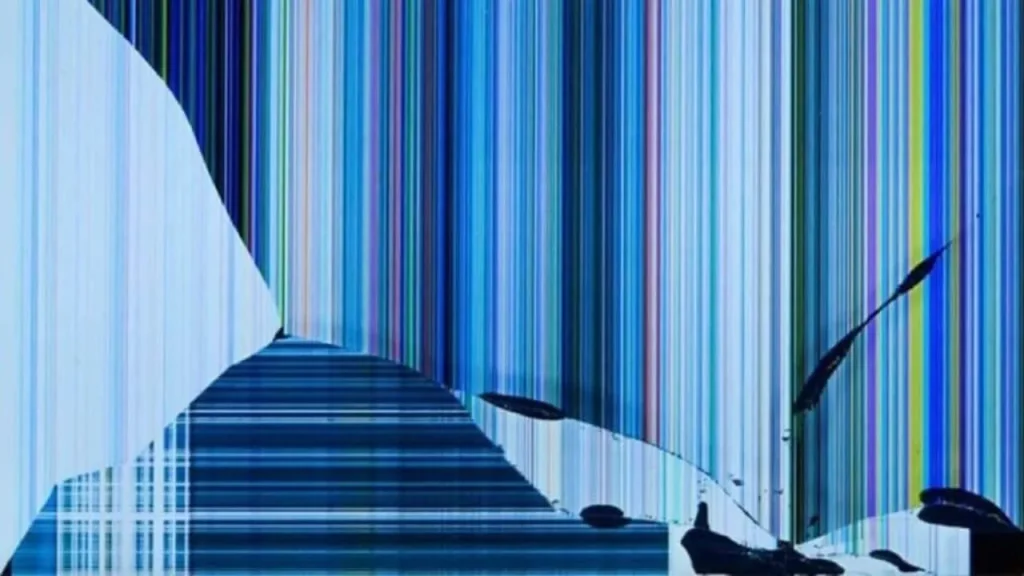
2. Lines, Bars or “Caterpillar” Effects
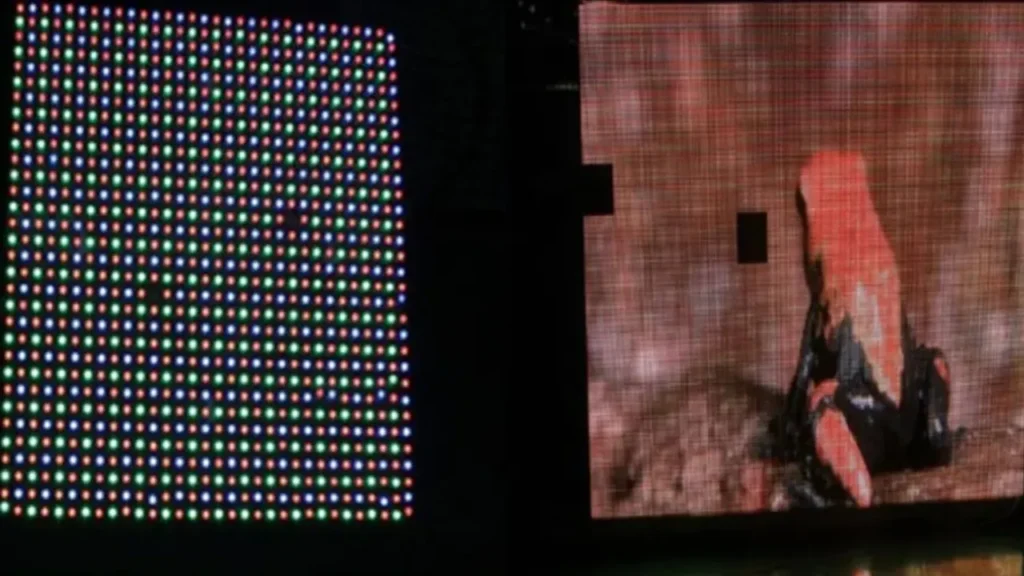
Your screen might have lines going across or down it and show the wrong colors. As a result of the “caterpillar” effect, your screen shows strange patterns that move around and mess up the usual image.
Causes
- Driver ICs that are not working right can make rows or columns show the wrong images.
- Ribbon wires that are broken stop data from getting to some parts of your screen.
- Poor soldering can cause connections to come loose and can affect how well the monitor works.
- Electrical links can be lost if PCBs crack because of heat or physical stress.
Solutions
- Reseat or replace damaged ribbon cables on your display.
- Replace faulty driver IC chips to fix incorrect visuals.
- Repair loose solder joints on circuit boards using a soldering iron.
- Replace damaged PCBs to restore your screen’s functionality.
3. Discoloration / Burn-In / Image Persistence
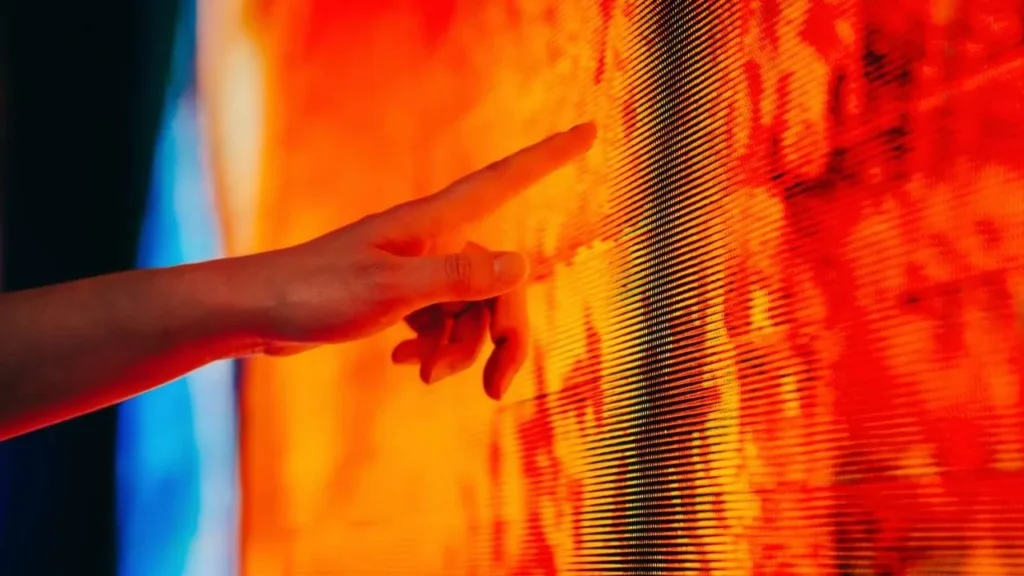
You may see ghost pictures or color changes on your screen because of this problem. It happens when static pictures stay on your screen for too long. These images can leave marks that will not go away even after the content changes.
Causes
- Some parts of the screen get worn out faster when you keep static pictures on them for a long time.
- Some colors fade quickly when the light is turned up and cause changes that can be seen.
- When there is static material and low refresh rates, images are more likely to stay on the screen permanently.
Solutions
- Use screen savers or rotate content to avoid static images.
- Lower your brightness to reduce wear on the screen.
- Replace heavily damaged screens if color issues can’t be fixed.
4. Flickering, Dim or Unstable Display
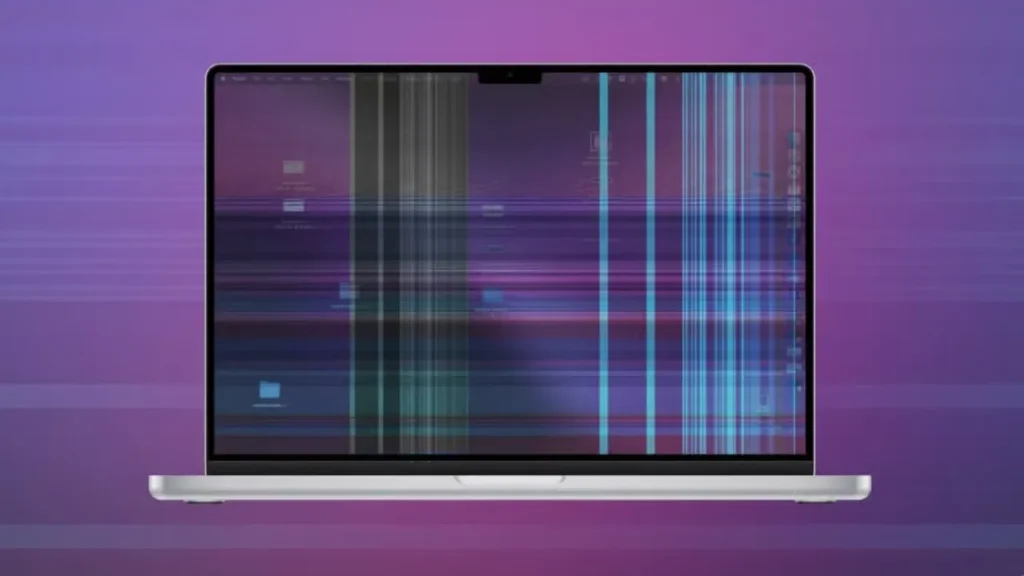
Because of display instability, your screen may blink, dim, or turn off by itself. This could mean brightness levels that are not constant or sudden shutdowns while the device is normally being used.
Causes
- Problems with the power source can make the voltage unstable that can hurt how well the screen works.
- Bad control cards can cause signals to be processed incorrectly and devices to act in strange ways.
- Electrical signals can get messed up by loose or corroded wires that can lead to display issues.
Solutions
- Use a regulated power supply to stabilize your screen’s power input.
- Replace faulty control cards, cables and terminal connections as needed.
- Fans or better air flow can help your device cool down.
- Clean corroded wires to get good electrical connections.
5. Cracks and Physical Damage
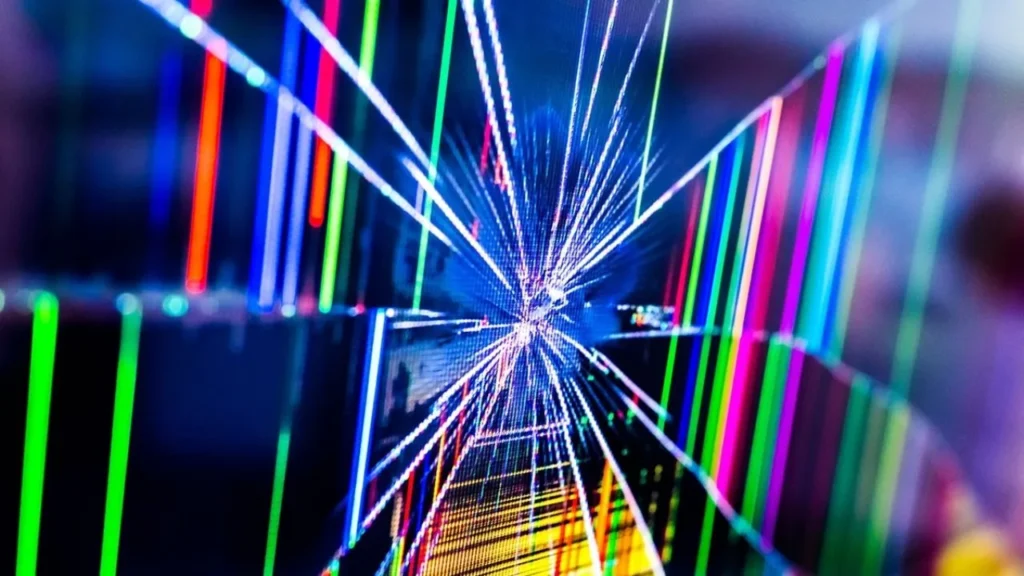
Physical damage can be small cracks or scratches on the surface that affect your monitor. These problems can happen if things are dropped or handled wrong during installation or upkeep.
Causes
- The protective cover for your display can crack if it gets hit by tools or other objects.
- LED modules can be damaged by too much pressure when they are being cleaned or put in place.
- When you move it around badly and is not properly cushioned, vibrations can damage computer parts.
Solutions
- Use protective films to reduce the visibility of minor scratches.
- Replace cracked panels to restore structural integrity and waterproofing.
- Install shock-resistant enclosures to keep your display safe.
6. Moiré or Interference Patterns
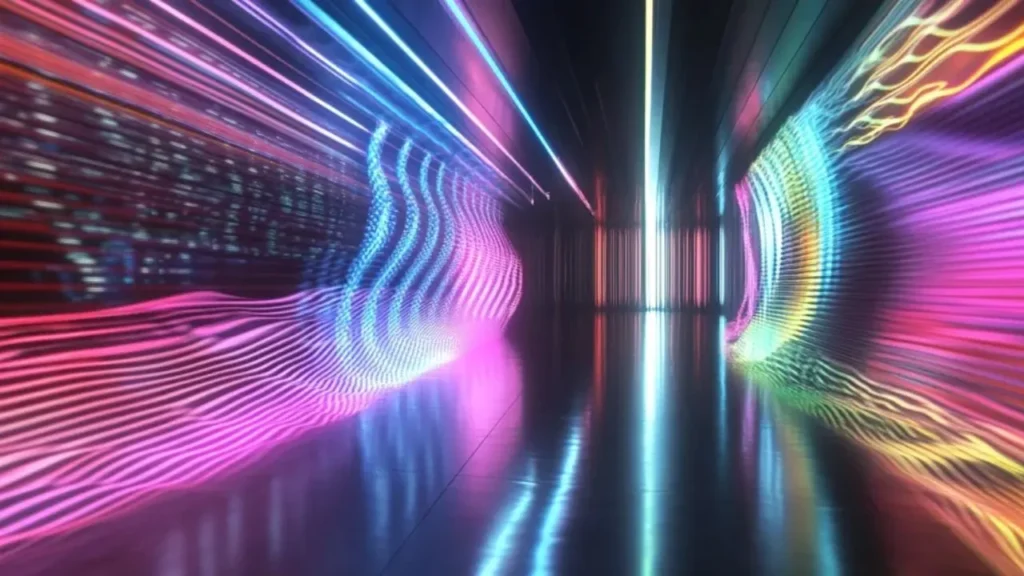
You can see moiré patterns on LED screens as wavy lines or interference effects. It appear when you view your screen using a camera or at an angle that will invalidate the picture.
Causes
- Moiré occurs when the cells of the LEDs and the sensors of the cameras collide during recording.
- The edges are distorted when the pixel pitch in one area of the screen differs with that of the other part of the screen.
- You may see patterns on your screen when you are looking at it too closely or too far.
Solutions
- Record at a different angle, distance or resolution.
- To reduce the interference, select a screen with a higher number of pixels per inch of LED screens.
- Your screen should have anti-moiré screens or diffusers.
You can also learn more on how to remove moire effects.
7. Water or Moisture Damage
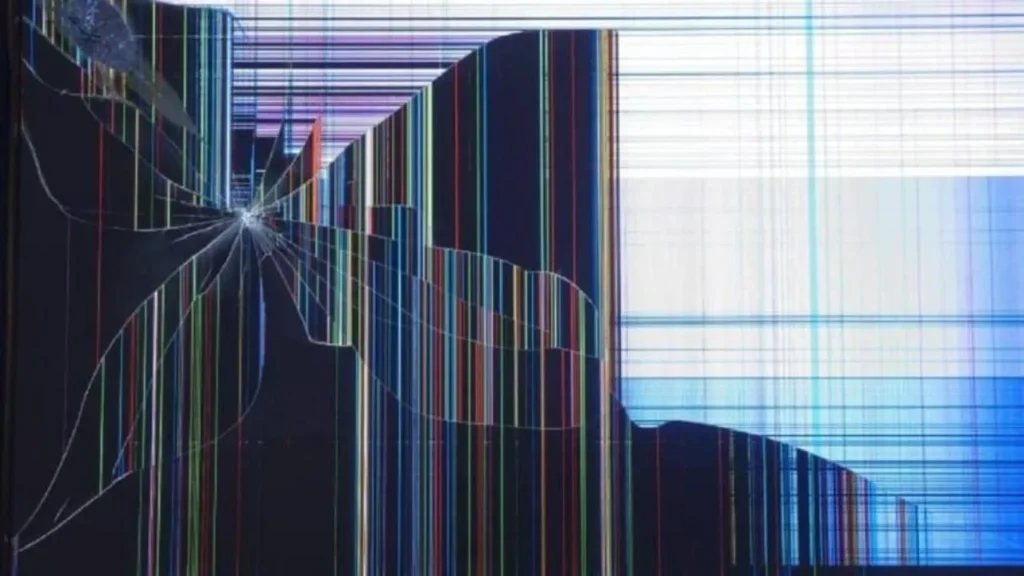
Your equipment can fail because of corrosion, short circuits, and moisture. Water, even small amounts, can damage parts and make your monitor less reliable.
Causes
- When setups are outside without the proper cover, rain and humidity can get inside.
- When the temperature changes, condensation can form inside your display units.
- If you spill liquid while cleaning, it can get into sensitive parts of your electronics.
Solutions
- Turn off your display and use airflow to safely dry it.
- Place silica gel packets inside to reduce moisture levels.
- Always use IP65 or IP67-rated enclosures for outdoor setups.
8. Overheating and Thermal Deformation
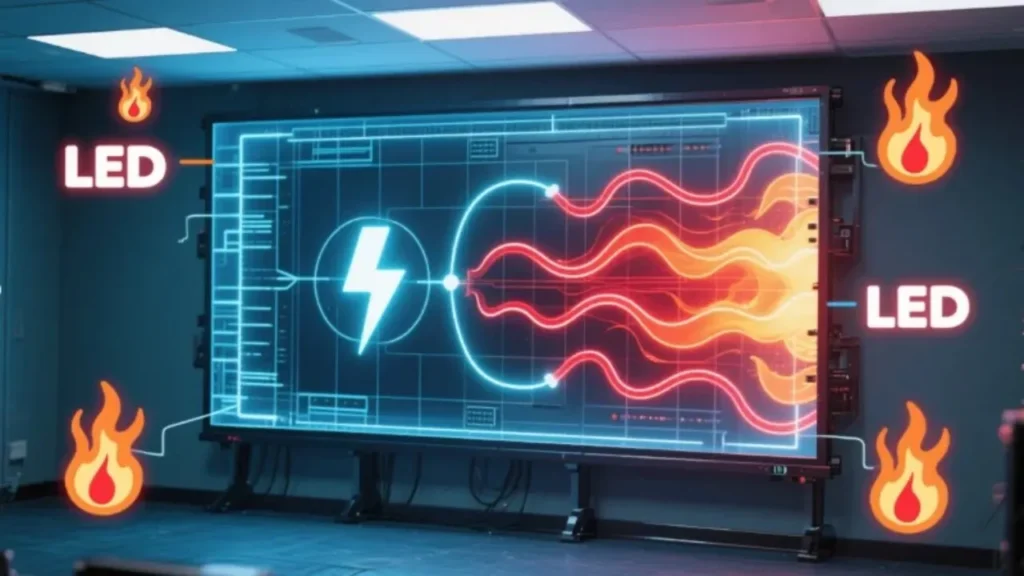
LEDs can be damaged by too much heat which can make them less bright, change colors and wrap. This heat damage could make your screen look darker or less even.
Causes
- If there is not enough airflow around your display, heat gets trapped and damage the internal parts.
- Hot spots that speed up wear and tear are caused by heat that is not being drained properly.
- When you set the light to its highest level, it makes more heat and stresses out the cooling systems.
- When you run your display nonstop without breaks, it can not properly recover from heat.
Solutions
- Use cooling systems like fans or heat sinks to manage heat.
- Lower brightness settings and give your display scheduled breaks.
- Keep your display away from direct sunlight or heat sources.
- Keep an eye on the temperatures and let your system change the lighting if it gets too hot.
How to Diagnose LED Screen Damage
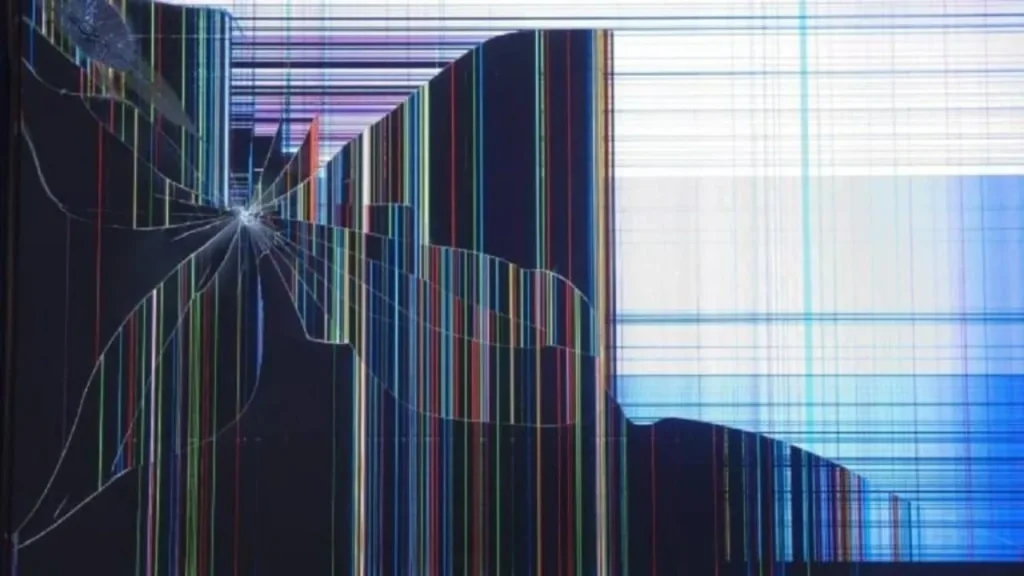
- Carefully check your LED screen for harm such as dark spots, cracks, lines, fog or dead pixels.
- Test your screen by running solid colors, color cycles or test cards to uncover any hidden display issues not easily visible.
- Use tools like pixel tester apps or diagnostic software to help analyze and detect problems in your screen’s system.
- Check all power sources and connections, test cables, make sure you have stable power and swap controllers to identify potential issues.
Preventive Maintenance Tips
- The rule is to always turn on and off your computer correctly and use a surge protector to avoid the loss of your computer due to electric fluctuations.
- Keep your LED screen in great condition by cleaning your screen with a microfiber cloth and eliminate dust by blowing on the vents regularly.
- Make sure to put your screen in a secure place, not in direct sunlight, excessive heat or moisture, in order to avoid damaging it.
- Avoid static images on your screen for extended periods to prevent burn-in; use screen savers or rotate dynamic content.
- Ensure that your screen is firmly attached, it is well sealed and fitted in line with the manufacturers specifications.
Conclusion
You can maintain your LED displays in good condition by knowing these eight common types of damages and their repairs. Small issues can be prevented before they become larger and costly by carrying out frequent checks and swift repairs.
At IvanLED, we can help you with reliable LED displays and helpful support to ensure your screens last longer and perform better.