What Is the LED Dot Screen Effect?
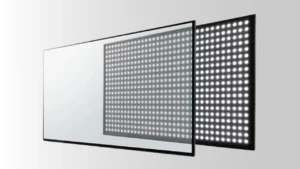
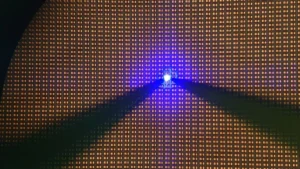
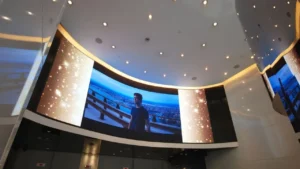
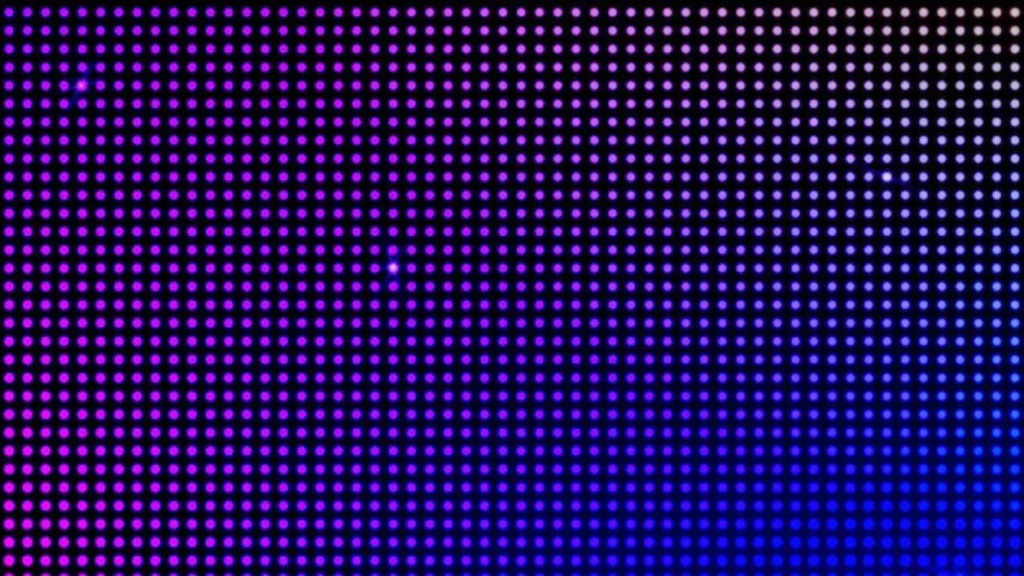
The LED Dot Screen Effect makes it look like an LED screen. It is a way to make graphs that use designs of dots that look like light-emitting diodes. This effect shows up a lot in digital art, creative layouts, and branding. It gives things a unique, textured look that fits with current style and new ideas in design.
Tools and Software Needed
There are tools that make it easier to make the LED Dot Screen Effect. These tools have worked well for designers working on both easy and hard projects.
Adobe Photoshop
Many people know Adobe Photoshop for its powerful tools and ability to be used in many ways. Photoshop gives you a lot of control over your images with its layer changes and filters that make it easy to switch between visuals that look like LEDs.
Other Software Options
If the price of Adobe Photoshop is too high for you, you can use tools like GIMP and Affinity Photo instead. They both have similar tools for designing layers and patterns which make the process easier and more reliable while also cutting costs. Anyone can use these tools to make the LED Dot Screen Effect look good.
Step-by-Step Process for the LED Dot Screen Effect
Step 1: Prepare the Image
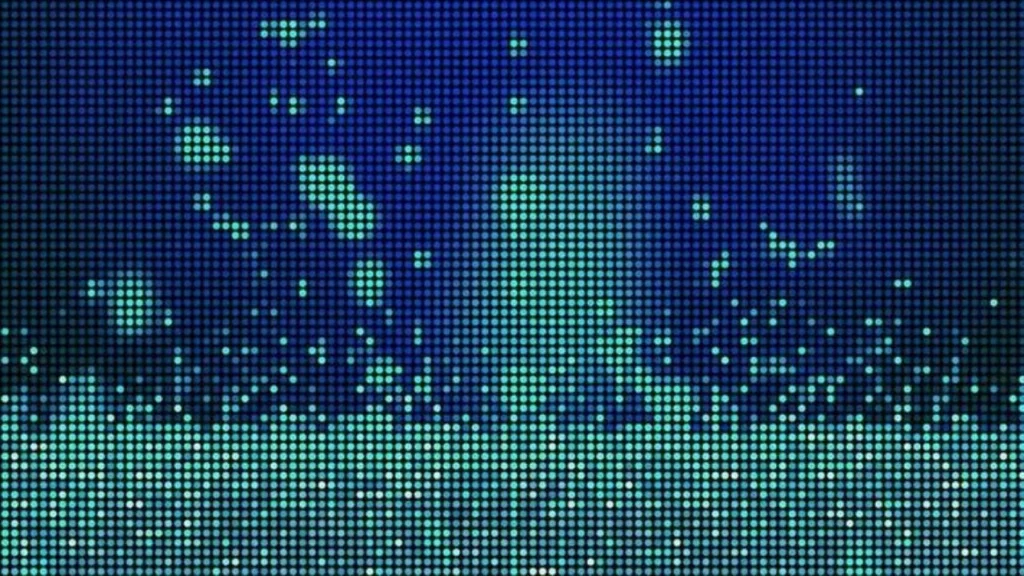
Choose a base picture you want to apply the LED effect to. Make sure that the levels of brightness and contrast are set so that the important details stay visible after the dot design is applied. This step prepares the ground for the final result.
Step 2: Design the Dot Pattern
Make a dot grid in Photoshop by Making a neat circle (Dots) and line them up in a row. To make it look clean and professional, make sure that the space between the dots is always the same. This pattern can be saved and used in similar projects in the future.
Step 3: Overlay the Dot Pattern
Put the dot pattern you saved on top of the picture. If you want to mix the top layer, use “Multiply” or “Overlay” modes. You can also change the transparency of layer to make the pattern blend in with the main picture.
Step 4: Fine-Tune the Effect
Adjust the layer’s opacity, saturation and other styling options to get the best result. Lower the dot intensity in shadowed areas to make the bright areas stand out more to show the difference.
Step 5: Final Adjustments and Save
Merge your layers to finish the picture when you’re done with all of your work. Before you save the file in the format you want, you might want to make the colors better or bring out the details. To be sure of the quality, you should look at the final product on more than one device.
Tips and Best Practices
Consistency in Dot Size
If you want a professional appearance, keep the size and spacing of the dots consistent. Randomized patterns or irregular spacing can distort the design that will make it appear less like LED. Using Photoshop’s alignment tool might assist you make it symmetric.
Layer Management
You can make a separate layer for each effect to adjust and work on it easily. Layers can be easily organized by explicitly naming them. This will allow you to make adjustments more simply and experiment without putting your efforts at risk.
Color Contrast
To improve the LED illusion, you should balance the colors effectively. Adding high contrast shades between the background and dot grid will allow you to make a luminous appearance. Smart color choices will also improve the overall quality of the image.
Experimentation
You should not be afraid of going against the rules and go for alternative designs. You may customize the look by combining different blending modes and dot sizes for your specific project or branding requirements. This experimentation can also help you achieve special outcomes.
Applications of the LED Dot Screen Effect
Graphic Design
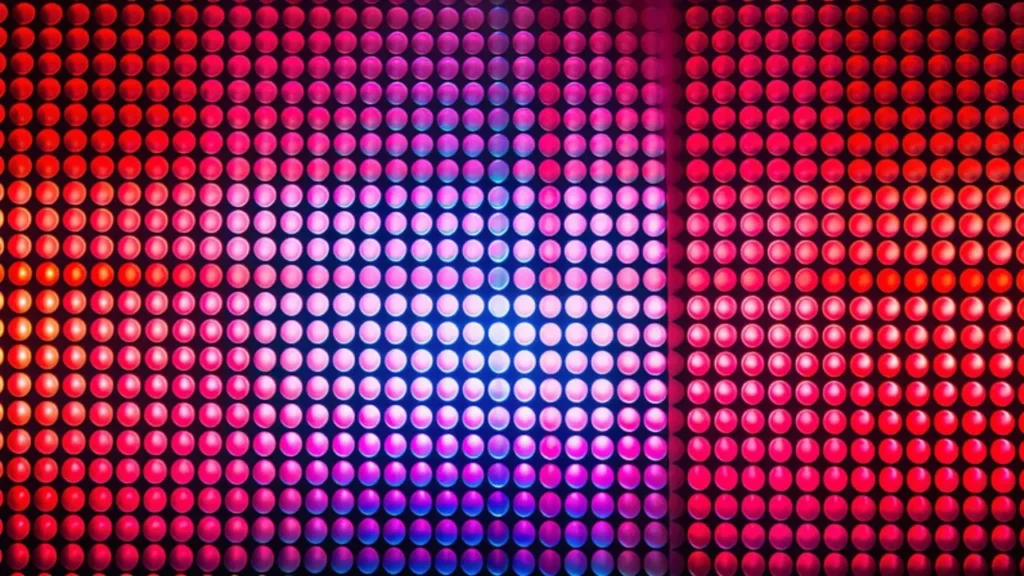
The LED effect is used by graphic designers when making posters, icons or layouts that need a futuristic touch. Its textured look adds depth and interest that looks appealing to tech related companies or minimalist themes that are looking for unique features.
Web Design
Web Designers also use the LED dot effect in their website headers, navigation bars and backgrounds to add a touch of innovative digital experience. It makes your website look modern and attracts more users. It also makes sure the messages pop in a clean, structured environment.
Motion Graphics
For those who make dynamic content, the effect can be animated perfectly in commercials, instructional videos and show openings. To make frames even better and successfully engage audiences, you can add smooth transitions and modify lighting.
Branding
This effect is used by many brands to highlight their typography or logos. The futuristic look suits tech related companies well, improves brand awareness and gives advertising materials a modern and inventive look.
Conclusion
When you learn the LED Dot Screen Effect, you can use it to make new things on a variety of visual platforms. Its unique textures can be used to make logos, web pages and videos that are more creative than usual. If you want your next work to look great, try using this approach to improve your image.
Frequently Asked Questions
Can I use the LED Dot Screen Effect for Social Media Design?
Yes, you can use this effect for social media banners, advertisements and posts to make unique and better designs.
How can I create an LED Dot Screen Effect in Illustrator?
Illustrator doesn’t have ready-made filters, but you can make custom dot patterns and adjust the opacity of the image to simulate the effect.
What are some common challenges when creating the LED Dot Screen Effect?
Bad blending and misaligned dot patterns can mess up the effects. For the best quality, you should be patient and careful.
How does the LED Dot Screen Effect impact visual accessibility?
It can be hard to read when there are too many dots that don’t match. You should try designs that are well-balanced between how they look and how well they work.
Can the LED Dot Screen Effect be animated?
Yes, you can animate LED Dot Screen Effect by layering patterns frame by frame in motion tools such as After Effects.
What are the best color schemes for the LED Dot Screen Effect?
Neons, complementing colors or monochromatic tints are the best color schemes you can use to achieve LED Dot Screen Effect.
How do I ensure the LED Dot Screen Effect looks good across all devices?
You should test the pictures on different devices and resolutions and optimize the file output to make sure they are clear and consistent.