Steps To Make Your LED Matrix Display
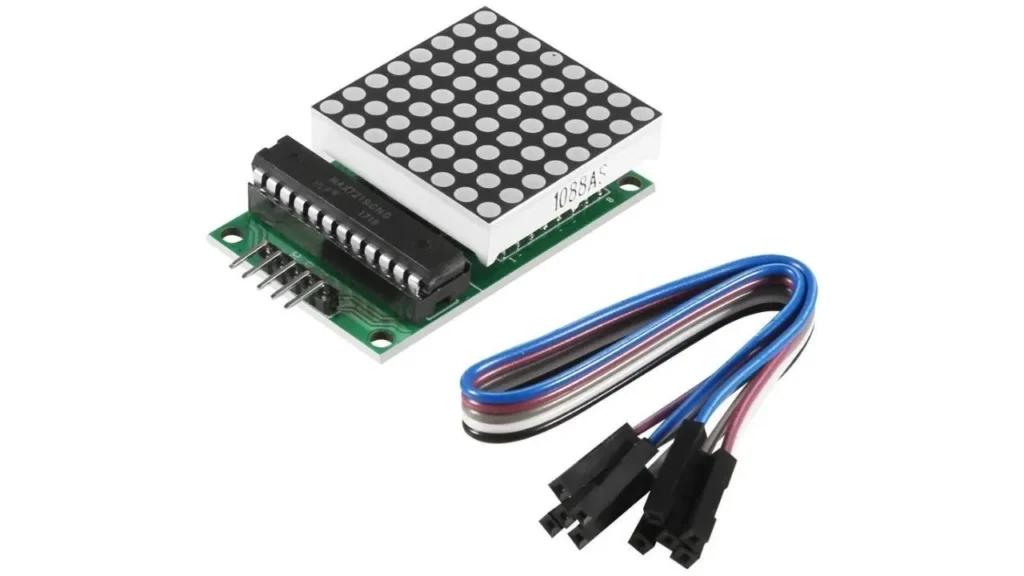
1. Gather Following Components
Right thing selection helps you connect, control and light up your LEDs properly. This is why you will need some important components and tools to make an LED matrix display. You should collect all materials before you start. So that your work flow becomes smooth and easy later. Each item has its own role & property to make sure your display works good and shows lights the way you want.
- LED & LED Driver: LED light creates your text & image pattern when they will turn on or off. Furthermore, LED drivers control the operation of your LED lights and require power.
- Wires: Wires are used to link all parts and pieces of framework. For example: LEDs to the driver, the driver to the Arduino. Wires also carry the electricity and signals between these parts.
- Power Supply: It provides power to display when it shines. Power supply adjusts its current according to the LEDs and Arduino demand & protects them from any damage.
- PCB Board: Printed circuit boards are used to connect all other wires and LED matrix parts. This flat board also organizes these wires, so that it does not look messy.
- Header: To attach the Arduino Uno with an LED display, these tiny header pins are used. Basically, it is made from metal sticks and can attach or remove wires without joining them again and again.
- Arduino Uno: Act as the main brain of your LED matrix display. Mainly it sends signals and tells which light will turn on or off. Plus, it controls the overall working of your LED matrix display.
- Resister: Resistors help control the flow of electricity to the LEDs. So they don’t get too much power and burn out. It also makes your prudent durable.
2. Decide Layout of Matrix
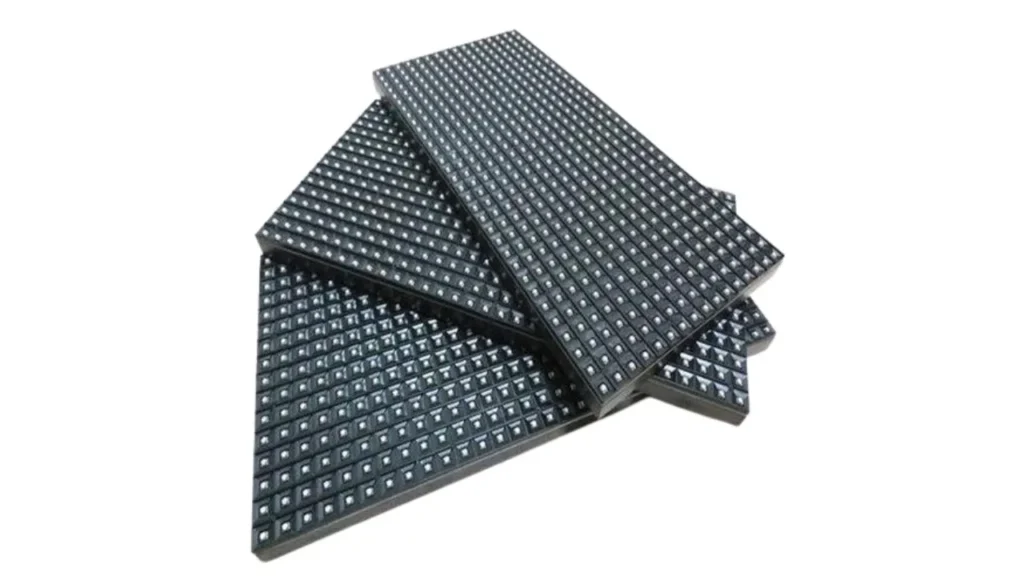
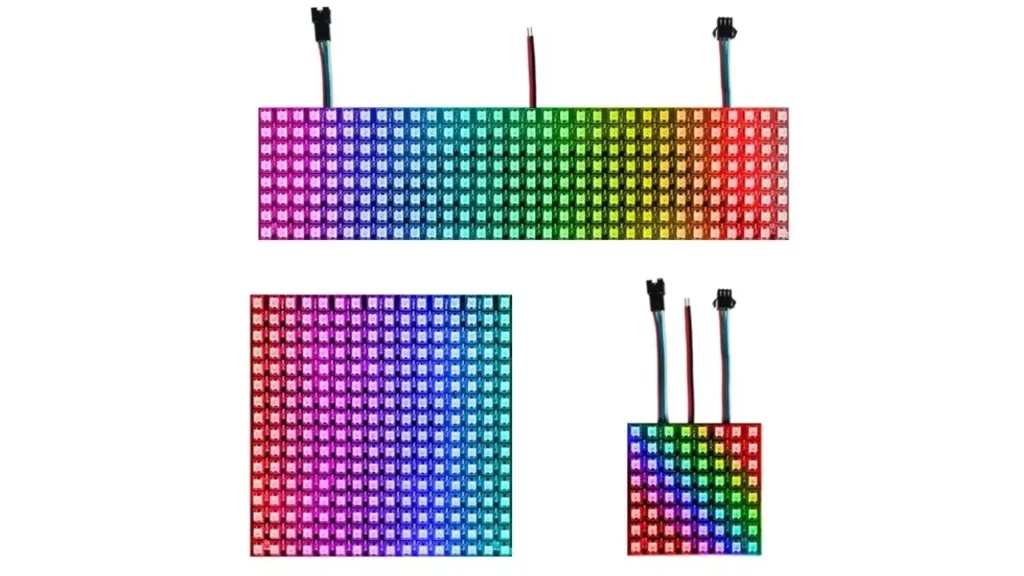
First of all, you have to decide how many rows & columns of LEDs you want. The common option is 8×8 or 16×16. Layout of your LED matrix display will tell you how many LEDs you will need in the whole process. So, plan your required design and sketch it on paper or a computer, whatever suits you more.
This will guide you further where your each LED will go and how you should connect them at the right position. Suppose you choose an 8×8 pattern, then you will need 64 LEDs. But for a 16×16 layout, 256 LEDs you must have for desired results.
3. Wire LEDs On Dot Board
Now carefully wire your LEDs on the dot board to form a clean matrix pattern. You should start LED placement on the board in neat rows and columns. Also ensure that the shooter leg (negative) and longer leg (positive) should be in the same direction.
Then, you need to connect all the anodes of each row together. For this purpose, you can use thin wires or solder traces. The installation of the cathode must be column wise. You can also use color-coded wires such as red for positive and black for negative which can keep things organized.
It is very important to assess that no wire touches each other because it can cause short circuits. In addition, if you do a good job in this step then you will get a strong and efficient base for your project.
4. Install Resistors
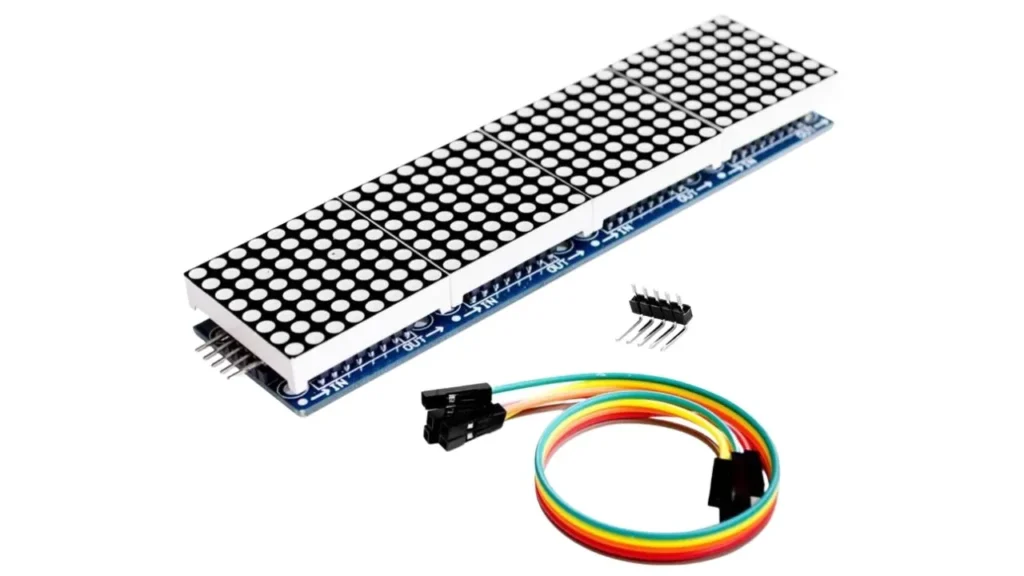
Resistors act as little traffic controllers for electricity and they also limit how much current flows through your LEDs. Your LEDs might get too much power, if you did not install them.
So, you need to attach a resistor to each LED but in some cases it can connect to columns & rows. Installation of resistors only gives the right amount of current to your LED which keeps the LED display shine and bright with protection.
Remember that you also need to check the resistor value. You can use an online calculator or chart to find the right size based on your LED’s voltage.
5. Setup Your Power Supply
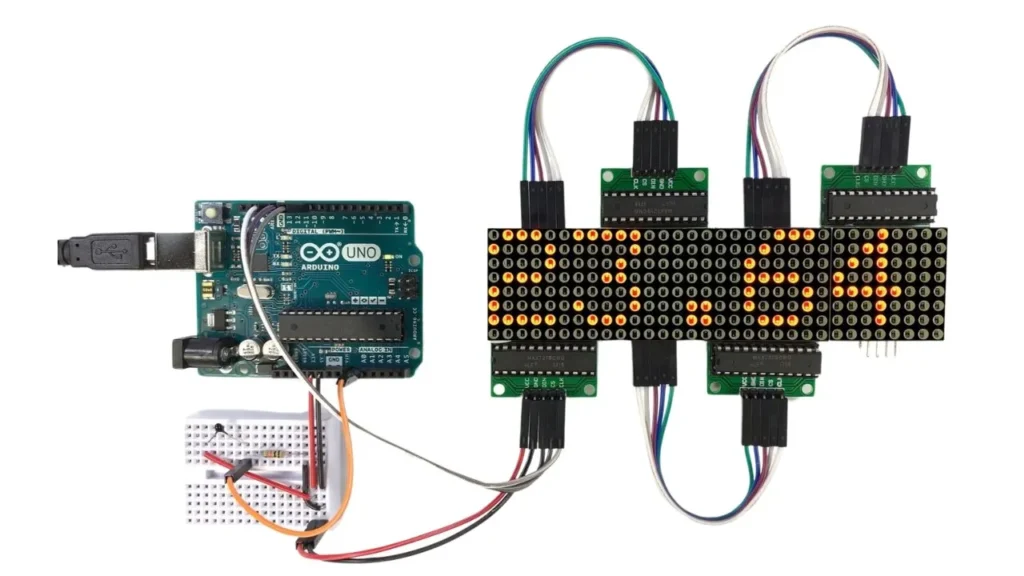
According to the LED voltage and current requirements, you have to install a power source in your system. For example: you can put a battery pack or a DC power adapter etc. If the power supply gives too much current or too little power, it can result in the damage of LED lights or make them dim too.
So, you should always be careful about the selection of power source ratings. If you are still confused then go for a regulated power supply because it can keep the voltage stable and safe.
Plus, the positive and negative wires must attach to the correct terminals. If you mix them up, your display won’t work and you might even damage your LED components.
6. Adjust the LEDs
Once your LED matrix is powered up, it’s time to adjust your LEDs. You need to check that all the LEDs have smooth light and in the right direction. Sometimes, when you connect wires or handle them there is a chance that few LEDs might get slightly tilted & loose.
If you see this happen, you can use a small tool to adjust them properly. Also assesses other components such as columns & rows lightings, display look, wires connections and power part as well.
7. Final Assessment
You need to turn on the power and observe the entire board. Also ensure all LEDs are lighting up properly and there should be no flickering and dim lights. If all messages and display patterns show up clearly, that means your project is on the right path.
However, If you notice any mistakes then don’t worry. You can simply fix them and adjust all things in the right direction.
Wrapping It Up
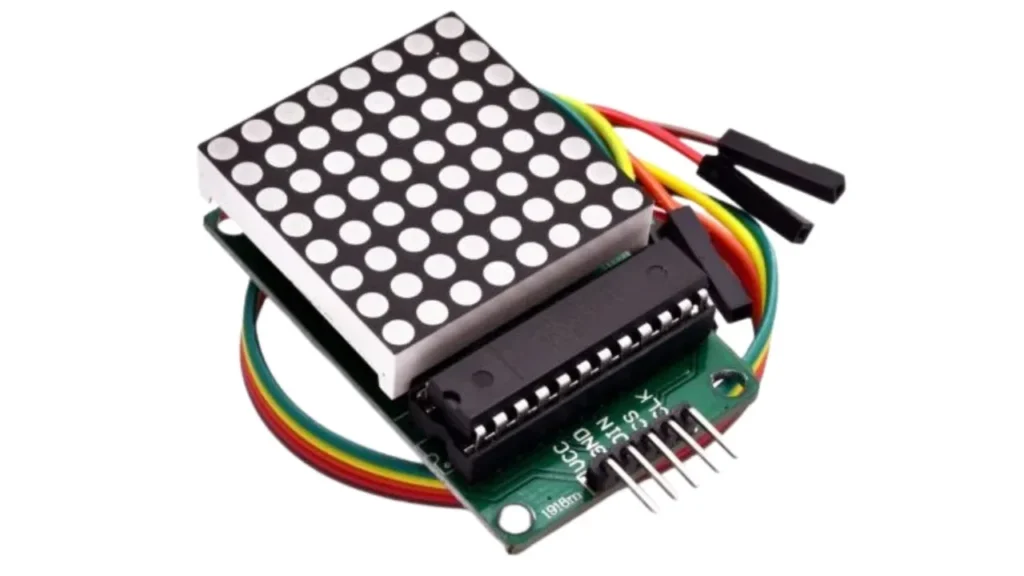
Finally, you can see that LED matrix display making is not a complex process if you follow the right steps. Once you have done it, you can keep your products in a safe packaging for your future use and for shipping to other buyers.
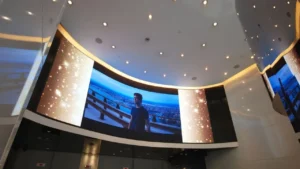
Now, you have many options to install this wonderful LED display at different locations such as your stores, events and factories.