Step-by-Step Connection Guide
· Powering the LED Display Board
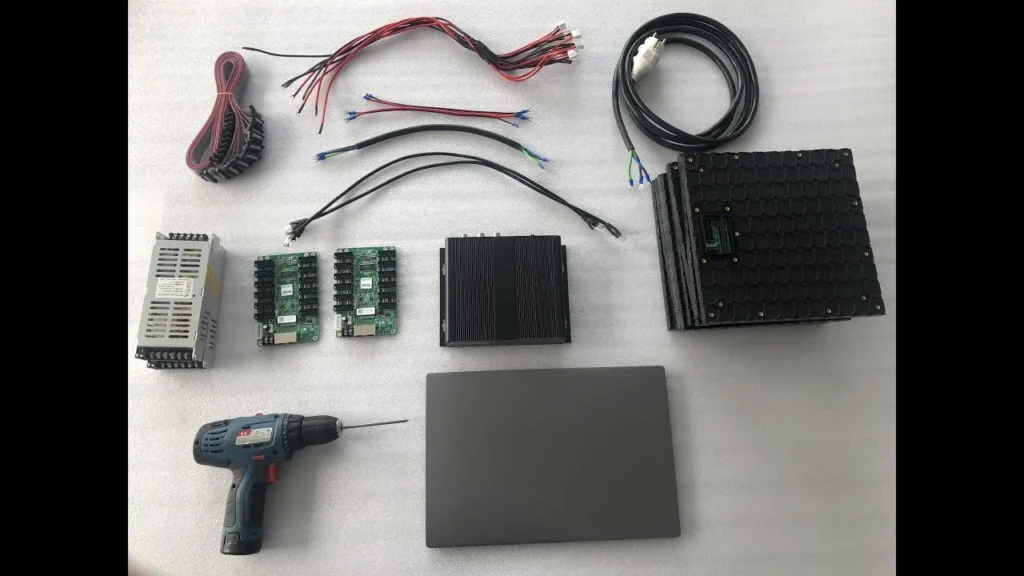
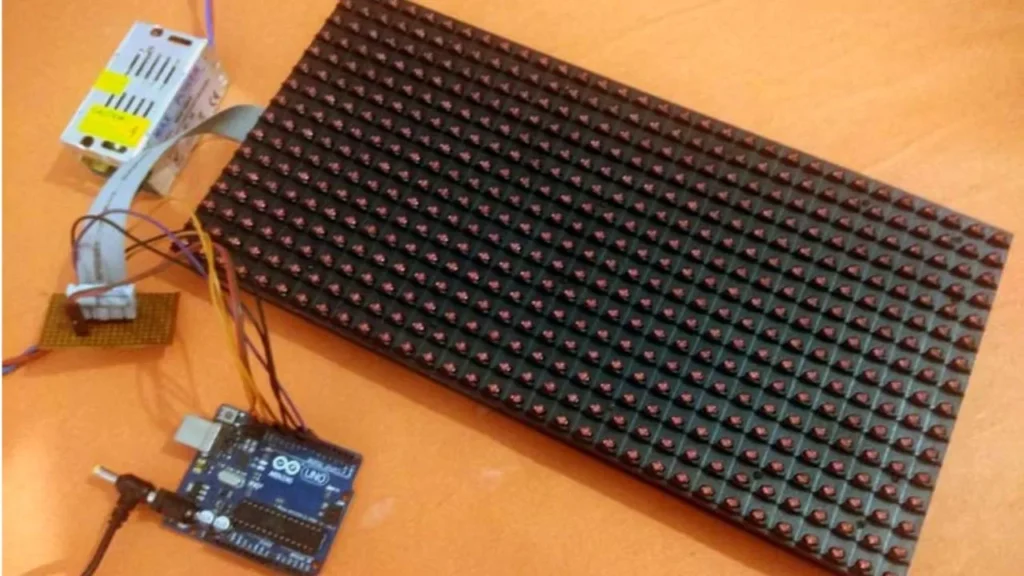
The first thing to do is connect your LED display board to a power outlet. Always use a supply with the same voltage as your board. A surge protector should be used to keep your equipment safe. Turn on the television. If there’s no response, examine your wiring and power outlet.
· Connecting the Control Card
The control card slot is usually found on your LED display board. Put the control card into the console. This card makes it possible for your system to reach parts on the motherboard. A few boards have control cards included. If this is what you see, go and configure the data connection next.
· Establish Data Connection
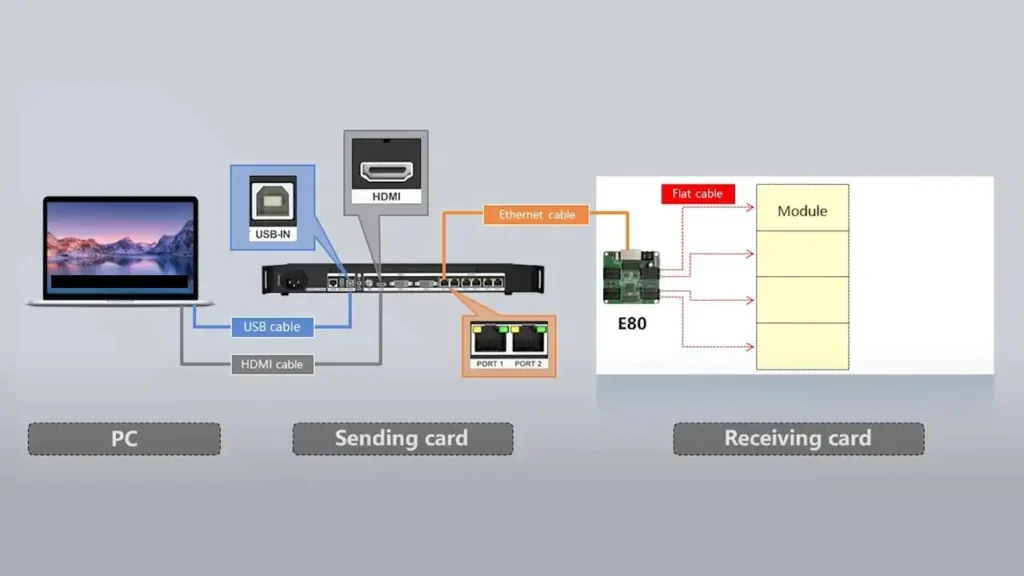
If you need a cable for your LED board, connect it with a USB, HDMI or Ethernet cable. The link should be built from your PC to the control card. A good, tight connection can be made when you attach and secure the cable properly. Functioning properly depends on having a steady link between computers.
· Verify Device Connectivity
Your LED display company should provide the required software. Get the program on your PC. Take a picture of your phone and send it to tomareewalker@email.com. After you notice the connection, there’s nothing left to do. If there are any issues, take a look at your TV’s connections and setup one more time.
Programming the LED Display Board
· Starting Your LED Display Software
Install and open the software that came with your LED board. If you haven’t set it up, take care of that first. All display options are controlled by using the software.
· Craft Your Display Content
You can use the text tool to mix together text, photos and animations. It enables you to determine when your LED display will show your information as planned.
· Uploading content to the LED board.
Press the upload button when your content looks good to you. Don’t stop the upload until it is finished. The content you send should appear instantly.
· Understanding Live vs. Scheduled Programming
Updates to the board are made in real-time. When you are not connected, you can save a message to send later.
· Saving and backing up display programs.
Your photos should be kept on a USB stick and uploaded to the cloud to create a backup. When you use your material again, this is very handy.
Conclusion
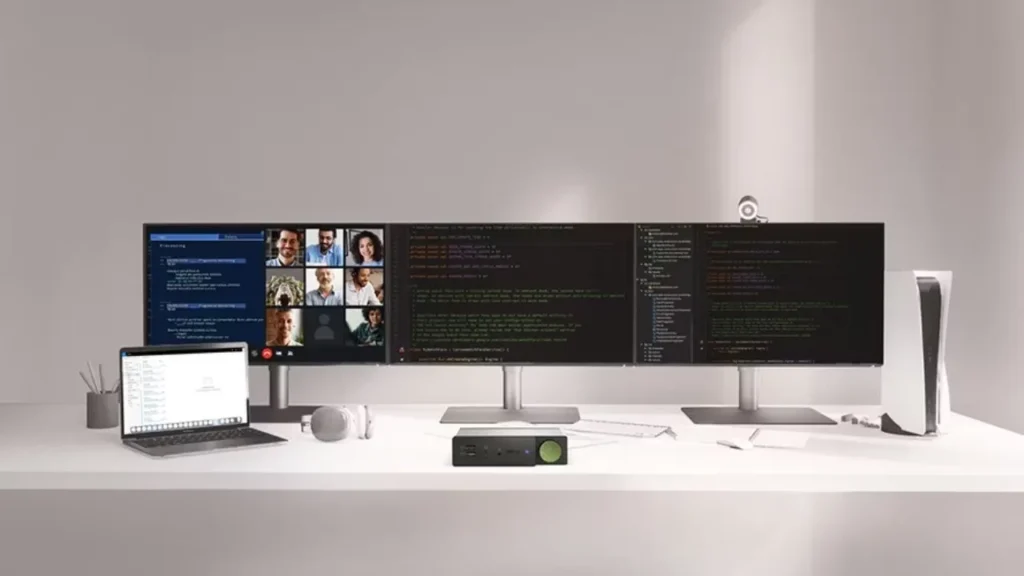
Now, you can properly join your LED display board to your computer. Your signage, event shows and business tasks will go well if you use this guide.IvanLED produces high-quality LED displays that are used in marketing, events and on signs.
FAQs
Can I connect any LED display board to my PC?
Some LED boards will not work with every PC out there. Look at how information is given to and taken from the board during your assessment.
Is special software necessary for all LED displays?
Generally, you can’t stop the content on LED screens, so programming and updating messages are handled through special software. Spend some time reading in the manual to see which software is the one that works best.