What is an LED Matrix Display?
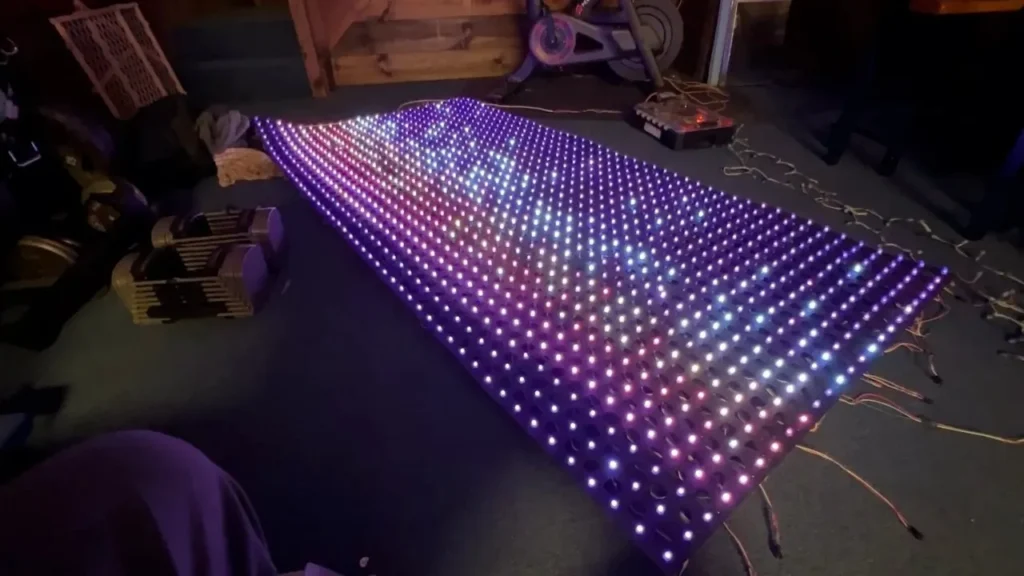
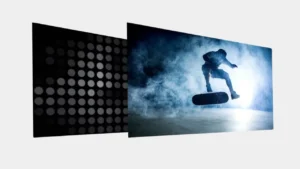
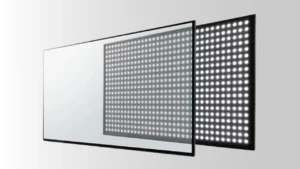
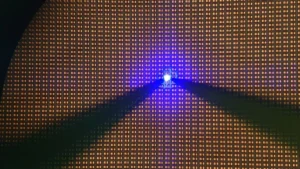
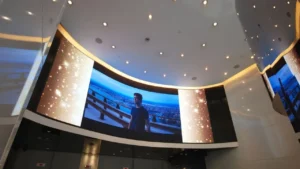
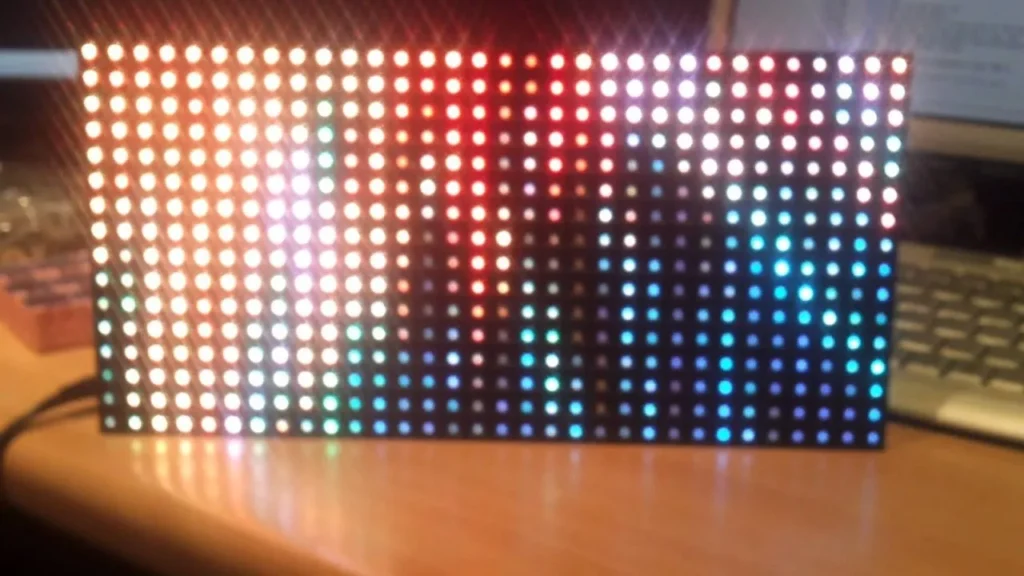
An LED matrix display is an array (rows and columns) of LEDs that you can utilize to display letters, symbols, animations, or even simple graphics. It is very common in digital clocks, signage, scoreboards, and decorative uses. The trick that makes it efficient is the use of multiplexing. It is a technique where you control a lot of LEDs with fewer pins on the microcontroller by lighting one row or column at a time, quickly in sequence.
This rapid cycling gives an appearance of a fully lit display and saves processing power and hardware resources. As an LED matrix constructor, this concept is important to you to deal with power, enhance brightness, and reduce flicker.
Available today with programmable controllers and flexible materials, making eye-catching custom screens is much easier and more accessible than ever. Either for fun, education, or a practical project, an LED Matrix display provides a versatile platform to bring your creative ideas forward.
Top 5 Tips to Make a DIY LED Matrix Display
1. Plan Your Matrix Size and Resolution Carefully
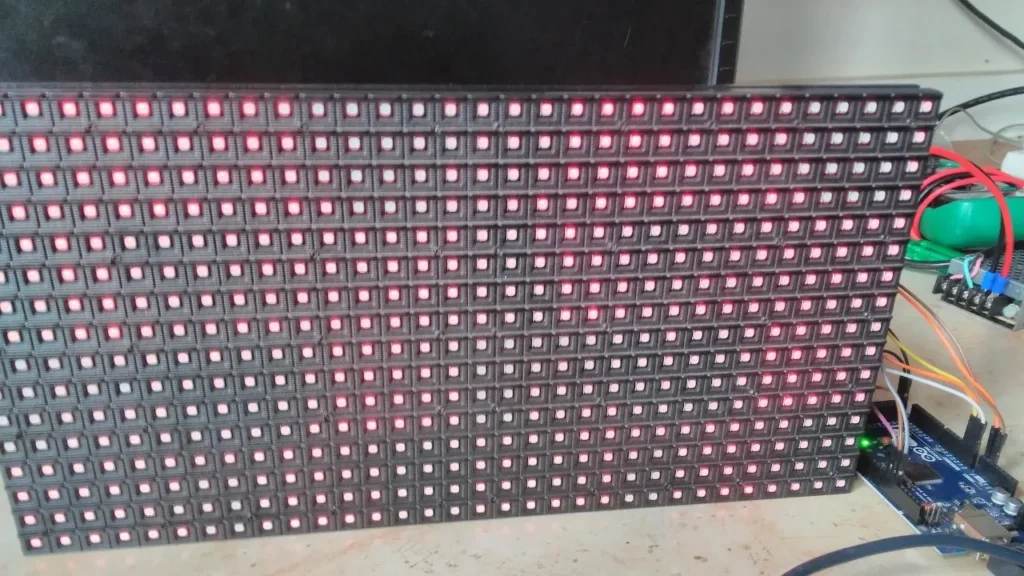
In planning your DIY LED matrix, first consider the purpose of the matrix, whether you want to use it in displaying simple symbols or detailed graphics. This helps you choose the proper size of the matrix, e.g. 8×8 for basic text or 32×32 for complex visuals. Another factor you should consider is the viewing distance: the closer the display, the higher the resolution you should get.
Note that bigger matrices require more advanced microcontrollers, a more powerful supply, and careful wiring to guarantee performance and brightness. By selecting the appropriate size initially, you can be sure that your display will be efficient and effective in terms of your project objectives.
2. Choose the Right Components and Materials
In order to create a stable LED matrix, the LED display components must be selected according to what you want to achieve with your design. Begin with LEDs, which are available in various colors, brightness, and viewing angles to ensure the best visibility. You will require a good driver IC such as MAX7219 (smaller displays) or 74HC595 shift registers (bigger, more advanced matrix) to drive the matrix.
The PCBs (Printed Circuit Boards) or prototyping boards that you use should always be of high quality so that the electrical connections are strong and long-lasting. These are the options that will affect the performance, stability, and maintenance of your matrix.
3. Implement Efficient Multiplexing Techniques
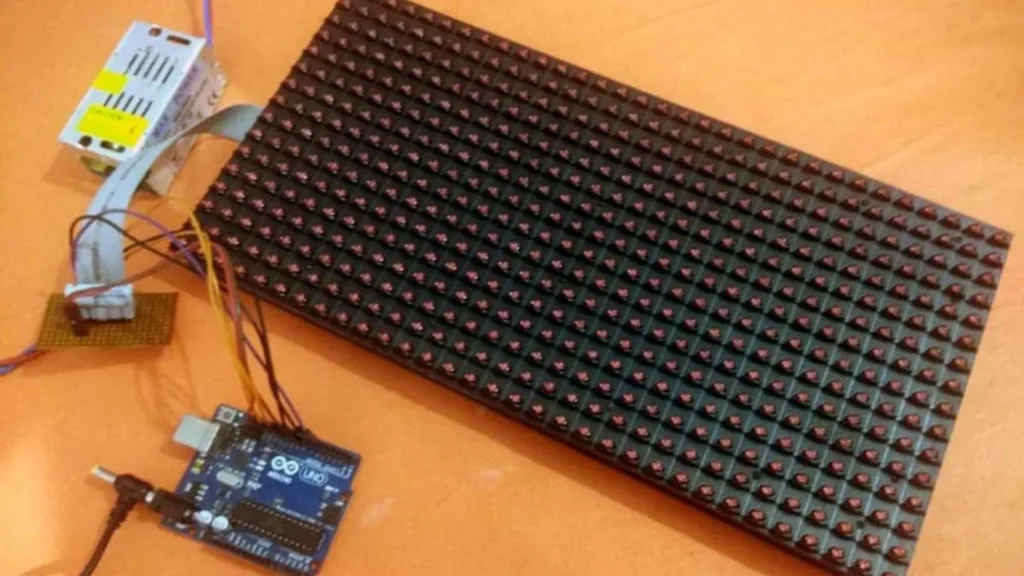
To drive the LED matrix efficiently, it is possible to scan using row-column, and thus, you can use very few microcontroller pins to drive a high number of LEDs. For larger matrices, use dedicated LED drivers such as MAX7219 or HT16K33 IC, as they will reduce multiplexing and offer better performance.
Make sure your microcontroller can handle the refresh rates required to prevent flickering, in particular when doing animation or scrolling text. Smooth and bright visuals require accurate timing and a steady current flow. The reason behind this is that effective multiplexing not only conserves hardware resources but also improves the display quality.
4. Optimize Power Supply and Management
A safe and efficient operation of your LED matrix requires that you calculate the total current draw first by multiplying the number of active LEDs by their current consumption. Choose a power supply that comfortably exceeds this requirement or is satisfied, especially with maximum brightness.
Be sure to use current-limiting resistors or constant current drivers to avoid overdriving and damaging your LED. These aid in maintaining the LED in a smooth operation and increase its life. For larger displays, it is important to be able to balance the power distribution evenly throughout the matrix to prevent the voltage drop.
5. Develop and Upload Effective Control Software
Your LED matrix display requires quality control software in order to make it work. Implement your code or find a trustworthy library, such as LedControl or MD_MAX72XX with Arduino that makes it easier to talk to the display drivers. Include a scrolling text, basic animations, or fixed graphics depending on requirements.
Each function should be tested and debugged to work smoothly. Good coding can avoid flickering, respond faster, and provide a better visual quality. Optimized software makes your LED screen more active and interesting, and you can make an interactive display that will work effectively and look great.
Conclusion
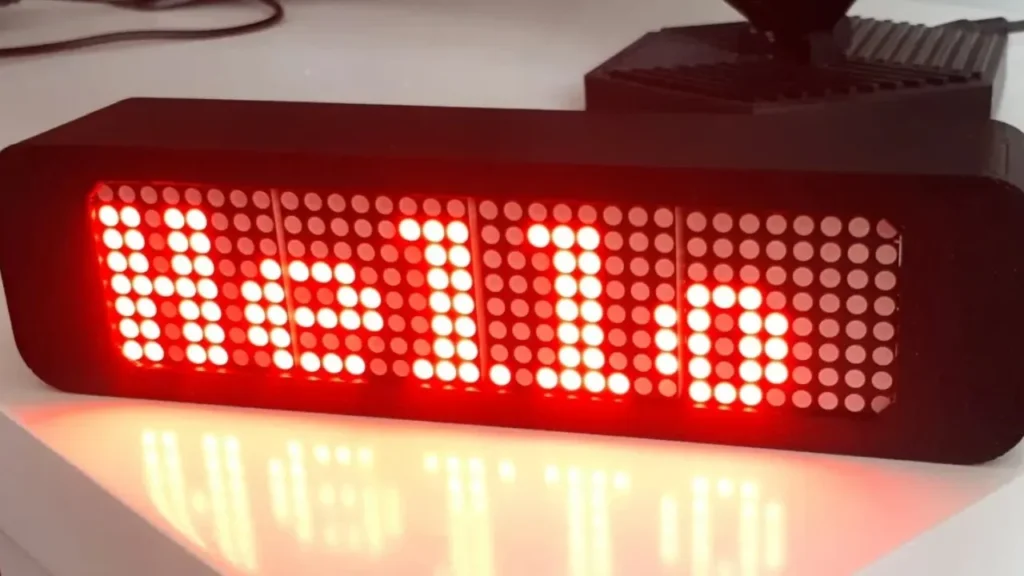
A DIY LED matrix display needs proper design, careful component selection, effective multiplexing, a good power supply, and stable software. Learning how to use these aspects will allow you to create impressive, personalized visual projects. And there is nothing to be scared of in terms of experimenting, as DIY displays have unlimited creative opportunities. To get professional components, LED displays, and services, visit IvanLED.