What Is LED Screen Refresh Rate?
The visual refresh frequency of the LED screen refers to the number of times per second that a display with LED can refresh its display. Refresh rate directly gives the meaning of the frequency of updates. You can measure it in Hertz (Hz). Greater refresh rates suppress flicker and enhance the clarity of motion. Mostly, manufacturers and media individuals use this feature because it helps them to make dynamic content on the LED display screens.
Why Refresh Rate Matters

The refresh rate influences the quality of motion, the compatibility of cameras, as well as the comfort of human beings in the LED applications and workflows:
· Smoother motion and reduced flicker:
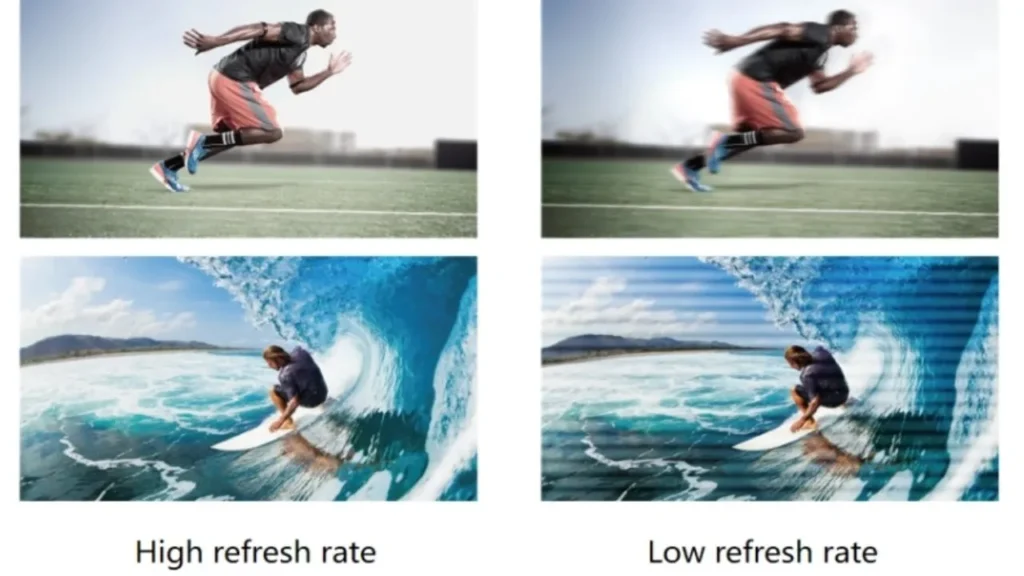
You will notice a smoother movement at 3840 Hz or 7680 Hz. They minimize flicker and scanning artifacts when playing fast content.
· Visual comfort & reduced eye strain:
At low frequencies, modulation of light is perceptible and uncomfortable. Higher refresh rates should be used to shift modulation beyond flicker fusion limits. You can maximize eye strain reduction by minimizing low-frequency PWM exposure when viewing. It further aligns with the IEEE Standards Association.
· Flicker‑free performance:
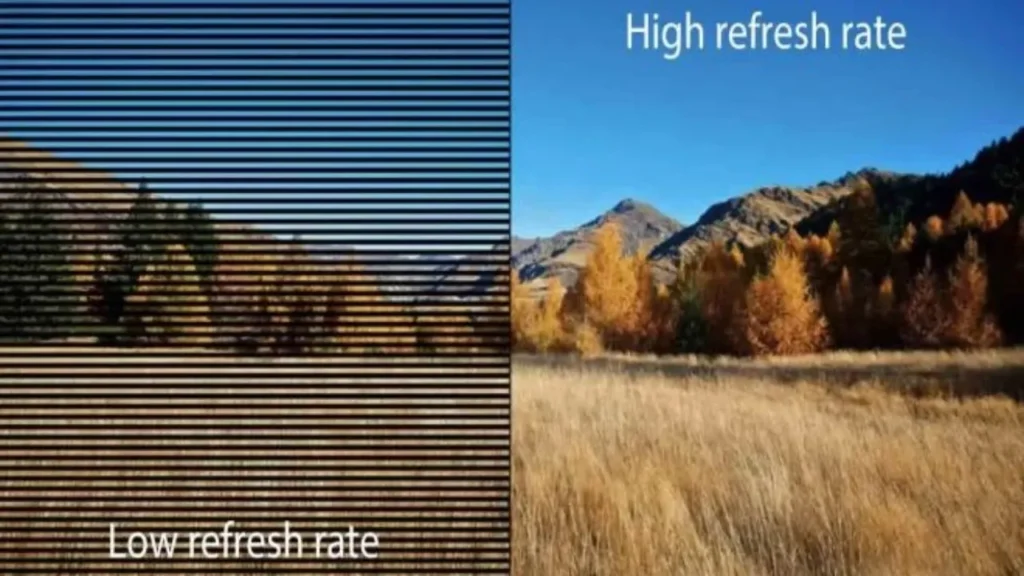
The cameras sample the light within the limits of exposure. Breaths and PWM inaccuracies cause banding and lines. In capturing, use 3840 Hz panels and genlock or ShutterSync to stabilize the exposures.
· Gameplay and broadcast clarity:
Large LED displays have motion artifacts, and high refresh reduces them. Broadcast cameras require a synchronized refresh to eliminate scan lines. Standard capture uses 3840 Hz, high frame rate shoots use 7680 Hz.
Technical Factors That Determine Refresh Rate
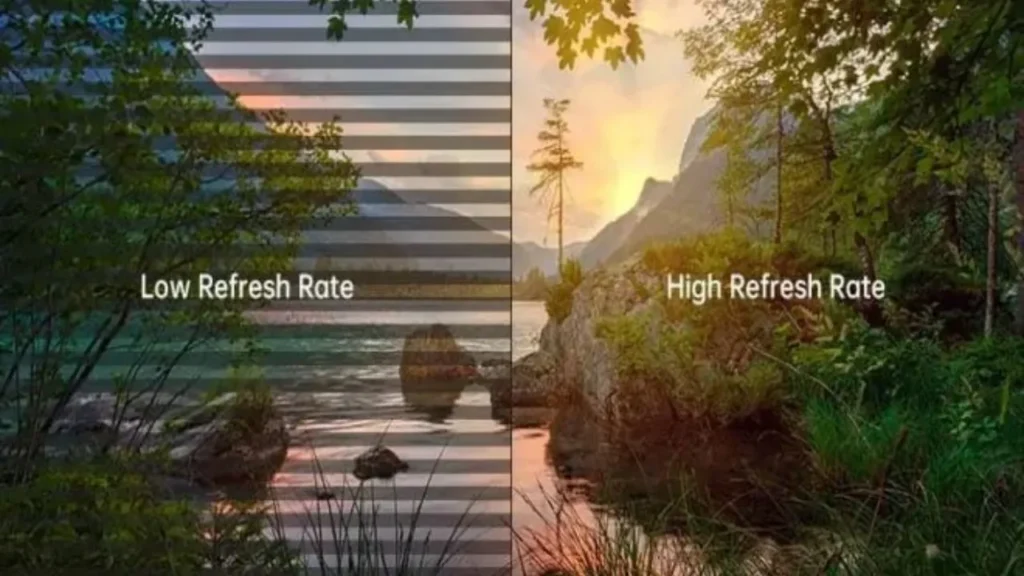
Refresh rate is based on driver/electronics and scanning technique, bandwidth within the system, with LED displays.
· Driver chips & scanning methods:
You also pick driver ICs that have SRAM and internal PWM to maintain high refresh levels reliably. Scan ratio, such as 1/16 or 1/3, 2 determines the amount of multiplexing and limits row dwell time.
· Hardware limitations & cost trade‑offs:
Augmented refresh requirements increased data bandwidth per port and enhanced FPGA processors. Reduced scan ratios increase the number of drivers and the power consumption, but enhance brightness and stability margins.
Standard vs High Refresh Rate: What Numbers Mean

Numbers in refresh rates determine the quality of visible motion and the behavior of cameras in deployments of LED video walls.
· Common ranges:
○ Standard:
The standard LED controllers and drivers have 960 Hz to 1920 Hz. Take 1920 Hz as the reference for signage and the overall reliability of video playback.
○ LED displays (video walls):
The contemporary video walls promote 3840 Hz as the usual high frequency in camera applications. Other systems have 7680 Hz at high frame rate virtual production capture.
· Performance expectations:
Banging may be present in cameras at 960 to 1920 Hz. Indoor signage and live playback where there is flicker tolerance should use these levels.
How to Select the Ideal Refresh Rate for Your Needs
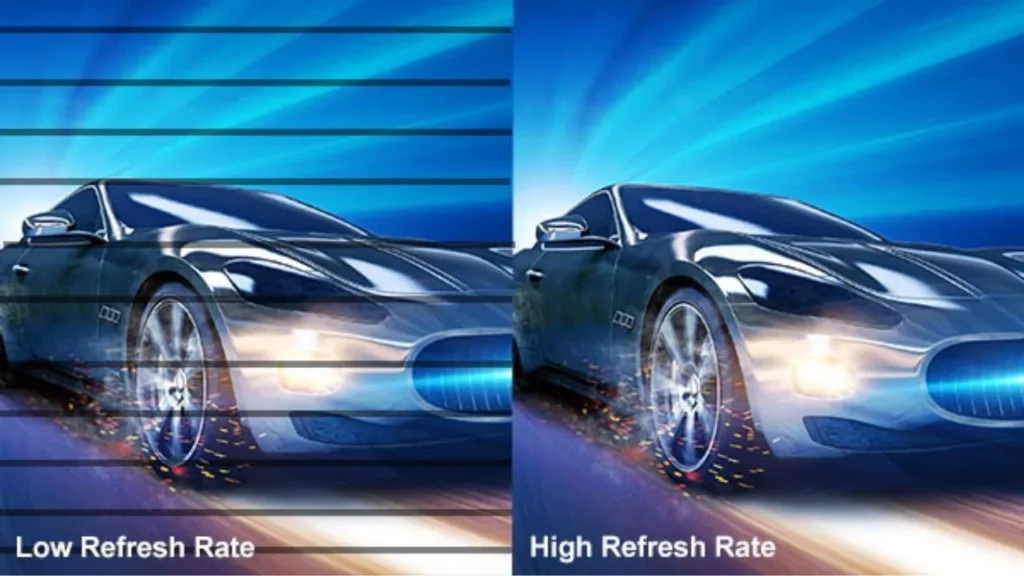
Choose content speed and camera presence to select refresh rate, and lighting to stabilize performance.
According to Application:
- Static signage or text-heavy displays:
The digital signage applications support 1920 Hz in the deployment of static text and slow animation. Use 3840 Hz in instances where phones or cameras are recording or in instances where the viewers complain of flicker being apparent.
- Fast-motion content (games, sports, live events):
Rapid motion and large screens require more refresh to stabilize moving edges. Provide 3840 Hz or 7680 Hz with high frame rate capable processors with synchronization.
- Filming/photography of screens:
When the refresh frequency and the shutter speed are always in safe exposure ranges, you will not band. Set the minimum 3840 Hz and turn camera sync features to minimize scan lines in capture.
- Virtual production or XR:
At low scan ratios (7680 Hz), you are sure to have clean images through tracking moves. Eliminate rolling bands when high frame rate work is done with camera synchronization and processor controls
Viewing Conditions:
- Close proximity or large LED walls:
Turn to a higher refresh in applications with cameras with fast shutters or variable frame rates. Use 3840 Hz or more with high-frequency PWM and genlock to prevent banding and flicker.
- Outdoor environments:
When large LED video walls are used, scanning artifacts can be easily seen at close distances under high motion.
Technical & Budget Considerations:
You have to trade off refresh requirements and controller bandwidth, driver IC capability, and system processing power. Increased refresh adds to the cost and energy requirement of the hardware and decreases refresh performance to stability in challenging applications.
Conclusion
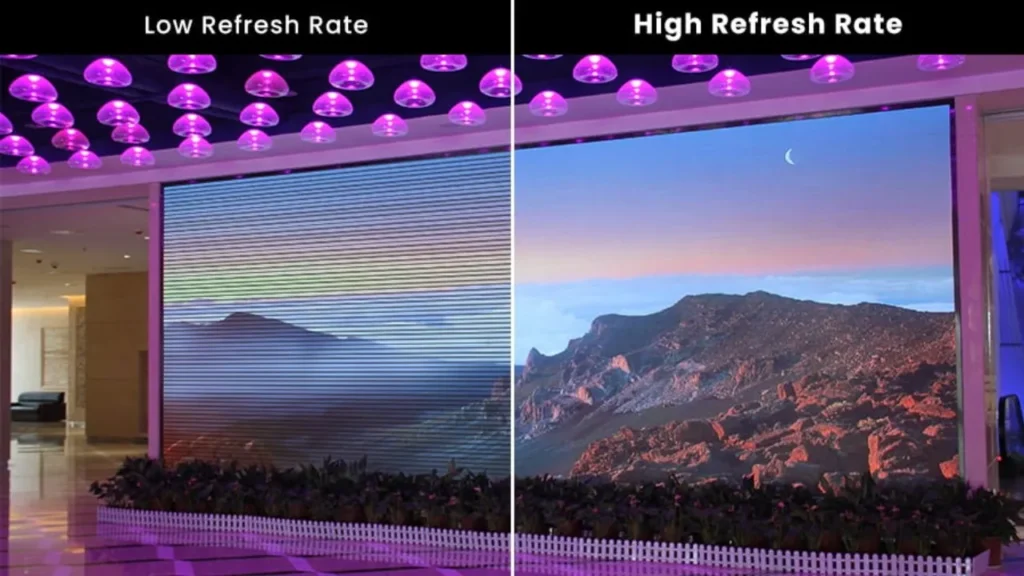
Selecting an appropriate LED screen refresh rate guarantees clear visuals, camera, and comfort to the viewer in all signage, events, and broadcasts. Your choice is directed by factors such as driver chips, scan ratios, and application requirements.IvanLED provides advanced LED with high refresh performance to meet the needs of professionals. Search our products to maximize projects. Contact us today to learn about your display needs and identify the one that best fits your needs.