What is Refresh Rate?

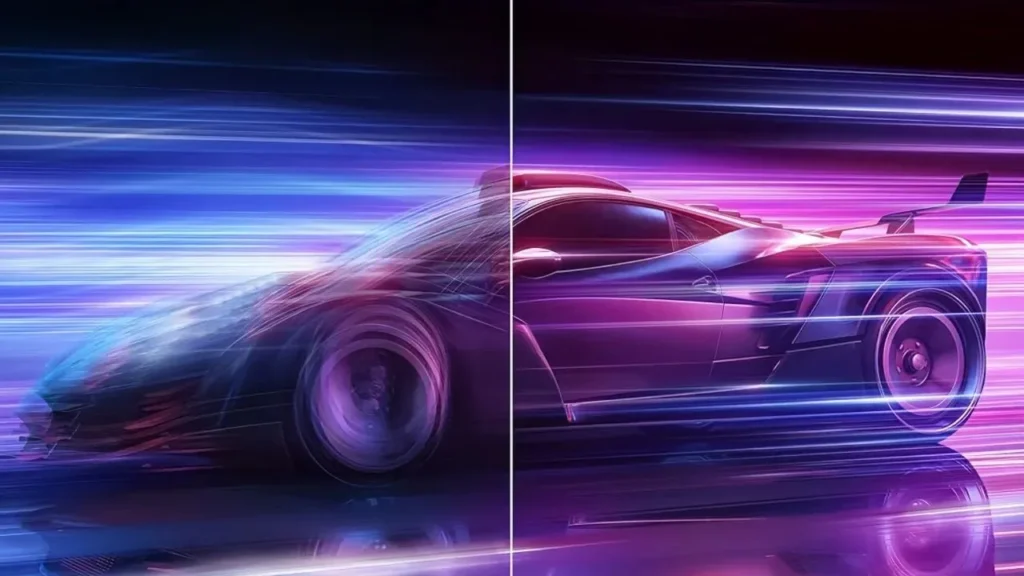
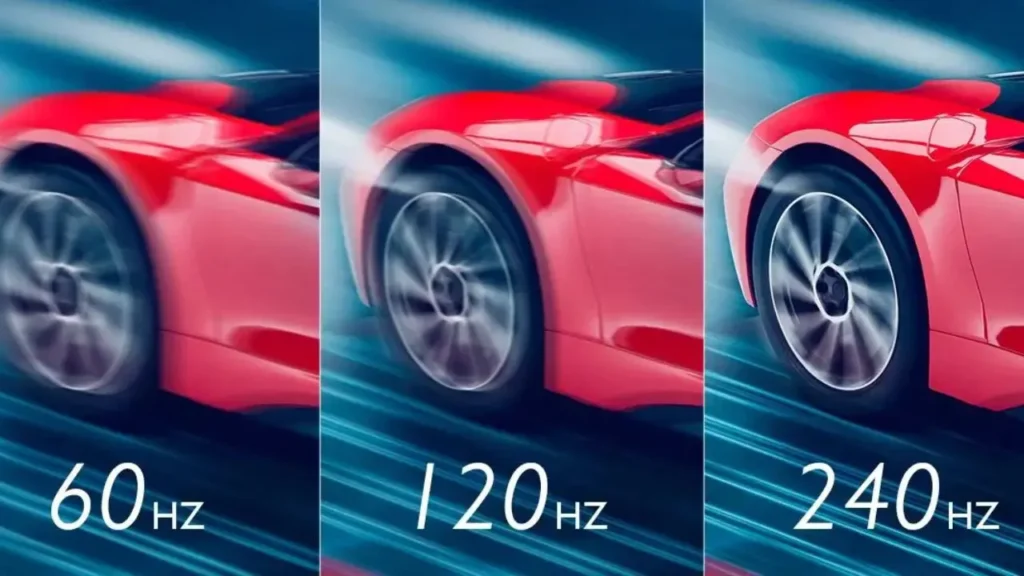
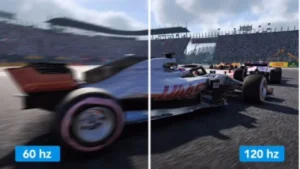
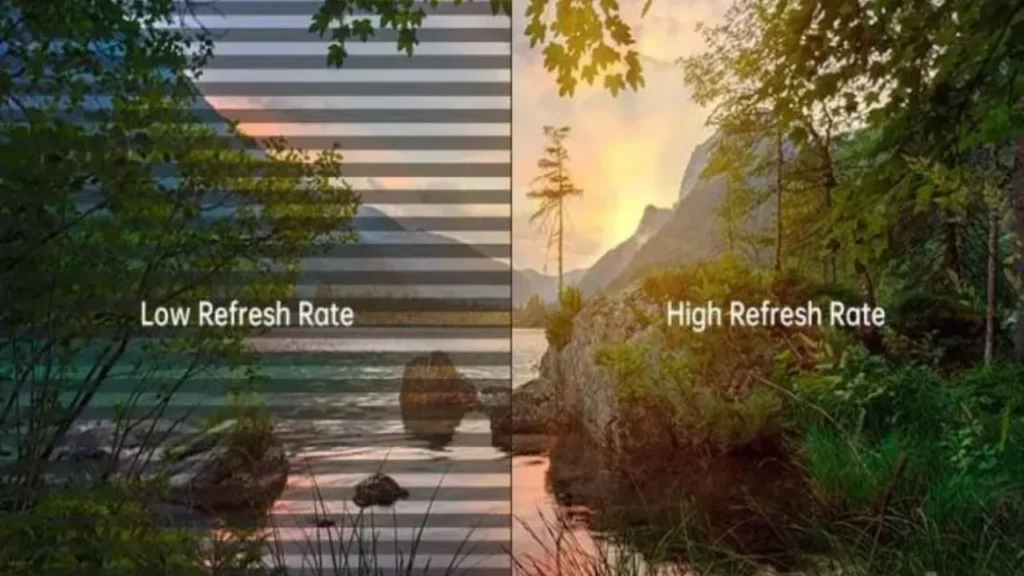
The refresh rate is the number of times a screen refreshes its image per second, which determines the smoothness you feel when playing videos or games. It is usually expressed in Hz. A higher refresh rate means that more images can be updated per second, and the movements displayed on the screen will be smoother.In the early days of the rise of the display screen industry, 30Hz was common. With the
development of technology, smoother 60Hz and 120Hz have gradually replaced it. Up to now, display screen technology has been able to achieve 240Hz or even 500Hz.
The Marginal Effect of Refresh Rate
The effect of increasing the refresh rate is not linear but rather diminishing. If you have seen monitors with different refresh rates, such as 30Hz, 60Hz, 120Hz, 144Hz, and 240Hz, you will find that 60Hz has a significant improvement in smoothness compared to 30Hz, but the improvement from 60Hz to 120Hz is not as great.Moreover, when the refresh rate becomes higher, the improvement in the smoothness of the display you feel will become smaller and smaller. In some cases, you may not even notice the increase in the refresh rate at all. That is to say, if not for professional or high-end purposes, a higher refresh rate may imply excessive performance.
Differences Between 144Hz and 240Hz
Frame Duration
For 144Hz displays, each frame of a video or game stays on the screen for 6.94ms, while each frame of 240Hz stays for 4.17ms. Generally speaking, a 240Hz screen can display an additional 96 frames per second. This brings about a certain improvement in the clarity of motion, especially for high-speed movement or extremely close observation.
Ghosting on the Screen
When the picture moves rapidly, the image often becomes blurry and has ghosting. When the screen refresh rate is low, ghosting is more likely to occur. Compared with 60Hz and 120Hz, 144Hz has fewer trailing issues, while 240Hz has made a bit more progress in this regard.
Hardware Requirements
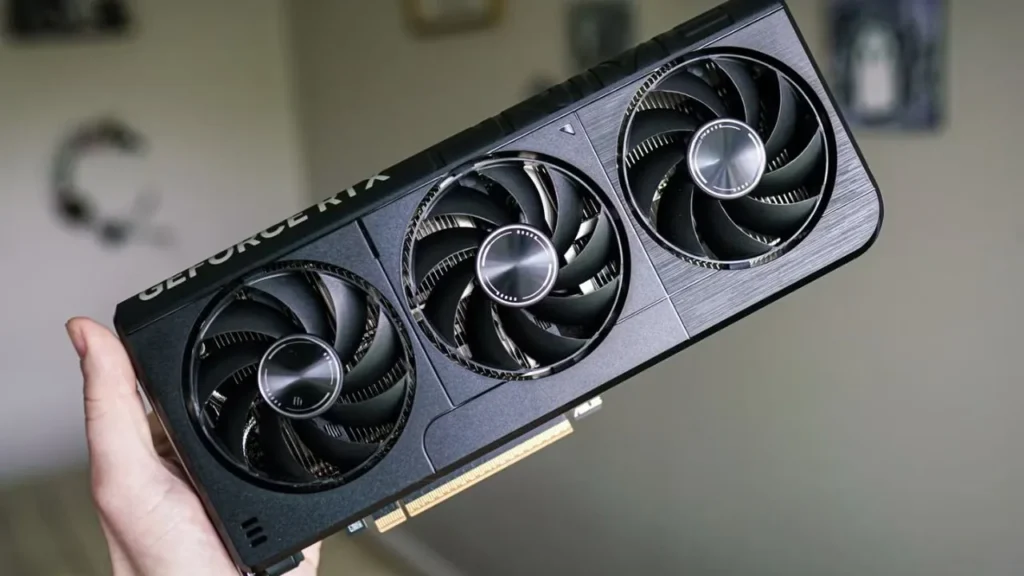
The actual performance of the refresh rate is jointly determined by the hardware of the screen, such as the monitor, bandwidth, CPU, etc. As the refresh rate increases, the hardware requirements for the screen will also rise. 240Hz places higher demands on your hardware conditions. The following are the general hardware requirements for 144Hz and 240Hz PC monitors:
Visual Experience Differences
In terms of the smoothness of movement and the comfort of the visual experience, 144Hz has already achieved an astonishing effect. The rapid frame switching enables your eyes to track more naturally, and your comfort level will be quite high. 240Hz has an improvement over 144Hz. Its frame rate changes are smoother, and you will find 240Hz more comfortable than 144Hz.
Procurement Cost
On the one hand, 144Hz monitors are relatively expensive in terms of raw materials, and their supply chain is quite mature with reasonable prices. Sometimes, merchants offer better HDR and
larger sizes for 240Hz screens, which brings higher costs.On the other hand, the supporting hardware you need to prepare for a 240Hz screen is also more expensive, such as graphics cards, cables, and memory. Therefore, deploying 240Hz screens is often much more expensive. Under the same size, the price of a screen with 240Hz is usually 50% or even higher than that of the 144Hz model.
Typical Refresh Rates for Different LED Display Types
Computer Monitors
For daily office work and ordinary gaming, pc and laptop displays are usually configured with 60Hz or 120Hz. However, for professional film and television editing and production, as well as FPS games and e-sports scenarios, 144Hz, 240Hz, and even higher 500Hz are generally used.
TVs and Smart Phones
Entry-level and some mid-range TVs and mobile phones often use 60Hz, which is also the most commonly used frame rate. The high-end ones often use 120Hz, and a very few high-end models will use 144Hz and 165Hz refresh rates.
The mainstream refresh rates of LED large screens in gymnasiums and stages are generally 1920Hz, 3840Hz, or higher, 7860Hz. This is because the frame rate of high-speed cameras is quite high, up to 1000 fps. Therefore, when the images are moving at high speed, it is necessary to ensure that the images captured by the camera are flicker-free and scanline-free.
Pantalla publicitaria LED
Unlike LCD screens,
LED advertising screens follow the kilohertz level standards. The common refresh rate of normal advertising screens is typically 1920Hz or 3840Hz. They are not sensitive to the actual frame rate, and they focus more on whether the picture is stable. Each LED light bead switches thousands of times per second. The higher the refresh rate, the less likely water ripples or black lines will appear while playing.
How to Choose the Right Refresh Rate for Your Project
Confirm The Usage Scenarios and Viewing Distance
As mentioned, different usages need different refresh rates of LED displays. If you want to purchase LCD backlit screens, you should consider the refresh rate between 60 and 240 Hz. If you are using it for office purposes, you can choose a refresh rate of around 144Hz according to your actual needs. If you are using it for gaming purposes, 240Hz is recommended.On the other hand, different viewing distances require different refresh rates. For close distance viewing or some scenes where viewers will be filming with their phones, you’d better choose a higher refresh rate in order to ensure stability. If the viewing distance is long enough, a low refresh rate is sufficient.
Estimate Your Budget
In most cases, whether it is an LCD backlit screen or an LED screen, the higher the refresh rate, the higher the cost of the screen, and the corresponding cost of the hardware equipment is also higher.If you are looking for a good balance of cost and performance, it is wise for you to choose a lower refresh rate. For LCD screens used in office or surveillance purposes, a frequency range of 60Hz to 120Hz is sufficient, and 144Hz is already sufficient to meet your requirements for most PC games and professional video production.However, if your budget for both screen costs and hardware costs is sufficient, the 240Hz display effect is undoubtedly better, and it can provide you with a better visual experience.
Determine the Refresh Rate Based on the Displayed Content
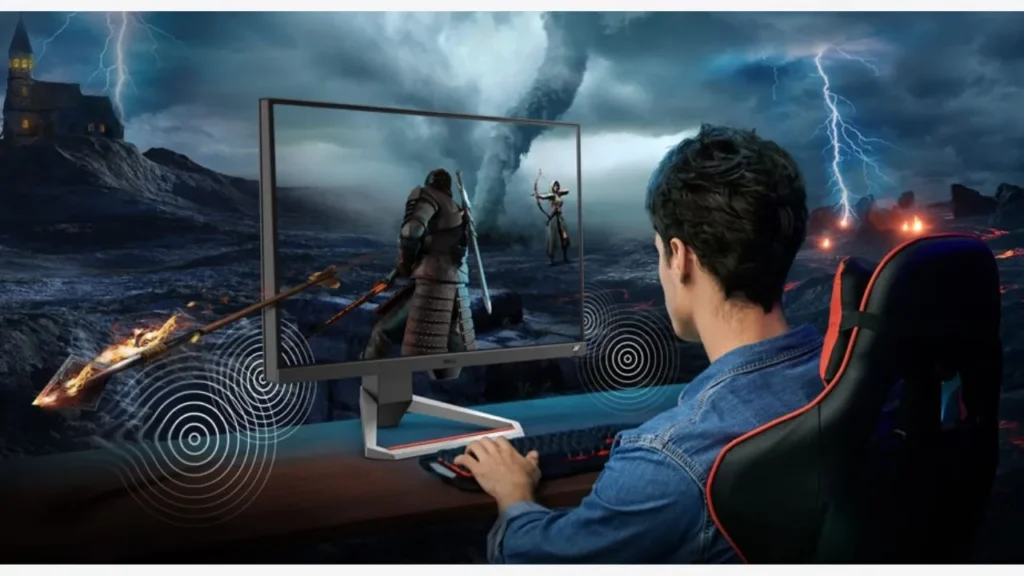
If the content you want to show is highly dynamic, especially in well-produced combat games, compared to 144Hz or other lower refresh rates, 240Hz can offer you an even more immersive experience. However, if the content is of low dynamic range, a high frame rate would seem to be excessive in performance.
Suggestions for Choosing LED Screens with Reliable Refresh Rates
Pay Attention to Non-Native High Refresh Rates
False high refresh rate refers to the actual refresh rate of the screen being falsely calculated by the suppliers. They usually achieve high refresh rates through algorithms, frequency doubling, interpolation, or scanning parameters, but this is not the screen’s actual data. This risk is particularly high on screens whose refresh rates are high, such as 240Hz screens.To avoid this, when purchasing a display, you should carefully verify whether the claimed refresh rate is native and whether the interface recommended by the supplier truly supports that refresh rate. For example, if a 240Hz monitor only claims to support the HDMI 2.0 interface, you may find that the supplier is lying.
Choose Hardware with High Quality
Proper hardware of the displays can ensure that the monitor’s actual refresh rate is close to the specified value and can provide stable output. The higher the screen refresh rate, the higher the quality the hardware requires.If the hardware is not suitable, such as low low-efficiency driver IC, poor cable transmission capacity, or the heat dissipation design is inadequate, the stability may be poor, and the lifespan of the screen will even be shortened.
Elija un proveedor fiable
If you want to customize LED displays for a project, you need to choose a reliable manufacturer who can provide you with good solutions. They will provide you with screens with a long lifespan, high consistency, and good display stability. Furthermore, some experienced suppliers can also provide you with actual project cases, professional technical support, and an after-sales service for a long time.
Preguntas frecuentes
Is 240Hz Worth the Investment In Most Cases?
Not always. When you are engaged in daily office work, web browsing, and ordinary entertainment, the frame rate of the content is usually around 60 fps. And a 144Hz display can already display these contents smoothly. 240Hz can indeed offer you a better experience, but compared to 144Hz, the benefits may not be significant.
Can the Human Eye Easily Distinguish Between 144Hz and 240Hz?
As mentioned, the human eye’s sensitivity to high refresh rates has a marginal effect. When presenting content with low frame rates, the performance of 144Hz and 240Hz is not much different. However, for fast-paced content, especially for games such as VALORANT and OVERWATCH, players can usually distinguish the difference between 144Hz and 240Hz.
Are High-Refresh-Rate Screens More Prone to Failure than Regular Screens?
Generally, although high refresh rate screens have higher hardware requirements, as long as the hardware performance is high enough and the screen can dissipate heat in time, the aging speed will not be much different from that of ordinary screens.
Can 144Hz and 240Hz Monitors Handle VRR Efficiently?
The function of VRR is to dynamically adjust the display’s refresh rate to match the frame rate output by the GPU. In most cases, it can prevent problems, such as tearing and lag of the screen. Both 144Hz and 240Hz support the VRR, and it can enhance the smoothness of the picture, but it needs you to prepare higher-quality cables and driver ICs as well.
Reflexiones finales
Compared with 60Hz displays, high-refresh-rate screens at 144Hz and 240Hz can provide you with more outstanding performance in terms of smoothness. But higher does not always mean better. When choosing the refresh rate of the screens, you need to make a decision based on the actual application scenario, the display content, and your budget.If you need an LED display solution for a project,
IvanLED would be your reasonable choice. We are an experienced manufacturer with more than a decade in the industry and specialize in customized LED and LCD displays with different use cases, sizes, and refresh rates. Also, our professional staff can guarantee that all technical specifications are genuine and verifiable.If you have any further questions, feel free to contact us!













 The refresh rate is the number of times a screen refreshes its image per second, which determines the smoothness you feel when playing videos or games. It is usually expressed in Hz. A higher refresh rate means that more images can be updated per second, and the movements displayed on the screen will be smoother.In the early days of the rise of the display screen industry, 30Hz was common. With the development of technology, smoother 60Hz and 120Hz have gradually replaced it. Up to now, display screen technology has been able to achieve 240Hz or even 500Hz.